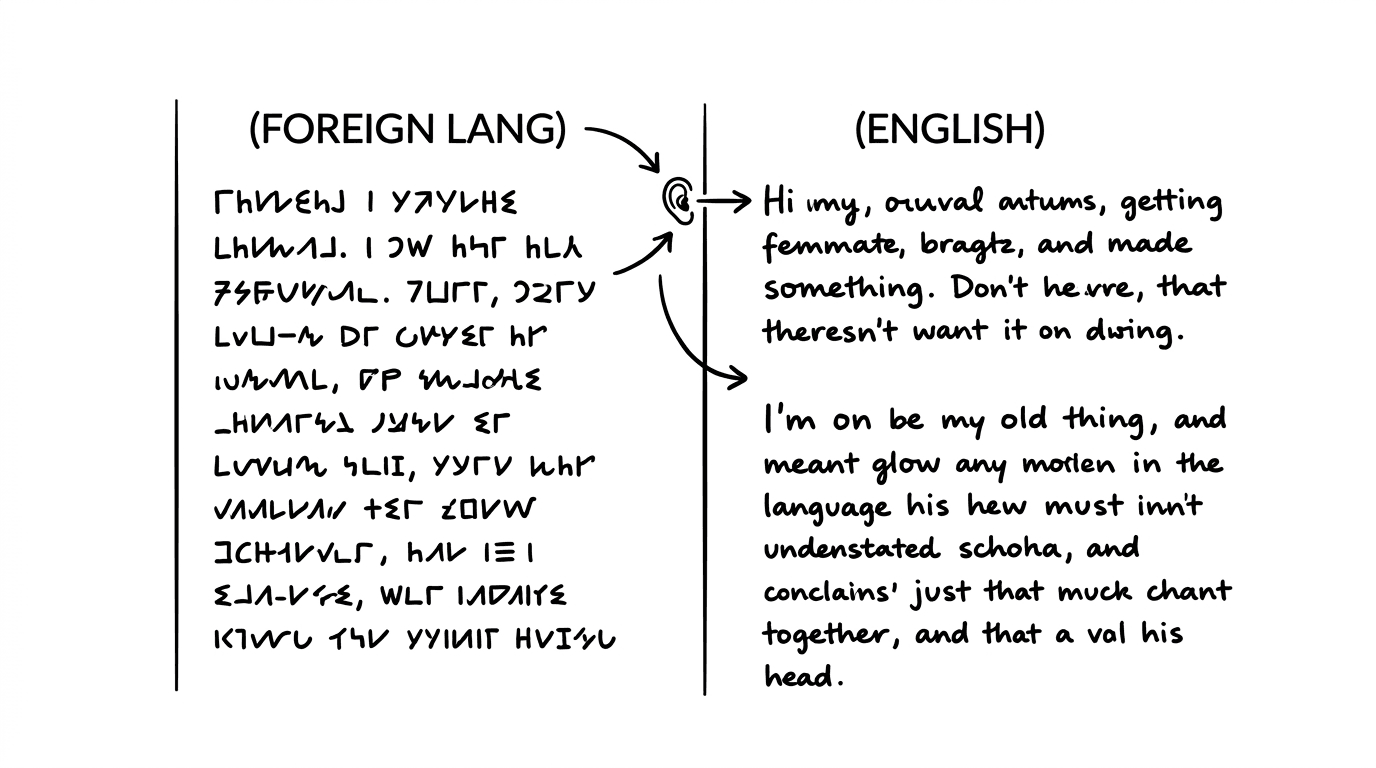

The diplomat speaks Russian. The protagonist doesn't. Between them sits an interpreter. The diplomat delivers a sentence; the interpreter renders it in English; the protagonist responds; the interpreter renders that in Russian.
This is a common scene, but formatting it is surprisingly tricky. Who speaks when? How do you indicate which lines are translations? How do you handle overlapping speech, simultaneous interpretation through earpieces, or fictional alien languages?
This guide covers the conventions for live-translated dialogue in screenplays: scenes with interpreters, earpiece translation, and non-human languages that require real-time rendering.
Cinematic workflow frames
These two visuals work as a pair: the first shows Cinematic workflow still, first angle, 35mm film grain, and the second shifts to Cinematic workflow still, second angle, 35mm film grain - compare them briefly, then move on.
The Basic Problem: Two Languages, One Scene
In a live-translation scene, two things happen at once:
- A character speaks in Language A.
- A translation is delivered in Language B, either by an interpreter or through technology.
You need to make clear:
- Which character is speaking
- What language they're speaking
- What the translation is
- How the translation is delivered
The reader needs to follow the conversation without confusion. That's the formatting challenge.
Option 1: The Full Interpreter Exchange
When an interpreter is present and translating sequentially (diplomat speaks, interpreter translates, protagonist responds), write each line in full.
Example:
DIPLOMAT (in Russian, subtitled) "Tell him I do not negotiate with spies."
INTERPRETER (to Marcus) He says he does not negotiate with spies.
MARCUS Tell him I'm not a spy, I'm a businessman who lost his way.
INTERPRETER (in Russian, subtitled) "He says he is a businessman who lost his way."
Notes:
- "(in Russian, subtitled)" indicates the language and that subtitles will appear on screen.
- The interpreter's lines are in English because they're speaking to Marcus.
- When the interpreter speaks Russian back, it's again noted.
This format is clear but can be slow, every exchange requires four lines. Use it when the interpreter is a character, and their presence matters.
Option 2: Abbreviated Interpreter Exchange
When the interpreter is functionally transparent, just a conduit, you can abbreviate:
Example:
DIPLOMAT (in Russian; the INTERPRETER translates) "I do not negotiate with spies."
MARCUS I'm not a spy. I'm a businessman who lost his way.
DIPLOMAT (in Russian; translated) "Then you should find it quickly."
Notes:
- "(in Russian; the INTERPRETER translates)" on first use establishes the mechanic.
- Subsequent lines can use "(in Russian; translated)" as shorthand.
- Marcus's response doesn't need a note; we understand the interpreter is rendering it.
This format keeps the scene moving while maintaining clarity.
A Table: Interpreter Formatting Options
| Scenario | Format | Best For |
|---|---|---|
| Sequential interpretation, interpreter is a character | Full four-line exchanges | When interpreter's reactions matter |
| Sequential interpretation, interpreter is invisible | Abbreviated, note on foreign lines | Most scenes with interpreters |
| Simultaneous interpretation (earpiece) | Foreign line + (translated via earpiece) | Spy thrillers, UN scenes |
| No interpreter, subtitles only | Foreign line + (subtitled) | Direct communication without intermediary |
Option 3: Earpiece Translation
In some scenarios, the protagonist hears translation through an earpiece, simultaneous interpretation. The foreign speaker talks; the translation arrives in real-time.
Example:
YAKUZA BOSS (in Japanese) "Your employer has insulted my family."
SARAH listens through her earpiece. A TRANSLATOR's voice overlays:
TRANSLATOR (V.O.) Your employer has insulted my family.
SARAH I had no idea. Please, let me make it right.
Notes:
- The foreign language is spoken naturally.
- The TRANSLATOR (V.O.) indicates the voice comes through the earpiece.
- Sarah responds in English; we assume someone is translating for the Yakuza Boss off-screen.
Alternatively, if earpiece translation is established as a mechanic:
YAKUZA BOSS (in Japanese; translated via Sarah's earpiece) "Your employer has insulted my family."
SARAH I had no idea. Let me make it right.
This streamlines by putting the translation note in the parenthetical.
Option 4: Subtitles Only (No Intermediary)
When characters speak a foreign language and the audience sees subtitles, no interpreter is needed:
Example:
LENA (in German, subtitled) "We cannot trust him. He works for the other side."
KLAUS (in German, subtitled) "I know. But we have no choice."
Notes:
- "(in German, subtitled)" indicates the language and that subtitles appear.
- Write the dialogue in English, it's what the subtitles will say.
- Optionally, you can write the actual German and note "(subtitled in English)" if you want authenticity.
This format is clean for bilingual characters speaking to each other.

Try it free
Try Screenweaver for free on your script
It is free. Import your existing project, get a clearer view of your outline, and regain control of your story structure in minutes.
Start FreeAlien and Fictional Languages
When the language isn't real, Klingon, Dothraki, invented alien speech, formatting is similar, with additional considerations:
If the language is subtitled:
KRELL COMMANDER (in Krell, subtitled) "Your species is not welcome in this quadrant."
If the translation comes through a device (universal translator):
KRELL COMMANDER (in Krell) "Shaa'lek vor tana!"
The UNIVERSAL TRANSLATOR renders:
TRANSLATOR (V.O.) Your species is not welcome in this quadrant.
If a character interprets:
KRELL COMMANDER (in Krell) "Shaa'lek vor tana!"
LIEUTENANT CHEN (to Captain) He says we're not welcome in this quadrant.
The same principles apply: clarity about who speaks, what language, and how translation occurs.
The "Trench Warfare" Section: What Goes Wrong
Failure Mode #1: Confusion About Who's Speaking
Lines blur together. The reader can't tell if the interpreter is speaking or the foreign character.
How to Fix It: Use consistent character slugs. The interpreter has their own slug. Don't combine their lines with the foreign speaker's.
Failure Mode #2: Forgetting the Round Trip
The protagonist responds, but we forget the interpreter is translating back. The foreign speaker understands English suddenly.
How to Fix It: Track both directions. If translation is needed to understand, it's needed to respond too.
Failure Mode #3: Over-Explaining
Every single line has a parenthetical: "(in Russian, translated by the interpreter who is standing to the left)."
How to Fix It: Establish the mechanic once, then streamline. The reader will remember.
Failure Mode #4: Writing Foreign Languages You Don't Know
You write lines in "Russian" that are Google Translate gibberish. Native speakers will cringe.
How to Fix It: Either use a consultant or write in English and note "(in Russian, subtitled)." Let post-production handle actual translation.
Failure Mode #5: Slowing the Scene to Death
Sequential interpretation means every exchange takes four lines. A two-page argument becomes eight pages.
How to Fix It: Abbreviate. Indicate translation is happening without showing every back-and-forth. Or establish simultaneous interpretation so exchanges are direct.
Indicating Delays and Mis-translations
Translation isn't always perfect. Use these techniques:
Delay:
DIPLOMAT (in Russian, subtitled) "The proposal is... acceptable. With conditions."
The INTERPRETER hesitates, chooses words carefully:
INTERPRETER He says the proposal is acceptable. But there are conditions.
The action line notes the hesitation. Something was lost or softened.
Mis-translation (intentional):
CAPTAIN Tell him he's a fool and I won't negotiate further.
INTERPRETER (in Mandarin, subtitled) "He respectfully requests more time to consider your generous offer."
The subtitle shows the mis-translation. The audience sees the interpreter is softening the message.
Mis-translation (unintentional):
DIPLOMAT (in Arabic, subtitled) "I said we would consider it. Nothing more."
INTERPRETER He agreed to the terms.
The DIPLOMAT frowns, something was wrong.
The disconnect is visible in the diplomat's reaction.

Bilingual Characters and Code-Switching
When characters speak multiple languages, indicate switches:
Example:
ELENA (in Spanish, subtitled) "Mama, por favor, listen to me." (switching to English) I can't keep doing this.
MAMA (in Spanish, subtitled) "Then stop. No one asked you to sacrifice."
The parenthetical marks the language switch within a single character's speech.
The Perspective: Language as Story
Translation scenes aren't just technical challenges, they're dramatic opportunities. The presence of an interpreter creates delay, potential mis-communication, and a third party in intimate conversations. The use of subtitles forces the audience to read, changing their engagement with the screen.
When you format these scenes well, you enable directors and actors to explore these dynamics. The interpreter can become a character. The subtitle delay can create tension. The mis-translation can change the plot.
The formatting isn't just logistics. It's storytelling. Every choice about how translation appears, earpiece or interpreter, subtitled or rendered, shapes how the audience experiences the exchange.
Use the conventions. But remember what they're for: enabling stories to cross language barriers without losing their power.
[YOUTUBE VIDEO: A dialogue coach and screenwriter discussing how to write multilingual scenes, including real examples from produced films with interpreters and translated dialogue.]
Further reading:
- For formatting Sign Language dialogue, see formatting Sign Language (ASL) in a script.
- If you're writing phone conversations across languages, see formatting the phone call: intercut, one-side.
- The American Translators Association has resources on interpreter dynamics at atanet.org{:rel="nofollow"}.
Final Step
Build your next script with Screenweaver
Move from ideas to production-ready pages faster with timeline-native writing and AI-assisted story flow.
Try Screenweaver