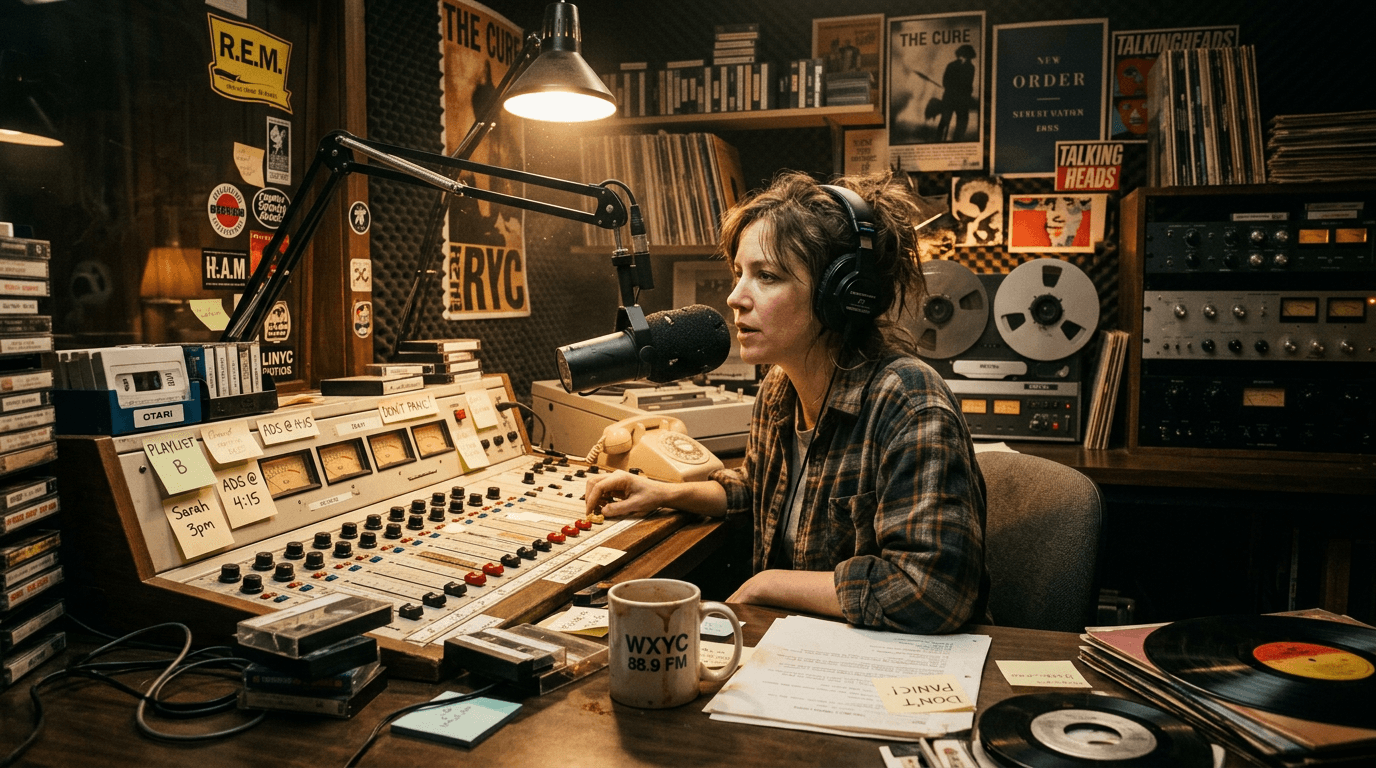

The hero runs through an empty mall after closing. Lights flicker. Somewhere overhead, a cheerful voice cuts through the silence: “Attention shoppers, security protocols are now active.”
It is not narration.
It is not voice-over.
It is a radio or PA source inside the scene, and if you format it lazily, your reader has to decode audio geometry instead of following tension.
This is one of those screenplay skills beginners underestimate. They think radio lines are a small technical detail. In practice, radio formatting affects clarity, pacing, production planning, and how expensive your scene looks to the people evaluating it.
Here’s why that matters: when readers cannot instantly tell who is speaking, where that voice originates, and whether characters can hear it, your scene loses force. A chase becomes muddy. A reveal lands soft. A joke dies.
A radio broadcast in script format is not just text on a page. It is signal architecture.
Think about it this way: dialogue is usually face-to-face chess. Radio dialogue is chess with a loudspeaker in the room changing the board every few moves.
This guide breaks down exactly how to write those moments with professional clarity. You will get scene-level tactics, software workflow, beginner failure patterns, and hard fixes you can apply tonight.
Cinematic workflow frames

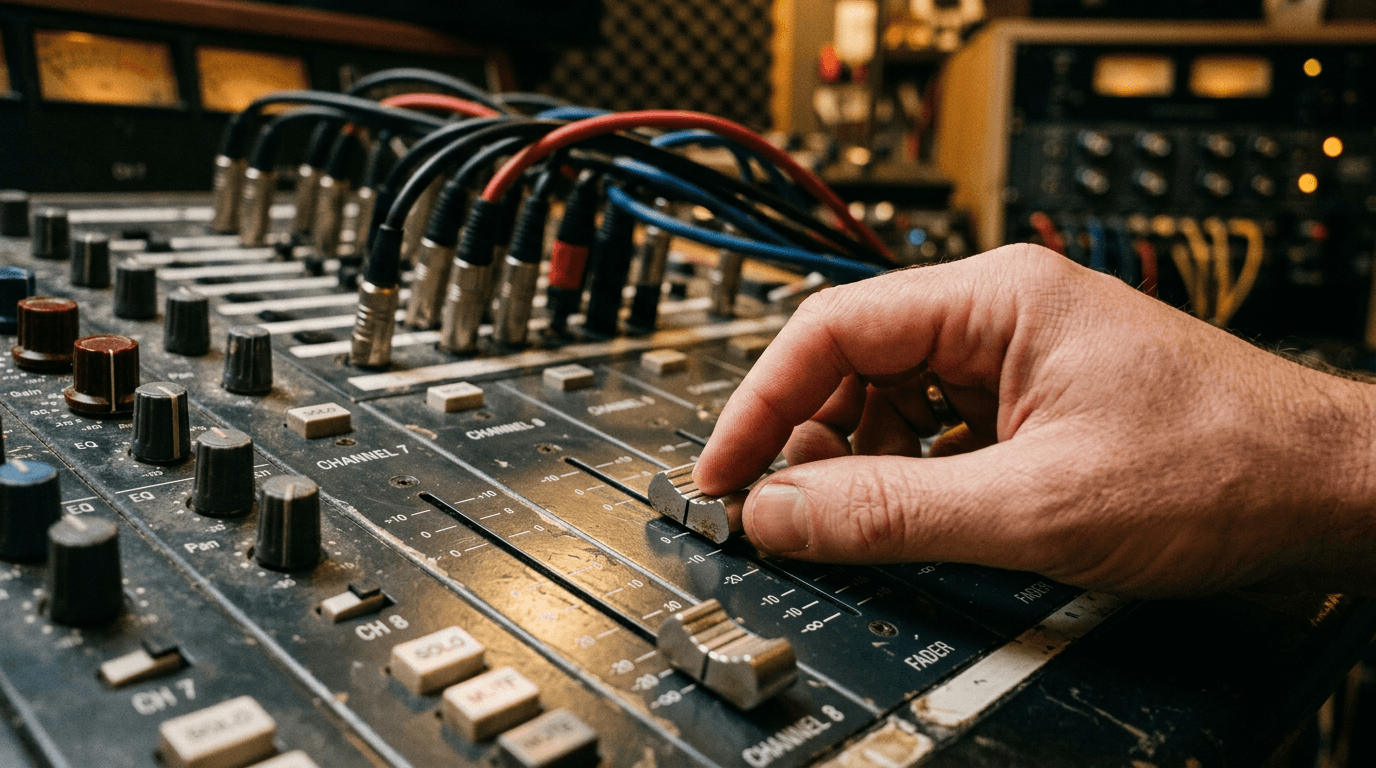
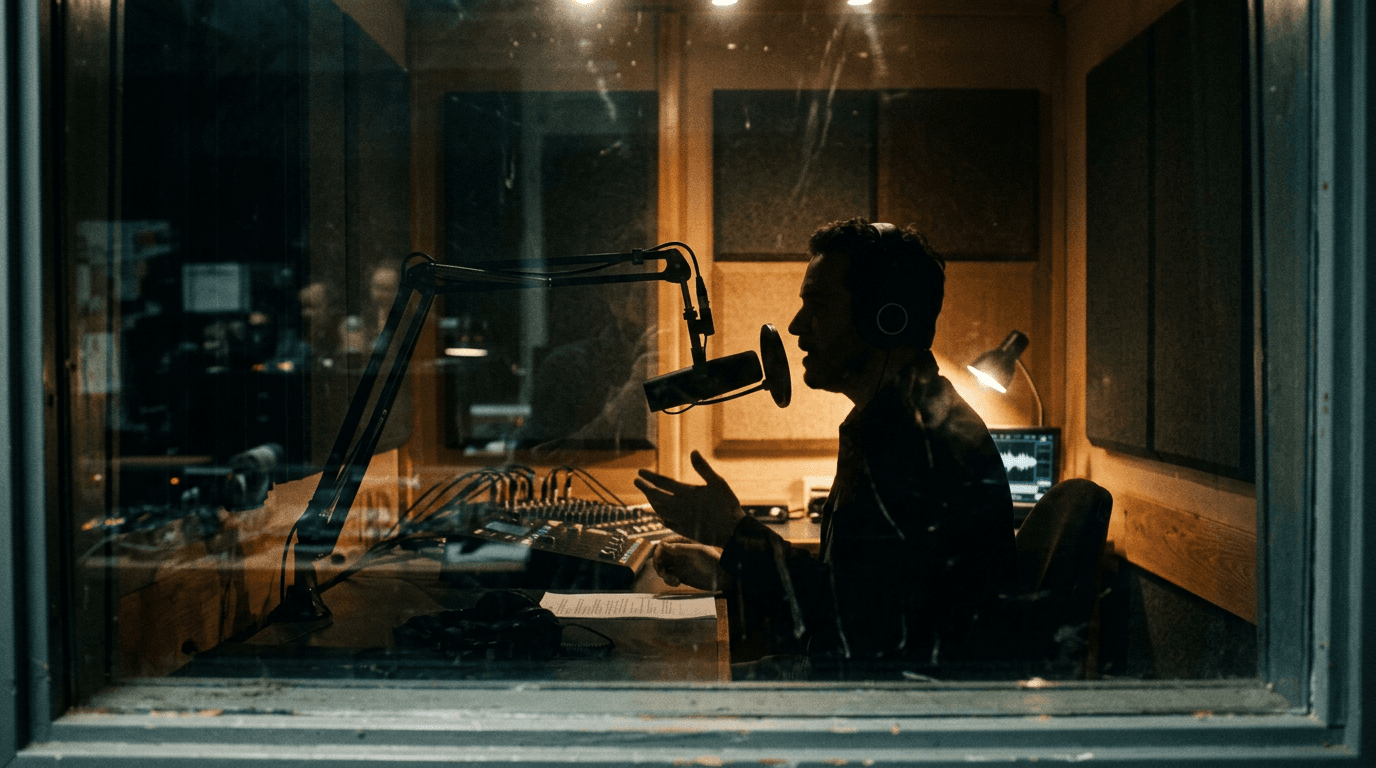
These two visuals work as a pair: the first shows Cinematic workflow still, first angle, 35mm film grain, and the second shifts to Cinematic workflow still, second angle, 35mm film grain - compare them briefly, then move on.

What Counts as a Radio Broadcast in Screenwriting
Writers often mix together very different audio devices: radio chatter, emergency public address systems, dispatch calls, podcast playback, TV anchors, and internal voice-over. They are not interchangeable.
A radio broadcast, for screenplay purposes, is sourced audio transmitted through a device or system in the story world. Car stereo. Walkie channel. Dispatch frequency. Store PA. Pirate station. Emergency alert feed.
The key distinction is diegetic audibility. Characters can hear it because it exists in their environment.
That single distinction controls your formatting choice.
If the audience hears a character’s inner thought, that is voice-over territory.
If the audience and characters hear a source transmission, you are in broadcast formatting territory.
Why Readers Care Immediately
Readers unconsciously ask three questions with every source-audio line:
Who is speaking?
Where is the voice coming from?
Who hears it right now?
If any answer is unclear, they slow down. In a dialogue-heavy scene, that slowdown is survivable. In tension scenes, it is deadly.
Broadcast formatting is not about style points. It is about protecting causality under audio complexity.
The Core Formatting Patterns That Actually Work
There is no single sacred format in every market, but there are consistency principles that matter more than house style dogma.
Pattern 1: Character Cue as Source Label
A common clean approach is to treat the source as the speaker name in character cue format:
RADIO ANNOUNCER
(V.O.)
All citizens remain indoors.
This works when the source identity is stable and recurring.
Pattern 2: Character Name With Source Parenthetical
Another valid approach:
DISPATCH (OVER RADIO)
Unit 12, confirm visual.
This is especially useful in procedural material where voices rotate and source specificity matters per line.
Pattern 3: Action-Line Source Intro + Clean Dialogue Block
You can also establish source once in action, then run compact dialogue:
“From the dashboard radio, dispatch crackles alive.”
Then cue speaker as DISPATCH with minimal repeated labeling until source changes.
This improves flow in rapid exchanges.
The One Rule That Beats All Others
Pick a pattern per sequence and stay consistent.
Inconsistency is worse than almost any individual style choice.
Comparison Table: Common Approaches
| Approach | Best Use Case | Biggest Strength | Typical Risk |
|---|---|---|---|
Source as character cue (RADIO ANNOUNCER) | Repeated single-source broadcasts | Fast visual recognition | Can feel generic if multiple voices enter |
Character + source parenthetical (DISPATCH (OVER RADIO)) | Multi-voice procedural traffic | Precise speaker/source pairing | Visual clutter if overused |
| One-time source action setup + lean cues | Fast, tense exchanges | Better reading rhythm | Confusion if source context shifts without re-anchor |
| ALL CAPS source tags in action lines only | Sparse atmospheric announcements | Cinematic prose flexibility | Ambiguity about who hears what |
Three Beginner Scenarios You Will Recognize
Scenario 1: The Police Car Scene That Blurs Voice Ownership
A writer drafts a patrol car sequence. Two officers argue in front seats while dispatch updates come through. On page, dispatch lines are written as regular dialogue between officer lines with no source label.
Readers stop and reparse: was that partner dialogue, or radio?
Fix: explicit source cue every time the sequence alternates rapidly between in-car speech and broadcast input. If rhythm gets cluttered, introduce source once in action and then maintain stable dispatch cue names.
This is a clarity tax you can remove with ten keystrokes.
Scenario 2: The Horror Mall PA Announcement That Feels Flat
You write “THE VOICE (V.O.)” for a creepy mall announcement.
Technically readable.
Dramatically weak.
The source’s character is part of the scene’s emotional texture. “MALL PA SYSTEM” or “RECORDED ANNOUNCER” often carries better story information than anonymous “voice.”
Fix: choose source labels that communicate narrative role, not merely existence.
Scenario 3: The War Film Radio Chatter That Overloads the Page
A beginner writes realism-heavy comms with timestamps, call signs, static notes, and military shorthand every line.
Authentic? Maybe.
Readable? Not remotely.
Fix: compress for dramatic intelligibility. Keep just enough jargon to flavor authority. Prioritize meaning over transcript accuracy unless the scene’s point is confusion itself.
Step-by-Step Workflow: Formatting a Radio Sequence Cleanly
Step 1: Define Source Topology Before Writing Dialogue
Open your beat notes and map audio sources in the scene. Literally list them:
In-room dialogue
Dashboard radio
PA overhead
Distant TV in background
Now decide which source is primary for story movement. Do not write line-by-line until you know this map.
If you skip this, you will improvise labels mid-scene and create formatting drift.
Step 2: Choose a Labeling Schema for the Entire Sequence
Pick one of the core patterns above and commit for that scene block.
If you need mixed schema, define transition points explicitly in action lines: “The patrol radio dies. A store PA clicks on.”
That one sentence prevents seven lines of confusion.
Step 3: Establish Audibility Rules on First Entry
When broadcast appears, tell us who hears it.
Simple line: “The announcement booms through ceiling speakers. Everyone freezes.”
Now every downstream reaction is legible.
If only one character hears it through an earpiece, say so immediately.
Step 4: Keep Source Metadata Lean
Avoid production-manual clutter in dialogue blocks.
Do not write full technical descriptors each line. You are not drafting comms logs.
Use compact tags, then rely on scene context and occasional refresh lines.
Step 5: Track Interruption Rhythm
Broadcast moments often interrupt human dialogue. Interruption rhythm is where tension lives.
Write those interruptions intentionally:
Human line starts.
Broadcast cuts in.
Human line reroutes.
This pattern creates pressure.
If broadcasts arrive randomly without affecting objective movement, they feel decorative.
Step 6: Run a Blind Audio Logic Pass
After drafting, read only dialogue cues and one line of action around each source switch.
Ask:
Can I always tell source identity?
Can I always tell who hears it?
Do interruptions change behavior?
If any answer is no, repair formatting before polishing prose.
Step 7: Production-Sane Cleanup
In software like Final Draft or WriterDuet, run a dialogue-only export preview and look for parenthetical overload like (over radio) repeated every line.
Replace repeated labels with cleaner structure where possible. Keep the page open, breathable, and quickly parseable.
Try it free
Try Screenweaver for free on your script
It is free. Import your existing project, get a clearer view of your outline, and regain control of your story structure in minutes.
Start FreeBody Image: Source Routing Blueprint
The Trench Warfare Section: What Beginners Get Wrong and Exact Fixes
This is where most scripts break.
Failure 1: Treating Broadcast as Generic “V.O.”
Writers slap (V.O.) everywhere and assume clarity.
Fix: specify source identity in cue naming or parenthetical context. DISPATCH (OVER RADIO) and MALL PA ANNOUNCER carry different story implications.
Failure 2: No First-Line Source Introduction
Broadcast line appears without setup. Reader hunts for origin.
Fix: first broadcast entry gets one action-line anchor describing source location and audience reach.
Failure 3: Confusing O.S., V.O., and Broadcast Logic
A line marked (O.S.) from a radio source can be technically arguable in some contexts, but often muddles interpretation.
Fix: reserve O.S. for off-screen physical presence in scene space, and use explicit broadcast descriptors for transmitted audio.
Failure 4: Repeating (OVER RADIO) Every Single Line
The page becomes typographically noisy.
Fix: anchor source once, maintain stable cue label, re-tag only when source context changes.
Failure 5: Over-Realistic Static and Jargon Density
“kshhh--unit seven to--krrt--copy that” every line may feel authentic but kills readability.
Fix: stylize sparingly. Use one or two texture moments per sequence, then prioritize semantic clarity.
Failure 6: Broadcast Lines That Don’t Affect Scene Behavior
Announcements happen, characters ignore them, plot unaffected.
Fix: every meaningful broadcast should alter objective, urgency, or power balance. If not, cut or demote to atmosphere.
Failure 7: No Distinction Between Recorded and Live Source
Recorded loop announcements feel different from live dispatch calls.
Fix: label source role clearly (RECORDED ANNOUNCER, LIVE DISPATCHER) so reader can infer adaptability and threat level.
Failure 8: Changing Source Label Mid-Sequence
You start with DISPATCH, switch to RADIO VOICE, then COMMS without reason.
Fix: maintain naming consistency through scene unless a new speaker identity emerges and matters.
Failure 9: Burying Source Switches in Dense Paragraphs
Readers miss the shift and misattribute lines.
Fix: isolate source-switch action on its own line when tension is high.
Failure 10: Formatting Broadcast Correctly but Writing It Dramatically Weak
Even perfect formatting cannot rescue bland content.
Fix: broadcast lines need purpose: escalate stakes, reveal world state, mislead, or trigger choice. Treat them as active story beats, not background wallpaper.
The best radio lines are short, specific, and consequential. They do narrative work the instant they enter.
Advanced Use: Radio as Structural Pressure, Not Decoration
Strong writers use broadcast audio to compress exposition and increase urgency without stopping scene motion.
A dispatch line can reveal perimeter closure while characters still move.
A local station bulletin can deliver political stakes while a private argument unfolds.
A military comms check can expose chain-of-command fracture before anyone says “we have a leadership problem.”
This is the power move: using source audio to layer information on top of active conflict, rather than pausing conflict for explanation.
Think about it this way: radio can be your second channel of storytelling.
But second channels require precision. If both channels compete for attention without hierarchy, you create noise. Decide what viewers must process first in each beat.
Practical Software Settings and Rewrite Hygiene
In most screenplay tools, source labels can drift because of auto-complete and copy-paste habits.
Create a small source-style list in your notes pane before drafting sequence-heavy scenes:
DISPATCH (OVER RADIO)
MALL PA ANNOUNCER
HAM RADIO HOST
Then paste from that canonical list instead of inventing label variants under deadline.
During revision, use global search for near-duplicates (DISPATCH, RADIO DISPATCH, COMMS) and normalize.
Also run a dialogue density scan: if radio-heavy pages have giant uninterrupted dialogue stacks, break with short action anchors to restore spatial orientation.
For baseline formatting sanity checks in professional submission contexts, the <a href="https://www.scriptslug.com/" rel="nofollow">Script Slug screenplay library</a> is useful for studying produced-page readability patterns, though your scene logic should always drive final choices.
As discussed in our guide on [screenplay formatting for police dispatch audio], source hierarchy is the difference between procedural intensity and procedural mush.
If your scene also includes on-screen text elements, pair this with [screenplay formatting for on-screen notifications and alerts] so mixed signal channels stay legible.
And for dual-location tension structures, [how to show simultaneous action in two locations in a script] helps when radio chatter bridges separate spaces.
Body Image: Interruption Rhythm Pattern
A YouTube Breakdown That Fits Here
[YOUTUBE VIDEO: Practical screen recording showing a writer formatting one chase sequence with in-car dialogue, dispatch radio, and mall PA announcements, including a before/after pass for clarity and pacing.]
A Concrete Before-and-After Micro Rewrite
Before:
“INT. PATROL CAR - NIGHT
MAYA Did you call it in?
VOICE (V.O.) Unit 14 where are you
MAYA What?
JON We’re almost there.
VOICE (V.O.) All units divert.”
Problems: source identity vague, punctuation weak, cue naming generic, no audibility anchor.
After:
“INT. PATROL CAR - NIGHT
Dispatch crackles through the dashboard speaker, loud enough for both of them.
MAYA Did you call it in?
DISPATCH (OVER RADIO) Unit 14, report location.
MAYA (to Jon) What did you tell them?
JON We’re thirty seconds out.
DISPATCH (OVER RADIO) All units divert to Gate C. Repeat, Gate C.”
Same beats. Totally different readability and dramatic grip.
The Ending Perspective: Broadcast Clarity Is Story Clarity
Most script formatting conversations become tribal quickly. People argue tiny style differences like they are moral issues.
This topic is simpler.
If your reader instantly understands source, audibility, and consequence, your formatting is doing its job.
If they do not, the scene’s emotional payload leaks out before it lands.
Radio broadcasts are powerful because they let the world intrude on intimate character action in real time. They can deliver panic, bureaucracy, propaganda, irony, and dread without cutting away from your core scene.
That power is easy to waste.
Use explicit first-entry anchors.
Keep labels consistent.
Let interruptions change behavior.
Write broadcast lines that matter.
Do that, and what looks like a technical formatting detail becomes one of your cleanest tools for cinematic pressure on the page.
There is one more perspective worth keeping in your back pocket when you rewrite these scenes.
Broadcast audio is often where institutional power enters your screenplay: police systems, transit systems, military command, corporate messaging, emergency infrastructure. The moment that voice arrives, your scene is no longer just interpersonal. It is individual intention colliding with a larger machine.
If you format that machine vaguely, the dramatic relationship between character and system gets blurry.
If you format it precisely, you get a richer layer for free. A clipped dispatcher line can expose bureaucracy. A looped safety announcement can imply indifference. A calm evacuation message during visible chaos can create irony sharper than any one-liner.
That is why this craft point scales beyond “clean pages.” It shapes theme.
You can write one person arguing with another, or you can write one person arguing with the world while another person watches. Broadcast signals let you do the second without stopping momentum.
So when you revise, do not ask only whether the radio lines are formatted correctly. Ask what social force the source represents, what pressure it applies, and whether each line escalates that pressure in a way your protagonist cannot ignore.
When those answers are clear, broadcast scenes stop feeling technical and start feeling inevitable.
Final Step
Build your next script with Screenweaver
Move from ideas to production-ready pages faster with timeline-native writing and AI-assisted story flow.
Try Screenweaver