Capitalization Extractor
Props, characters & SFX list from ALL CAPS
In standard screenplay format, writers capitalize the first appearance of a character, sound effects (SFX), and important props in action blocks.
Paste your script. The tool scans the text and extracts every word written in ALL CAPS into one clean, alphabetically sorted list,so you can quickly build character lists, prop breakdowns, and sound lists for revision or prep.
How it works
A regex pattern finds every word that is entirely in uppercase with at least 3 letters (so single letters like I or A are ignored). Results are deduplicated and sorted A–Z. Everything runs in your browser,no data is sent to any server.
Complete SEO Guide: Capitalization Extractor
It captures all-caps terms quickly so production-relevant entities are visible without manual scanning.
For this workflow, the central problem is clear: important all-caps entities are easy to miss manually when scripts are long or rapidly changing. Left unresolved, this creates downstream friction and slower decisions. The practical target is faster extraction of characters, props, and effects candidates for downstream breakdown tasks.
Limitation to keep in mind: It does not classify ambiguous entries by itself; terms still need contextual tagging.
Advanced workflow: Merge the extracted list with department columns and cost flags to create a production-risk heatmap per draft.
Step-by-Step Workflow
- Extract all all-caps terms from the current draft before starting production tagging.
- Classify each entry into character, prop, SFX, VFX, or environment buckets.
- Merge naming variants and remove accidental formatting noise.
- Use the cleaned list as a seed for department-level breakdown sheets.
Use Cases By Profile
- Writer: verify character and prop introductions are consistent.
- Coordinator: seed multi-department breakdown templates.
- Producer: surface expensive elements earlier in budgeting talks.
Common Mistakes To Avoid
- Assuming all all-caps terms belong to one category.
- Forgetting to normalize near-duplicate labels.
- Skipping context review for ambiguous terms.
Professional Best Practices
- Store category tags directly in your spreadsheet baseline.
- Re-extract after each major draft to catch new entities early.
- Flag costly entries for producer review immediately.
Treat this tool output as a decision support layer, not a replacement for authorship. Great scripts are remembered for specific choices, emotional precision, and clarity of dramatic movement. Tools help by removing noise so your energy can go where it matters: character, conflict, escalation, and payoff. If you review outcomes after each pass and keep an explicit log of accepted changes, your workflow becomes faster and more predictable from draft to draft. That consistency is exactly what professional collaborators value: fewer surprises, clearer rationale, and a script that evolves with intent.
Extended FAQ
Does all-caps extraction classify categories automatically?
No. It extracts candidates quickly; contextual categorization still requires human review.
How do I reduce false positives?
Normalize script formatting and remove decorative caps that are not production entities.
Can this support budget prep?
Yes. Tagged outputs can highlight costly elements early for producer visibility.
When should I rerun extraction?
After every major draft revision that introduces scenes, props, cast, or effects changes.
Is this useful for indie production?
Absolutely. It reduces manual admin overhead when team capacity is limited.
What is the fastest downstream workflow?
Export list, tag by department, mark risk/cost level, then review in production sync.
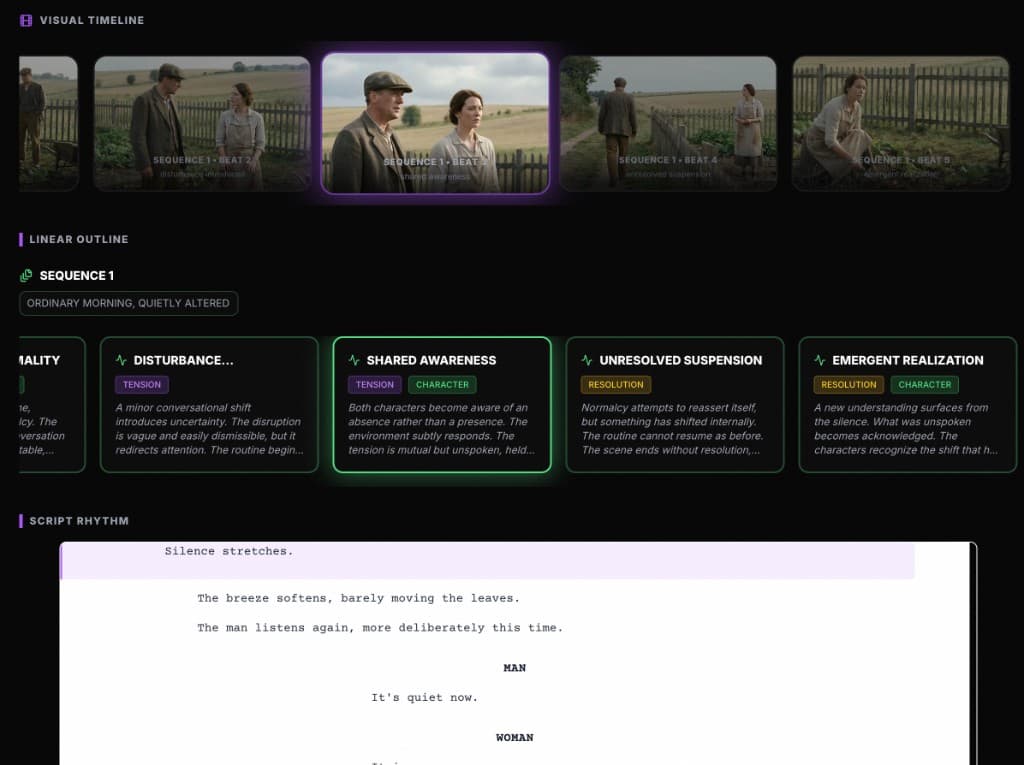
Go from breakdown lists to full structure
ScreenWeaver keeps your outline, characters, and script in sync. Use this tool for quick lists, then build your project with a living map of acts, beats, and scenes.
Discover ScreenWeaver