The best screenwriting software in 2026 depends on the job: Final Draft for industry-standard FDX handoff, WriterDuet for real-time co-writing, Celtx for script plus pre-production, Fade In or Highland 2 for a one-time purchase, and ScreenWeaver for a free writing plan with the storyboard and production in the same project. The table further down compares all seven. Behind that answer sits a wall of options: free tiers, one-time purchases, subscriptions, cloud vs. desktop, and every forum thread contradicts the last. "Just use Celtx, it's free." "Final Draft is the only thing that counts." "WriterDuet if you have a co-writer." The real question isn't which name to pick. It's what you're actually buying: a formatting engine, or a creative partner. And whether "free" is a shortcut or a trap.
Prompt: Dark Mode Technical Sketch, comparison of screenwriting software interfaces, clean thin white lines on black, hand-drawn technical feel --ar 16:9
This article cuts through the noise. We'll walk through seven of the best screenwriting software alternatives in 2026: Celtx, Arc Studio, WriterDuet, Fade In, Final Draft, Highland 2, and one that doesn't fit the old categories, with honest pros, cons, and who each tool actually serves. We'll also spell out why free tools have hidden costs that go beyond money: security, features, and the ceiling they put on how you work.
By the end, you'll have a clear map. Not a sales pitch. A map.
What Keyword Planner dumps into one shopping session
Pull a Keyword Planner export and you will see the same person type screenwriting software, free screenplay software, script writing software online free, and screenplay formatting inside ten minutes. Different strings. One anxiety: will this file embarrass me in the room?
Here is the decoder. Software / app / program rows are the buy-or-not decision. Format / formatting / PDF rows are the fear of looking non-standard. Free / trial / online rows are the budget and the Wi-Fi question. AI rows are the “will this write my second act” fantasy, worth separating into assistants vs generators before you pay. Final Draft rows are often “what does the industry expect on the filename?” not always “I want that SKU,” see industry tax vs format before you panic-buy.
Volumes in those exports are noisy (planner locale, currency quirks, blended intents). Use them to name what people actually mash into Google, then satisfy the intent on the page: this roundup for picks, hidden costs of free screenwriting software for the $0 tier, screenplay format for layout truth, free screenwriting tools for bite-sized jobs, AI tools for screenwriters when the search is really about models and sidecars.
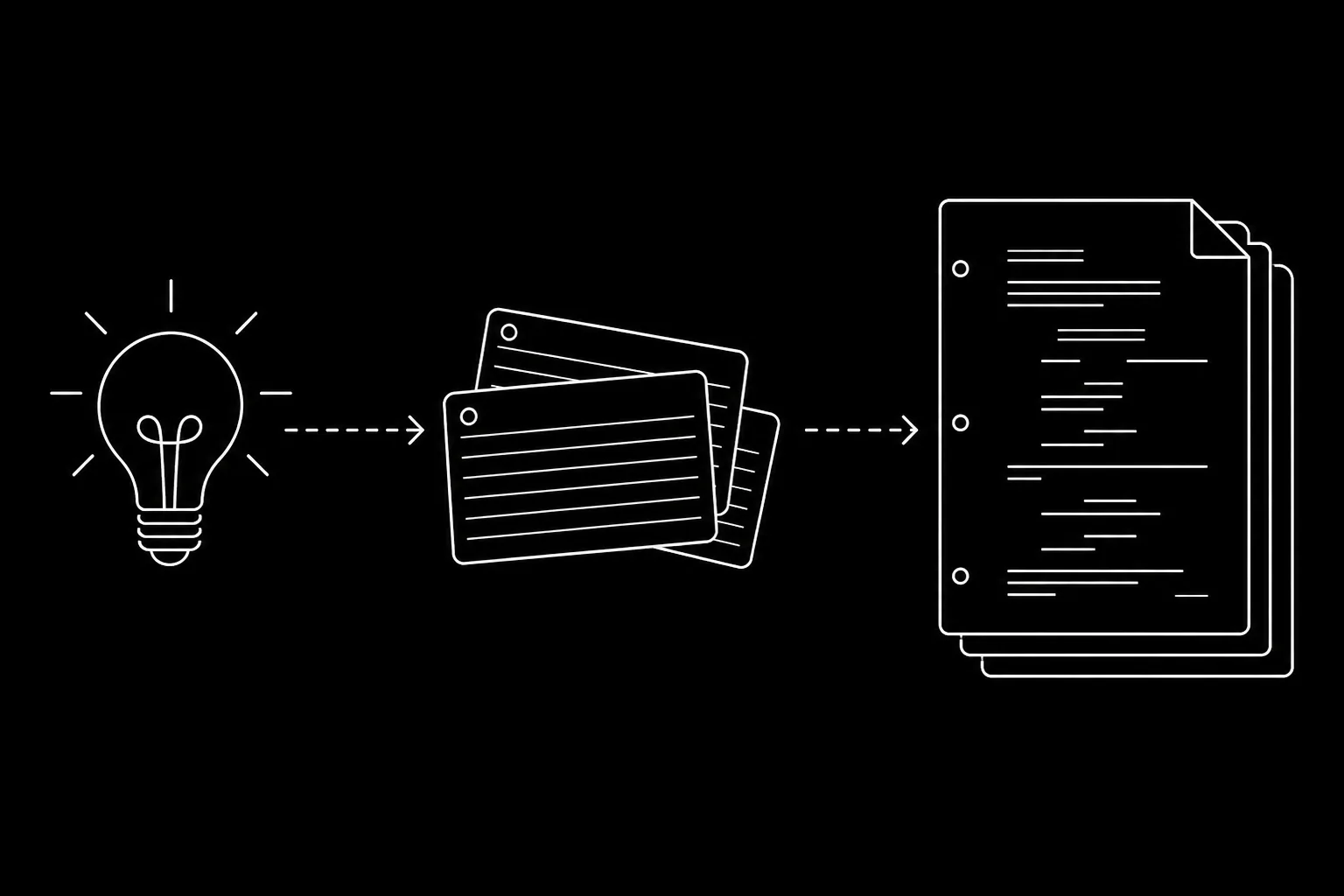
When the search is really cheap screenwriting software or good screenwriting software in dollars-per-year terms, jump to affordable screenwriting software and three-year TCO. When it is steps to writing a screenplay before you buy anything, use idea to first draft as the process spine, then come back here for the cart.
Same map. Fewer tabs. For labour-market context on what “professional” can mean in the U.S., see the public materials on the Writers Guild of America site (we are not affiliated).
Formatting Software vs. Creative Partner: The Split That Matters
Most screenwriting software does one job well: it makes your script look like a script. Correct margins. Scene headings in caps. Character names centered. Dialogue indented. That's formatting. It's necessary. It's also the floor, not the ceiling.
A formatting tool treats your script as a document. You type. It arranges. You export. It doesn't help you see how Act 1 connects to Act 3. It doesn't show you where your protagonist drops out of the story for twenty pages. It doesn't visualize pacing or tension. You're on your own for structure, memory, and collaboration. That's the world Final Draft, Fade In, and the free tiers of Celtx and WriterDuet live in. They're typewriters with better margins.
A creative partner (what we call an augmented screenwriting tool) does more. It keeps your script formatted, but it also gives you a persistent view of your story's architecture. Scene cards, timelines, character presence, and (in the case of ScreenWeaver) visual mood and concept art that stay in sync with your text. The document and the map are the same thing. You don't toggle between "outline mode" and "writing mode" and hope they still match. For a deeper look at how that difference plays out against the industry standard, our comparison of ScreenWeaver vs. Final Draft breaks it down scene by scene.
Why does this matter for a "best alternatives" list? Because the best tool for you depends on what you need. If you only need correct script format and a stable place to type, a formatting-focused app is enough. If you want to see your story as you build it, collaborate in real time, and reduce the cognitive load of holding a 120-page structure in your head, you're looking for something that goes beyond formatting. In 2026, only one of the seven options in this round-up is built from the ground up as that kind of partner. The rest are varying degrees of excellent typewriters.
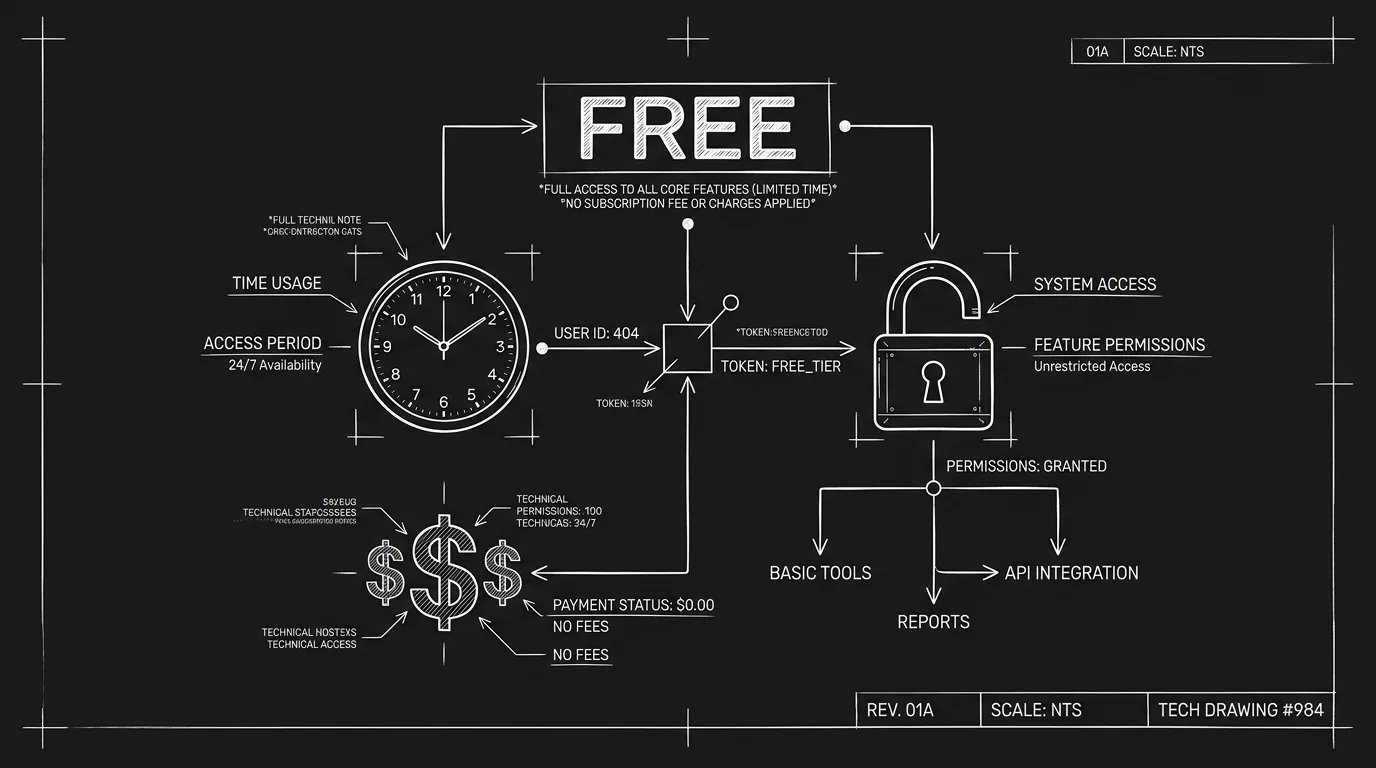
Why Free Isn't Enough
"Free" is seductive. For students and first-time writers, it feels like the obvious move. The catch: free screenwriting software is free for a reason. The costs are just less visible.
Security and Ownership
When your script lives in a free cloud app, you're trusting a company with your unreleased work. Who has access? What happens to your IP if the product is acquired or shut down? Free tiers are often supported by upsells and data. Read the terms. Some services retain broad rights to use or analyze content for "improving the service." For a pilot or feature you plan to sell, that's a real consideration. Paid tools aren't automatically more ethical, but they're aligned with you in a different way: you're the customer, not the product.
Feature Ceilings
Free tiers cap pages, projects, or exports. You hit the limit mid-draft or right before a deadline. Suddenly you're either paying or migrating. Migration is painful: format quirks, lost metadata, and the risk of breaking your script. The "free" path often ends in a subscription anyway, except you've already invested time and emotional energy in a workflow that was designed to upsell you.
No Real Support
Free users get forums and FAQs, not priority support. When something breaks (export glitches, sync failures, collaboration bugs), you're on your own. For a hobby project that's acceptable. For a script you're sending to reps or producers, downtime and uncertainty have a cost. Your time is worth something. So is peace of mind.
Lock-in and Migration
The more you invest in a free or low-cost tool, the harder it is to leave. Your projects, your habits, your muscle memory, they're all tied to that app. When you eventually hit its limits or need something it doesn't do, migration is non-trivial. Export formats vary. Scene numbering, revision history, and metadata don't always carry over. You can end up spending days cleaning up a script after a switch. Choosing a tool with an eye to the long term, and to open formats like FDX and Fountain, reduces that risk. Free can be a bridge. It shouldn't be a cage.
None of this means free tools are evil. They lower the barrier to starting. But "best" isn't the same as "cheapest." The best tool is the one that matches your stage, your goals, and your tolerance for hidden limits. With that in mind, here are seven alternatives that are actually worth considering in 2026,and what each one is really good for.
The 7 Best Screenwriting Software Alternatives in 2026
1. Celtx
Celtx started as the rebel option: free, cloud-based, and aimed at indie and student filmmakers. Today it's a full production suite with scriptwriting, breakdowns, scheduling, and budgeting under one roof. The writing experience is solid and web-native, you can work from any device. The downside is cost: the free tier is now a trial. Serious use requires a subscription that can rival other paid tools. For teams that want script and pre-production in one place, Celtx still makes sense. For writers who only need to write and export, it can feel like overkill. We've gone deeper on the trade-offs in our dedicated Celtx vs. Final Draft comparison for budget-conscious filmmakers.
Best for: Indie producers and students who want script + breakdown + scheduling in a single ecosystem. Watch out for: Subscription creep and a writing UI that sometimes plays second fiddle to production features.
See our full comparison: Celtx alternative.
2. Arc Studio
Arc Studio is the newer entrant that leans into structure. It offers a clean, modern interface with built-in beat boards and story guides (e.g. Save the Cat, Hero's Journey). Writing and outlining are more integrated than in legacy apps: you can see beats and scenes in one view. It's subscription-based and browser-first, with a focus on TV and features like episode tracking and series bibles. The upside is clarity and a low learning curve. The downside is that it's still fundamentally a formatted document with better scaffolding, not a living story map that updates as you write. Good for writers who want structure templates without leaving the app.
Best for: TV writers and anyone who likes beat sheets and structure frameworks built in. Watch out for: Less adoption in features departments; export and compatibility with legacy workflows may need checking.
See our full comparison: Arc Studio Pro alternative.
3. WriterDuet
WriterDuet (now part of the Arc Studio family in branding but often discussed separately) is the "Google Docs of screenwriting." Real-time collaboration is its strength: multiple cursors, live updates, and cloud sync that actually works. Writers in different time zones can work the same script without emailing versions. The interface is clean and the formatting engine is capable. Where it falls short is the same place most formatting-focused tools do: no persistent visual representation of your story. You get a great collaborative typewriter, not a cockpit view of structure and pacing. For writing teams and room-style collaboration, it's among the best. For solo writers who want to see the whole story at a glance, it's still just pages.
Best for: Co-writers and writing rooms that need real-time collaboration. Watch out for: Subscription fatigue; no native visual story map or augmented features.
See our full comparison: WriterDuet alternative.
4. Fade In
Fade In is the reliable underdog. One-time purchase, no subscription, cross-platform (Windows, Mac, Linux, iOS, Android). The interface is clean and fast. It does exactly what it says: professional script formatting, FDX import/export, and a straightforward writing experience. There's no bloat. There's also no innovation in structure visualization or collaboration, it's a focused, honest formatting tool. For writers who want to own their software, avoid subscriptions, and don't need real-time collab or visual outlining, Fade In is hard to beat on value.
Best for: Solo writers and budget-conscious professionals who want a one-time purchase and no surprises. Watch out for: No built-in story map or augmented features; collaboration is file-based, not live.
See our full comparison: Fade In alternative.
5. Final Draft
Final Draft remains the industry standard. Studios, agencies, and production offices expect FDX. SmartType, pagination, and tagging are mature and dependable. If your goal is maximum compatibility and zero friction when someone says "send me the FDX," Final Draft delivers. The trade-off is philosophy: it's built around the printed page. No persistent visual structure. No living outline. No real-time collaboration that feels native. You write in the dark, then export. For a clear breakdown of what that means in practice and when it's worth upgrading, see our take on Final Draft vs. ScreenWeaver and why it's time to upgrade your workflow.
Best for: Writers who need to satisfy industry expectations and hand off to production without format anxiety. Watch out for: High upfront cost, no creative support beyond formatting, and a UI that feels stuck in the past.
Looking for a free Final Draft alternative with .fdx export? See our full comparison.
6. Highland 2
Highland 2 (by Quote-Unquote Apps) is the writer's writer tool. It uses a plain-text-style syntax (Fountain) under the hood: you write in a simple, readable format and it renders as a properly formatted script. That makes it fast, portable, and friendly to version control and plain-text workflows. The app is Mac-only, one-time purchase, with a minimal, focused interface. It doesn't try to be a production suite or a collaboration platform. It's a beautiful, fast typewriter for people who like to think in structure without the clutter. The downside is the same: no visual story map, no real-time collab, no augmented layer. It's the best "just let me write" option for Mac users who don't need the rest.
Best for: Mac-only writers who love Fountain and minimal UIs. Watch out for: No Windows/Linux; no built-in structure view or collaboration.
See our full comparison: Highland alternative.
7. ScreenWeaver: The Only Augmented Option
ScreenWeaver is the only tool in this list built from the ground up as a creative partner, not just a formatter. Your script and your story map are the same project: a horizontal timeline of scene cards and a vertical script in sync. Move a scene on the timeline, the script updates. Add a beat, it's reflected everywhere. There's no separate "outline mode" that drifts out of date. On top of that, ScreenWeaver adds an augmented layer: a generative visual engine that produces mood and concept art tied to your scenes, and a storyboard generated from the screenplay, so you're not just writing the movie, you're starting to see it. The writing itself costs nothing: the free screenwriting plan covers unlimited projects and pages with PDF and Final Draft export. Collaboration is real-time (CRDT-based, similar to Figma). FDX import/export is supported so you can work with production without breaking their pipeline.
The difference isn't a feature checklist. It's the model: ScreenWeaver assumes you need to see the whole story while you write the parts. If that's what you've been missing in other tools, it's the only option that fills that gap. For a broader view of how it fits against the rest of the market, our article on ScreenWeaver as the ultimate alternative to Final Draft, Celtx, WriterDuet, and Fade In ties it all together.
Best for: Writers who want a living story map, visual context, real-time collaboration, and an actual creative partner, without giving up industry-compatible export. Watch out for: Newer than the legacy giants; if your only requirement is "everyone else uses X," you may still need to export to FDX for handoff (which ScreenWeaver supports).
At a Glance: Tools Compared
| Tool | Strengths | Limits | Best for |
|---|---|---|---|
| Celtx | Script + breakdown + scheduling in one place; web-native | Subscription creep; writing UI secondary to production | Indie producers, students |
| Arc Studio | Beat boards, structure guides, TV features, clean UI | Document + scaffolding, not a living story map | TV writers, structure templates |
| WriterDuet | Real-time collaboration, multiple cursors, cloud sync | No visual story map; collaborative typewriter only | Co-writers, writing rooms |
| Fade In | One-time purchase, cross-platform, FDX, no bloat | No story map, no real-time collab | Solo writers, budget-conscious pros |
| Final Draft | Industry standard FDX, maximum compatibility | No creative support, no living outline, expensive | Industry handoff, production expectations |
| Highland 2 | Fountain syntax, fast, minimal, one-time purchase | Mac only; no story map or collab | Mac writers who want minimal UI |
| ScreenWeaver | Living story map, visual context, real-time collab, FDX/PDF/pitch deck | Newer than legacy giants; export FDX for handoff | Writers who want a creative partner and full visibility |
The Augmented Difference: Why It Matters Now
The industry has spent thirty years optimizing for format. That problem is solved. What's not solved is the cognitive load of writing long-form narrative. Holding three acts, multiple characters, and dozens of scenes in your head is hard. Tools that only show you one page at a time make it harder. The shift to "augmented" isn't about replacing the writer. It's about giving the writer a cockpit: one place where the document and the map are the same thing, and where visual context (mood, concept, structure) stays in sync with the text.
The cognitive load of a 120-page script is the real enemy. Formatting is just the paperwork.
Prompt: Dark Mode Technical Sketch, writer cockpit view with script and story map in sync, thin white lines on black --ar 16:9
In 2026, that shift is still early. Most alternatives in this list are formatting tools with better collaboration or better pricing. They're good at what they do. But if you've ever finished a draft and thought, "I lost the thread somewhere in the middle," or "I wish I could see how all the scenes connect," you're feeling the limit of the formatting-only model. The only tool in this round-up designed to address that limit is ScreenWeaver. The rest will get you to a correctly formatted script. They won't help you see the movie while you write it.
Real-world impact: writers who adopt an augmented workflow often report fewer "second draft from scratch" moments. When structure is visible, you catch pacing issues and dropped threads before they're baked into 90 pages. That doesn't mean the tool writes for you. It means the tool stops hiding the story from you until it's too late.
Prompt: Dark Mode Technical Sketch, augmented vs traditional workflow diagram, thin white lines on black --ar 16:9
Takeaways
Match the tool to the job. If you need industry-standard FDX and zero friction with production, Final Draft is still the default. If you need real-time collaboration above all, WriterDuet (or Arc Studio) is strong. If you want script and pre-production in one place, Celtx. If you want to own your software and keep it simple, Fade In or Highland 2. If you want a creative partner that shows you the story as you build it, ScreenWeaver is the only option that fits.
The Trench Warfare: What Writers Get Wrong
Assuming the tool will fix the story. No software, no matter how "augmented" or "AI-powered," can fix a broken premise or a character with no motivation. The tool is a lens. It makes the problems visible so you can fix them. Beginners often spend weeks comparing tools instead of weeks writing. Fix: Pick a tool that doesn't get in your way, and start writing.
Hoarding drafts in proprietary formats. If your script only exists in a format that one app can read, you're at risk. If that company goes under or changes their pricing, your work is a hostage. Fix: Always keep a current PDF and a current FDX (or Fountain) backup.
Ignoring the export. You write 100 pages. You export to PDF. You don't read the PDF. You send it to a producer. The producer sees weird margins or a title page that's missing. You look like an amateur. Fix: Always read your own PDF before you send it to anyone.
The producer doesn't care what software you used. They care how the script reads on their iPad.
Paying for features you don't use. Many writers pay for "Pro" or "Studio" tiers because they think they have to. They use 10% of the features. Fix: Start with the lowest tier that meets your basic needs (formatting + export). Move up only when you hit a concrete limit.
Treating "Industry Standard" as a brand name. Industry standard is a format, not a product. Final Draft is a product. Fade In, WriterDuet, ScreenWeaver, and others all produce the industry standard. Fix: Focus on the output, not the logo on the splash screen.
Free has a cost. Security, feature ceilings, and support matter. Use free tiers to start if that's what you have, but know the limits and what you're trading.
The market is splitting. On one side: formatting engines (better margins, better collaboration, same metaphor). On the other: augmented tools that treat the script as one view of a living story. That split will define the next decade of screenwriting software. Choosing in 2026 is about which side of that line you want to be on.
Frequently Asked Questions
What is the best free screenwriting software in 2026?
Can I replace Final Draft with ScreenWeaver and still work with studios?
What does “augmented screenwriting” mean?
Which tool is best for real-time collaboration?
Try the Augmented Approach
See your story as you write it. Import an existing script or start from zero,no commitment.
Get Started with ScreenWeaverFinal Step
Build your next script with Screenweaver
Move from ideas to production-ready pages faster with timeline-native writing and AI-assisted story flow.
Try Screenweaver