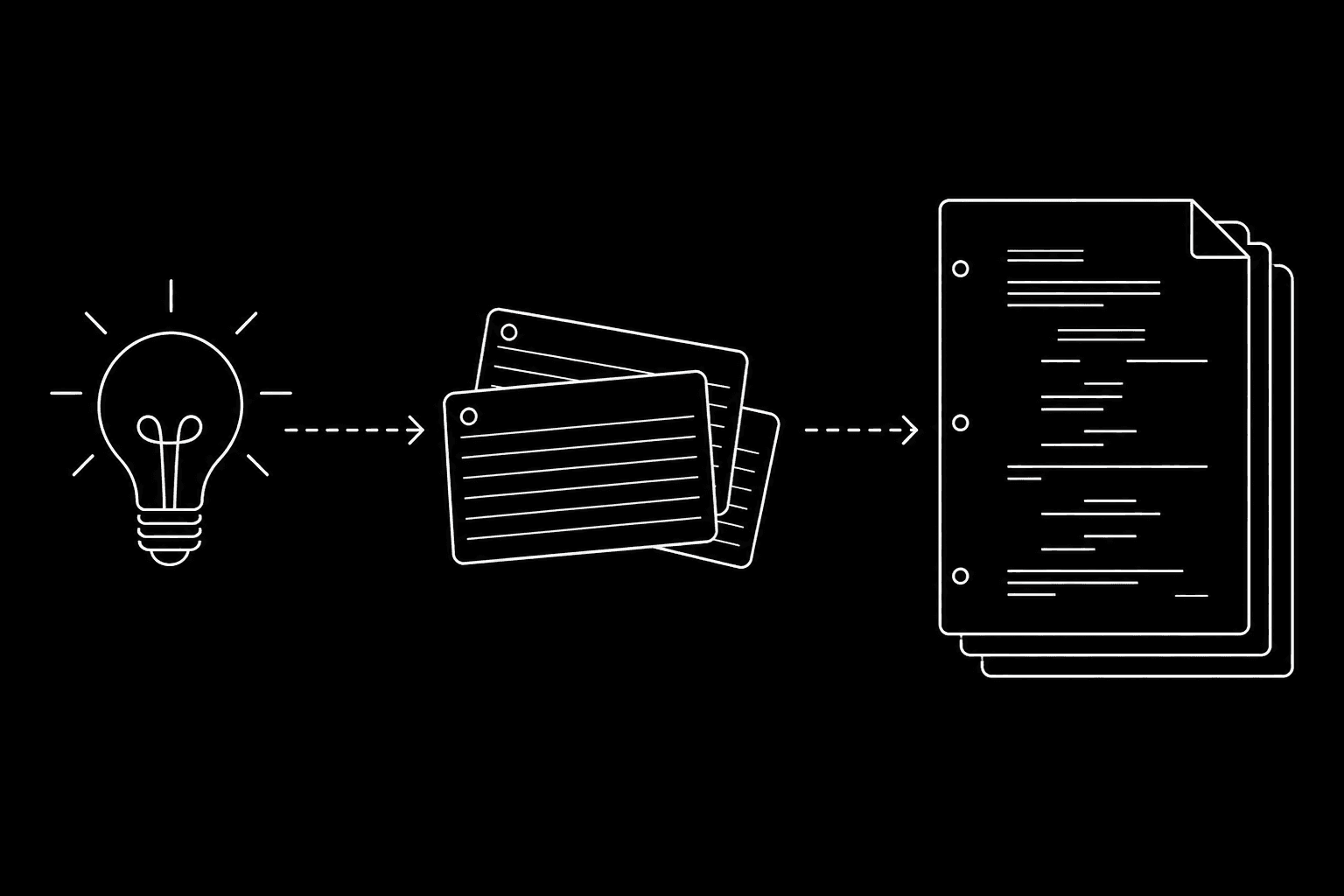

Prompt: Dark Mode Technical Sketch, minimal path from lightbulb idea through index cards to stacked screenplay pages, thin white lines on solid black; no 3D renders --ar 16:9
People type steps to writing a screenplay, script how to write, or help me write a script when what they really want is a sequence: something they can do this week that still looks like a movie in three months. This guide is that sequence. It is not a duplicate of our screenplay format guide, that one is the ruler and margins. It is not the same as best screenwriting software for beginners, that one is picking a desk. Here we connect story → structure → scenes → pages → sanity check before you polish a single line for a contest reader.
How it works (the spine)
You are building four layers in order: logline (what the film is), outline (what happens), scene list (where it happens on the clock), draft (how it reads on the page). Skip a layer and you will still write pages; you will just throw more of them away. That is the hidden tax behind write your screenplay searches: motion mistaken for progress.
Where this shows up (formats and use cases)
Feature film
Act length is a contract with the reader. Whether you use three acts, five acts, or a sequence method, the draft only works when the outline already knows where the midpoint and the “all is lost” live. Our 3-act structure guide and midpoint article are the theory; this hub is where you plug theory into your own outline before page one.
Television pilot
Cold opens, teasers, and act breaks are formatting choices and structure choices. After your outline, read how to write a cold open so your first five pages are doing a job, not just setting mood.
Short film or proof-of-concept
You can compress the spine. You cannot delete it. Writing for short form online covers how the same spine shrinks for tight runtimes.
Step-by-step flow
Step 1 - Logline with conflict
One sentence: protagonist, want, obstacle, stakes. If you cannot say it aloud without “and then this cool thing happens,” the cool thing is not the story yet. Use our logline workshop tool if you want a constrained box instead of a blank page.
Step 2 - Beat sheet before scenes
Turn the logline into 8–15 beats you could explain to a friend in a car ride. Free tools: beat sheet calculator, screenplay outline builder. For Save-the-Cat users, the beat sheet explainer connects numbers to story pressure.
Step 3 - Scene list with “enter late, leave early”
Each scene gets a one-line purpose: who wants what, what shifts, why we cannot cut it. If two scenes do the same shift, merge them before you write dialogue.
Step 4 - First draft as “layout of intentions”
Write ugly on purpose. Action lines carry causality; dialogue carries subtext later. When you freeze trying to sound literary, read writing sprints and vomit drafts.
Step 5 - Format pass on a schedule, not every line
Rough draft first; industry shape second. When you are ready, screenplay formatting guide 2026 is the spec. Google Docs vs dedicated software is the fork if you are still in a text document.
Step 6 - Stop at “readable,” not “perfect”
First draft ends when someone can follow cause and effect. The polish pass is a different hat; see screenplay revision passes.
Try it free
Try Screenweaver for free on your script
It is free. Import your existing project, get a clearer view of your outline, and regain control of your story structure in minutes.
Start FreeOperational details (what to track)
- One master outline object beats outline-in-Notes and script-in-Final-Draft. If you split, you will lie to yourself about sync. Static outline vs bi-directional sync explains why.
- Version filenames (
Title_2026_05_04_v3) save friendships in co-writes. Version control for drafts is the habit layer. - Page budget before dialogue polish: feature script length in 2026 so your pacing math is honest.
Outcome: what “done” looks like for draft one
You have a PDF or FDX someone can read in one sitting without stopping to ask “wait, who wants what here?” You do not need perfect theme statements. You need causal clarity. Handoff expectations for production-shaped PDFs live in exporting for production.
Why this beats the old way
The old way was inspirational quotes and 40 bookmarked PDFs. The new way is ordered layers so search intent like steps for writing a screenplay maps to work you can schedule: beats this afternoon, scenes tomorrow, pages next week. You still type every word. The spine just stops you from “screenplay dialogue” polish on scenes you will cut.
Conclusion
Pick one spine for this project: logline → beats → scenes → draft. Link out to format when the draft exists, not when the idea is shiny. When cost and tools nag you, read affordable screenwriting software TCO and hidden costs of free apps. When you want structured help without losing authorship, try ScreenWeaver on your outline and script in parallel.
External reference (structure craft): The Academy Nicholl Fellowships reading criteria are a useful bar for clarity and originality, not a promise that any tool places you in a fellowship.
Final Step
Build your next script with Screenweaver
Move from ideas to production-ready pages faster with timeline-native writing and AI-assisted story flow.
Try Screenweaver