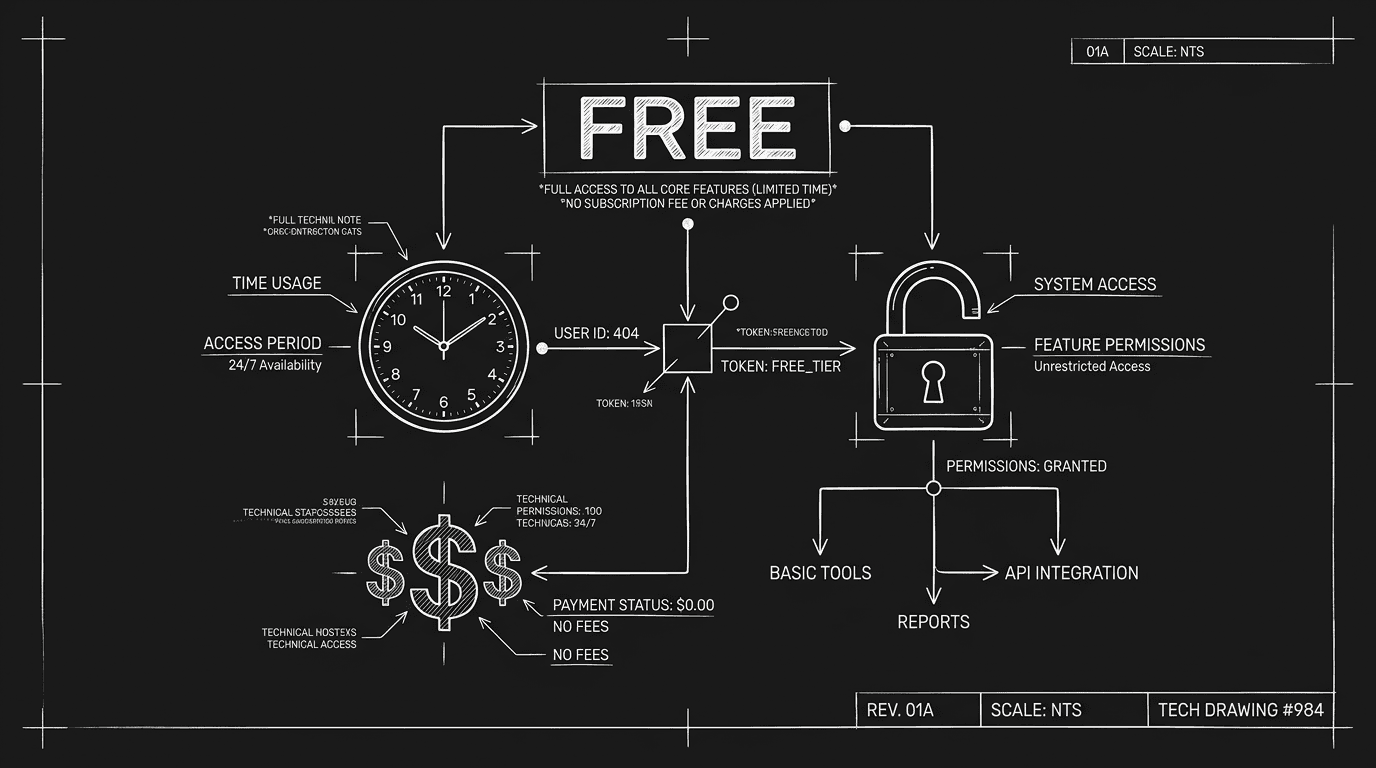

Prompt: Dark Mode Technical Sketch, FREE label with small print; clock, lock, dollar signs; thin white lines on solid black; no 3D renders --ar 16:9
The price is zero. So you download it. A year later you're paying for cloud storage, or your scripts are stuck behind a paywall, or you've spent so many hours working around limits that "free" has cost you more than a licence would have. Free screenwriting software is rarely free of cost. The cost is just shifted: to your time, to your data, to a later upgrade, or to the loss of your work when the product changes or disappears. That doesn't make free tools bad. It makes them a trade. Some writers will never need more than a free tier, a few projects, PDF export, and the discipline to back up. Others will hit the ceiling fast. The point is to know where the ceiling is before you're 80 pages in. Here's what the trade usually is, and how to decide whether it's worth it.
When an app is free, someone is paying for the servers, the development, and the support. Sometimes it's a foundation or an open-source community. Often it's a business model: the free tier is a funnel. You hit a limit, number of projects, export formats, cloud sync, or support, and you're asked to pay. Or the app is free but your work lives in a closed ecosystem. To get it out in a standard format, or to keep it when you leave, you pay or you lose. So the first hidden cost is the ceiling. What can you do for free, and what requires a subscription or a one-time fee? The second is time. Free tools often have rougher edges: fewer shortcuts, no support when something breaks, or manual workarounds for things paid tools do automatically. The third is lock-in. If your scripts only exist in a format or a cloud that you can't take with you, leaving has a cost. For when subscriptions are worth it, we compare cost vs value. For protecting your script across tools, we cover backup and portability.
Free means the sticker price is zero. It doesn't mean the total cost is zero. Your time, your data, and your exit path all have a price.
What "Free" Usually Covers (And What It Doesn't)
Many free screenwriting apps let you write and export to PDF (or a limited number of formats). That's enough for a lot of writers. Where the limits show up: number of projects (e.g. three scripts on the free tier), cloud sync (only with a paid plan), export to FDX or Fountain (premium), collaboration (paid), support (community only, or paid), and offline access (some free apps are web-only, so you need the internet). There's also ads or upsells in the interface. They don't cost money directly, but they cost attention and sometimes trust, your work is next to a product that's trying to convert you. And there's support. Free tiers often get community forums or no support at all. When something breaks, export fails, sync stops, you're on your own. That's a time cost. For offline vs online, we go into when you need to work without a connection.
Script writing website free: what you actually get
Free script writing. Script writing website free. Online script writing. Same hunger, three phrasings: you want a URL, zero dollars, a box that looks like a script.
Fine. Know what ships in that box.
Usually it is a browser app on a free tier, or a trial that starts billing the day you forget to cancel. Both can be honest. Neither is a lifetime pass to unlimited FDX, bulk export, and a white-glove handoff to Sony.
At $0 you often get: enough rope to learn, or to finish a short; PDF (sometimes stamped like a rental car); margins that mostly behave; maybe one or two active projects before the paywall blinks on. Behind that wall: FDX, Fountain, real co-writing, someone who answers email. Online also means online, no Wi-Fi, no script, unless you pay for an offline escape hatch.
Here’s why that matters: price is not the only line item. Time is. So is “can I get my babies out in bulk when I leave?” Run the same five checks we already walked: project cap, exports, sync, terms, exit path. Love the site for where you are today? Great. Back it up. Know the day you need industry handoff is the day “free” quotes a price. Best screenwriting software alternatives compares tiers; the horror stories below are what happens when writers skip the homework.
Free screenplay software, free script writing programs, “online free”: same hunger
Keyword lists bundle free screenplay software, free screenwriting software online, free script writing programs, and film script writing software free into one anxious bucket. Translation: I need pages that look like a movie, and I do not want to pay yet.
Fine. Same rules as above: project caps, export gates, sync, terms, exit.
Online free usually means a browser tab and a login. That is great until the flight has no Wi-Fi or the vendor changes the tier. Programs (plural) tempt you to install three half-solutions. Pick one spine, export backups, then add helpers. Our free screenwriting tools hub is for bite jobs (sluglines, title page, beats) that should not each become another “free” account you forget to cancel.
If you later need the full “industry shape” conversation, read screenplay format guide and exporting for production before you blame the script for a silence that was really a PDF problem.
Relatable Scenario: The Writer Who Hit the Project Limit
Riley had been drafting three specs in a free app. They started a fourth. The app said: "Upgrade to save more than three projects." They didn't want to pay. So they combined two drafts into one file (messy) or deleted an old project to make room. The "free" app had just cost them either organisation or the ability to keep all their work. Fix: Before you commit to a free tool, check the project limit. If you're going to have more than a handful of scripts, either accept the limit or plan to upgrade (or export and archive in another format). For backup and versioning, we cover how to keep copies outside the app.
Relatable Scenario: The Export That Required a Subscription
Jordan had written a 90-page feature in a free app. When they were ready to send it to a producer, they needed FDX. The app could export FDX, but only on the paid plan. So Jordan had to either pay for a month (or a year) to get one export, or copy-paste into another tool and re-format. They paid. The lesson: free often means "free until you need the thing that matters for handoff." Check export options before you invest in a free app. For what production expects, we cover PDF and FDX.
Relatable Scenario: The Cloud That Locked the Scripts In
Casey had been using a free, web-based screenwriting app for two years. Dozens of drafts. When they decided to switch to a desktop app, they found that bulk export wasn't available on the free tier. They could export one script at a time, in a limited format. So leaving meant either paying for one month to export everything, or spending hours exporting script by script. The hidden cost was time or money, and the feeling that their work was held hostage. Takeaway: Before you put serious work into a free app, find out how you get your data out. Can you export all projects? In what format? Do you need to do it one by one? How long would it take to leave? For moving to a new tool, we cover migration; the same principles apply to any switch.
Relatable Scenario: The Writer Who Lost Access After Inactivity
Sam had used a free web-based app for a year. They took a long break. When they came back, their account had been deactivated or their scripts had been archived. The vendor's policy: free accounts that are inactive for X months may have projects deleted or locked. Sam hadn't read the fine print. They had to contact support (slow, or paid) or accept the loss. Fix: Export and back up your work on a schedule. Don't assume the cloud will hold it forever. For backup and cloud, we cover what to keep locally.
Granular Workflow: Evaluating a Free App Before You Commit
Step one: Read the pricing page. What's on the free tier? How many projects? Which export formats? Is cloud sync included? Step two: Create a test project. Write a page. Export to PDF. Then try to export to FDX or Fountain if you might need them. If the option is greyed out or behind a paywall, you know. Step three: Check the terms. Can the vendor change the free tier? Can they delete inactive accounts? Step four: Plan your exit. If you leave in a year, how do you get your scripts out? One-by-one? Bulk? What format? Step five: Set a backup habit. Even if the app is great, keep a local copy of every script in PDF (and FDX or Fountain if the free tier allows). For version control, we cover naming and storage.
Try it free
Try Screenweaver for free on your script
It is free. Import your existing project, get a clearer view of your outline, and regain control of your story structure in minutes.
Start FreeThe Real Cost Breakdown
| Cost type | What it means | How to reduce it |
|---|---|---|
| Upgrade pressure | Limits (projects, export, sync) push you to pay | Check limits up front; export and archive regularly |
| Time | Workarounds, no support, manual fixes | Accept rougher edges or pay for a tool that saves time |
| Lock-in | Hard to leave with your work intact | Verify export and backup before you rely on the app |
| Ads / upsells | Attention and trust | Use an ad-free tier or a different app if it bothers you |
| Discontinuation | Product shuts down or changes; you lose access | Keep local copies and standard formats (PDF, FDX, Fountain) |
For more on when paid software is worth it, see subscription vs value.
Why Vendors Offer Free Tiers (And Why It Matters)
Free tiers exist to acquire users. The hope is that you'll get invested, hit a limit, and upgrade. That's not sinister, it's business. But it means the free tier is designed to be just enough to be useful, not to be complete. So when you evaluate a free app, you're not just asking "what do I get?" You're asking "what will I need later, and will I have to pay for it?" If the answer is "FDX export, more projects, or cloud sync, and yes, that's paid," you're not wrong to use the free tier. You're wrong to assume it will cover you when you're ready to hand off a script or grow your project list. For alternatives and upgrade paths, we compare what's included at each tier.
The Trench Warfare: What Writers Get Wrong
Assuming "free forever" means "no strings." The vendor can change the rules. Free tiers get cut back; export options get paywalled. Fix: Don't assume. Read the current limits and the terms. Export your work regularly to a format you control. For backup discipline, we cover what to keep and where.
Not checking export before committing. You write 80 pages. Then you need FDX or Fountain. It's not available on free. Fix: Before you write a single scene, confirm that the free tier can export to every format you might need for handoff or backup. For export options, we list what production usually wants.
Ignoring the project limit. You start your fifth script and hit the wall. Fix: Know the limit. If it's three projects, either keep only three active or plan to export and archive older ones. For version control, we cover naming and storage so you don't lose drafts when you clear space.
Treating free as "no commitment." You are committed. Your scripts live there. If the app disappears or changes, you have a problem. Fix: Treat free software like any tool, have an exit plan. Local copies, standard formats, and a way to get everything out without paying a ransom. For Celtx migration, we go through one common migration; the mindset applies everywhere.
Paying for a year to export one script. You need FDX once. The app wants a yearly subscription. Fix: Check if there's a monthly option, or if you can export via another path (e.g. copy to a trial of another app, or use a one-off converter). For industry tax and FDX, we cover when you need which format.
Assuming the free tier will never shrink. Vendors change. A feature that's free today might be premium tomorrow. Fix: Don't build a long-term workflow on the assumption that today's free tier is permanent. Have a backup and an exit path. For subscription and value, we discuss when paying is worth it.
When Free Is Actually Worth It
Free is worth it when: you're learning and don't need pro features yet; you write alone, need PDF export only, and can live with project limits; you're testing an app before paying; you have a clear exit path and back up regularly. Free is a bad fit when: you need FDX or Fountain and the free tier doesn't offer it; you collaborate and the free tier has no real-time or sharing; you have many projects and the limit would force you to delete or merge; you can't afford to lose time to workarounds or lack of support; you're writing for production and you'll need industry-standard export and support. Here's the flip side: sometimes the hidden cost of paid software is higher. A subscription you don't use, or a licence for features you never need, is a cost too. So the question isn't "free or paid?" It's "what do I need, and what does this tool cost in total, money, time, and risk?" For alternatives that offer free tiers and clear upgrade paths, we compare.
The Perspective
"Free" screenwriting software is a trade. You pay with time, with limits, or with the risk of lock-in. That's not a reason to avoid it, it's a reason to go in with your eyes open. Check the project limit. Check the export options. Check how you get your data out. Back up to formats you control. Then decide whether the hidden costs are acceptable for where you are. If they are, free can be the right choice. If not, paying for a tool that fits your workflow may be cheaper in the long run. Think about it this way: the cheapest tool is the one that doesn't waste your time or hold your work hostage. Sometimes that's free. Sometimes it's paid. For more on cost and value, see subscriptions and overpricing and protecting your script. The <a href="https://www.gnu.org/philosophy/free-sw.en.html" rel="nofollow">Free Software Foundation</a> defines "free" in terms of freedom to use, modify, and share, useful to keep in mind when a vendor says "free" but restricts export or access.
[YOUTUBE VIDEO: Writer walks through a free screenwriting app's limits: project count, export options, and how to export everything before leaving.]
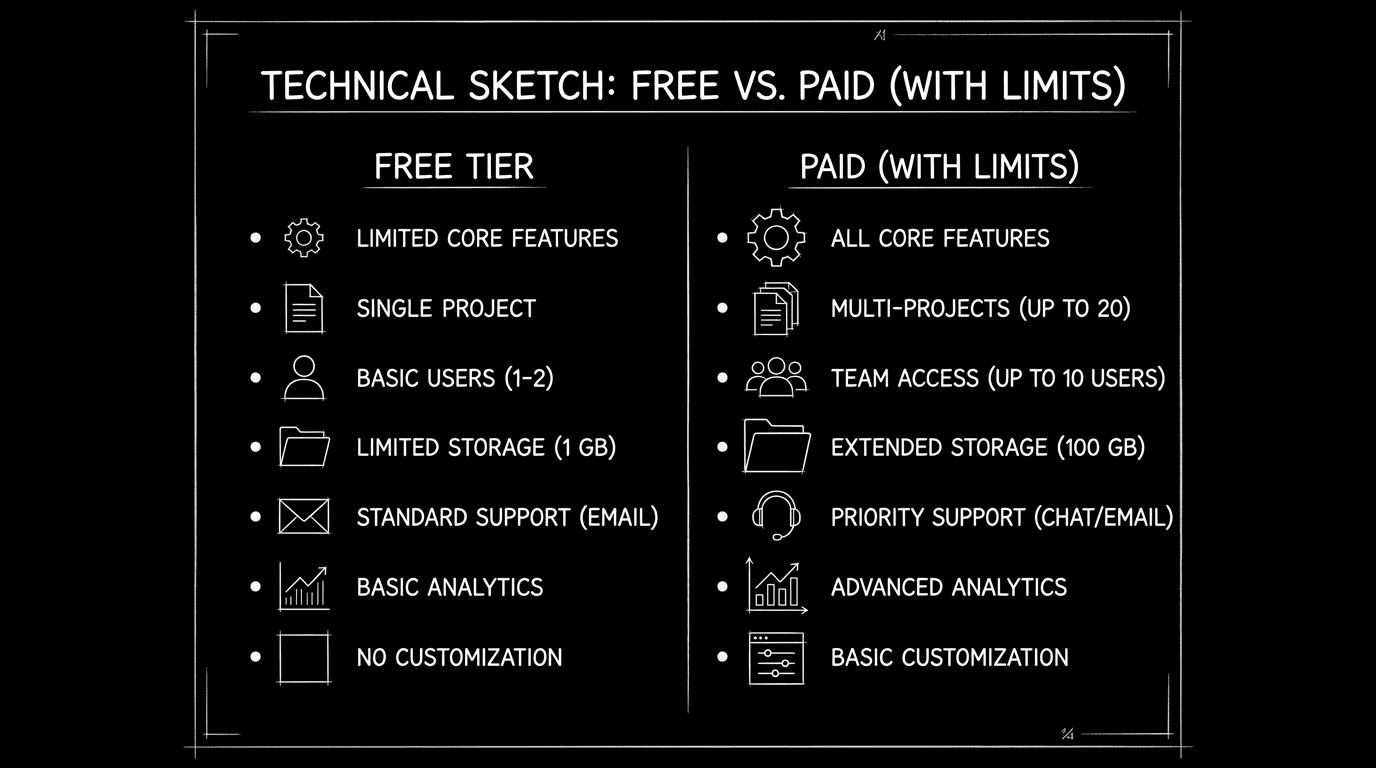
Prompt: Dark Mode Technical Sketch, Free tier vs paid with limits list; thin white lines on solid black; no 3D renders --ar 16:9
Takeaway
Free has a ceiling: project limits, export limits, and sometimes lock-in. Check them before you invest. Back up to formats you control. Then decide if the trade is worth it. For subscription value, backup, and alternatives, you're covered.
Prompt: Dark Mode Technical Sketch, Exit path with export and key; thin white lines on solid black; no 3D renders --ar 16:9
Final Step
Build your next script with Screenweaver
Move from ideas to production-ready pages faster with timeline-native writing and AI-assisted story flow.
Try Screenweaver