
The phone rings. We see both sides at once: Sarah in the surveillance van, Marcus in the building under attack. Same screen, same moment, split in half. The thriller's tension doubles, we see everything happening simultaneously, and we can't look away from either.
Split-screen is a powerful technique for thrillers, heist films, and high-stakes dramas. It shows simultaneous action across locations, creating urgency and tension. But formatting split-screen in a screenplay is tricky: standard script format is designed for linear, single-perspective storytelling.
This guide covers modern conventions for split-screen formatting, how to write it clearly, when to use it, and how to avoid confusing your reader.
Cinematic workflow frames
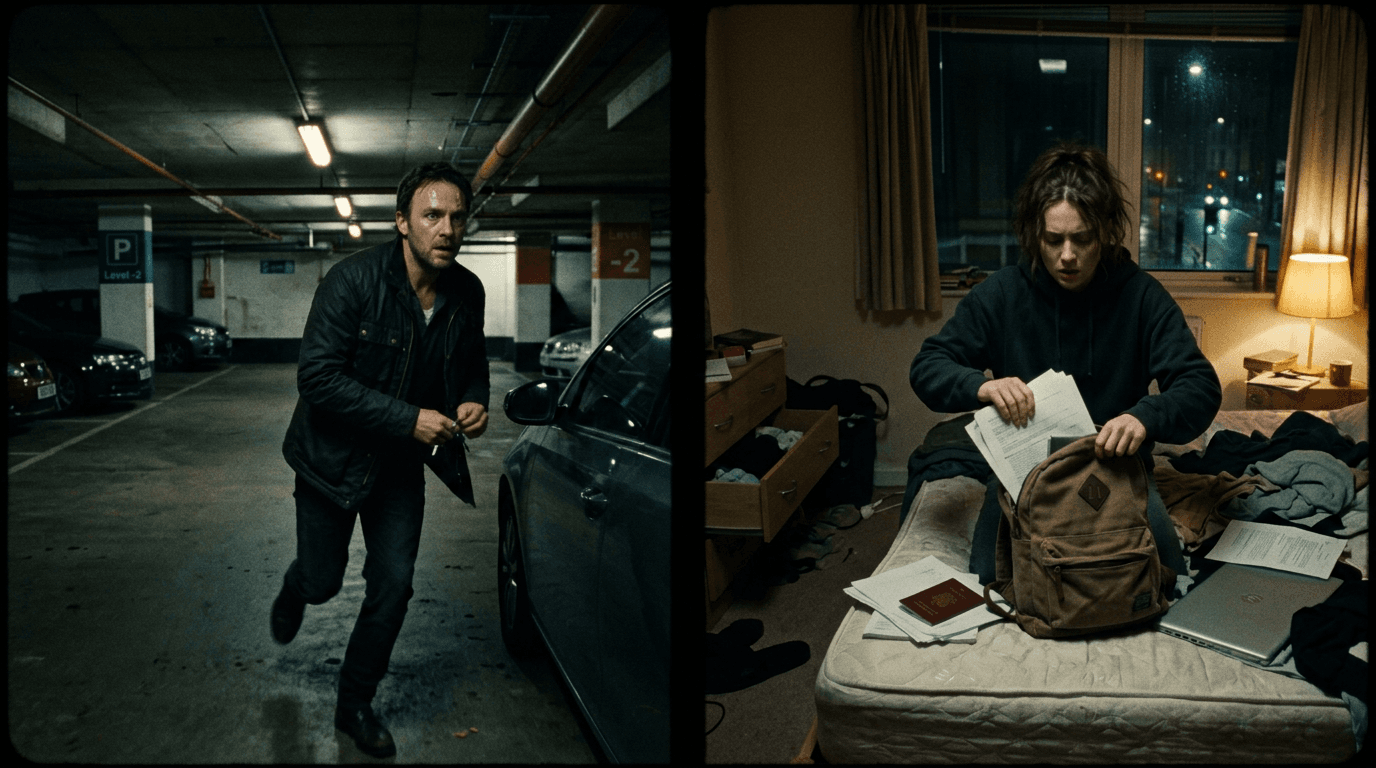
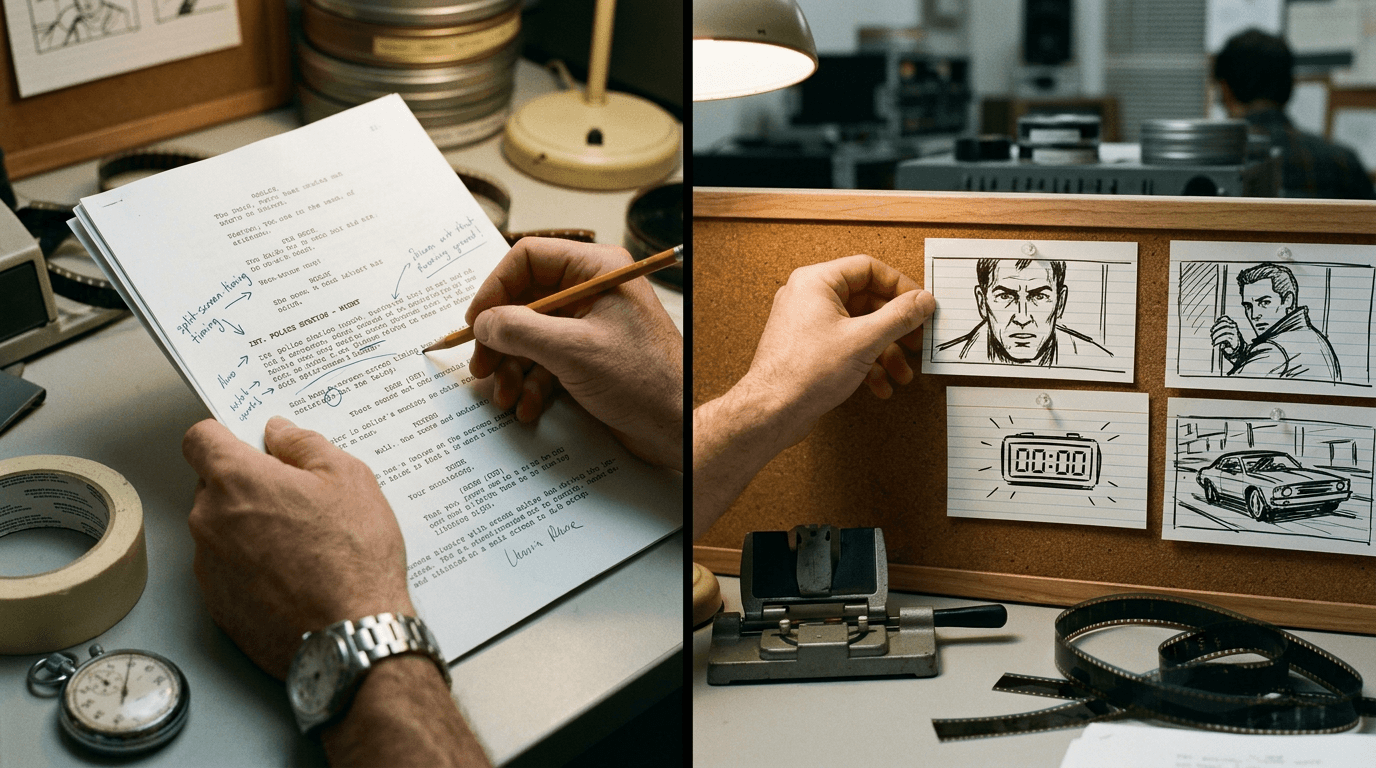
These two visuals work as a pair: the first shows Cinematic workflow still, first angle, 35mm film grain, and the second shifts to Cinematic workflow still, second angle, 35mm film grain - compare them briefly, then move on.
When Split-Screen Works
Split-screen is most effective when:
Simultaneity matters. The audience needs to understand that events are happening at the same moment. A phone call, a countdown, parallel chases.
Visual contrast creates meaning. Seeing both sides emphasizes difference: calm vs. chaos, hunter vs. hunted, success vs. failure.
Tension builds through comparison. We see the bomb and the defuser. We see the approaching danger and the oblivious victim.
Split-screen is less effective when:
- The simultaneity isn't important to the story
- One side is much less interesting than the other
- The visual complexity overwhelms the audience
Use split-screen with purpose, not just style.
Formatting Option 1: The Column Approach
The clearest split-screen format uses two columns, LEFT and RIGHT, to show simultaneous action:
Example:
SPLIT SCREEN:
LEFT: INT. SURVEILLANCE VAN RIGHT: INT. BUILDING LOBBY Sarah watches monitors. Marcus enters, briefcase in hand. She keys her radio. He walks toward the elevator. SARAH (into radio) "I've got eyes on you." Marcus touches his earpiece, nods. She sees a SECOND FIGURE enter. The figure appears behind Marcus. SARAH "Marcus. Behind you." Marcus doesn't turn. Yet. END SPLIT SCREEN
Notes:
- "SPLIT SCREEN:" opens the format.
- Columns show simultaneous action; read across to understand sync.
- Dialogue goes in the appropriate column.
- "END SPLIT SCREEN" closes the format.
Formatting Option 2: The Interleaved Approach
If columns feel unwieldy, you can interleave action with location tags:
Example:
SPLIT SCREEN: INT. VAN / INT. LOBBY – CONTINUOUS
IN THE VAN: Sarah watches multiple monitors.
IN THE LOBBY: Marcus enters, calm and confident.
Sarah keys her radio.
SARAH (V.O.) I've got eyes on you.
IN THE LOBBY: Marcus adjusts his earpiece, nods slightly.
IN THE VAN: A SECOND FIGURE appears on Sarah's monitor.
SARAH (V.O.) Marcus. Behind you.
IN THE LOBBY: Marcus doesn't turn, yet.
END SPLIT SCREEN
Notes:
- "IN THE VAN:" / "IN THE LOBBY:" tags specify location.
- The reader tracks simultaneity through interleaving.
- Dialogue can be V.O. (voice-over) when one character speaks through comms.
A Table: Split-Screen Formatting Comparison
| Approach | Pros | Cons |
|---|---|---|
| Column format | Visually clear; shows sync | Complex to type; may not render in all software |
| Interleaved format | Works in standard script format | Less visually intuitive; requires careful tagging |
| Sequential with "MEANWHILE" | Simple; no special formatting | Doesn't show true simultaneity |
Sync Points: Aligning the Action
In split-screen, certain moments should sync, the phone rings in both frames, a line of dialogue lands while we see both reactions.
Indicate sync points:
IN THE VAN: Sarah hears the phone,
IN THE LOBBY: , it RINGS. Marcus reaches for it.
The em-dash continuation suggests the sound carries across the split.
Or, more explicitly:
SYNC: The PHONE RINGS. Both frames show the sound's source and recipient.
Try it free
Try Screenweaver for free on your script
It is free. Import your existing project, get a clearer view of your outline, and regain control of your story structure in minutes.
Start FreeThe "Trench Warfare" Section: What Goes Wrong
Failure Mode #1: Confusing Who's Where
The reader loses track of which action is in which location. The split-screen becomes a blur.
How to Fix It: Use clear location tags on every beat. Don't assume the reader remembers; re-specify.
Failure Mode #2: Unbalanced Frames
One side of the split is packed with action; the other is just a character waiting. The imbalance makes the split unnecessary.
How to Fix It: Both sides should have something compelling. If one side is static, reconsider whether split-screen is needed.
Failure Mode #3: Overusing Split-Screen
The script uses split-screen for every phone call, every parallel scene. It becomes gimmicky.
How to Fix It: Reserve split-screen for high-stakes moments where simultaneity is essential. Use INTERCUT for simpler parallel action.
Failure Mode #4: Forgetting to End It
The script starts split-screen but never indicates when it ends. The reader assumes the rest of the script is split?
How to Fix It: Always include "END SPLIT SCREEN" or transition to a new scene heading.
Failure Mode #5: Incompatible Software
The column format doesn't render correctly in the production's script software.
How to Fix It: Check with production. The interleaved format is more universally compatible.
Multi-Panel Split Screen (More Than Two)
Some thrillers (24, Phone Booth) use three, four, or more panels:
Example:
MULTI-SPLIT – FOUR PANELS:
PANEL 1 (TOP LEFT): Sarah in the van. PANEL 2 (TOP RIGHT): Marcus in the lobby. PANEL 3 (BOTTOM LEFT): The SNIPER on the roof. PANEL 4 (BOTTOM RIGHT): The CLOCK counting down.
Action unfolds in all four:
Sarah spots the sniper. Marcus walks. The sniper takes aim. 2:00... 1:59... 1:58...
This format indicates the visual layout and describes action across all panels. It's complex but can be effective for climactic sequences.
Split-Screen for Phone Calls
The most common use of split-screen is phone conversations:
Example:
SPLIT SCREEN: INT. ELENA'S OFFICE / INT. CAR – DAY
ELENA at her desk, phone pressed to ear.
JAMES drives, phone on speaker.
ELENA Did you get the file?
JAMES I got it. But we have a problem.
Elena's face tightens. James checks his mirror, a car is following.
The split screen shows both reactions simultaneously, increasing tension.
When to use split vs. INTERCUT:
- Use split-screen when visual simultaneity adds value (seeing both faces react at once).
- Use INTERCUT when you just need to show both sides of a conversation without visual overlap.
Transitioning In and Out
Opening split-screen:
The screen SPLITS,
LEFT: Sarah's van. RIGHT: Marcus entering the building.
Or simply:
SPLIT SCREEN:
Closing split-screen:
The screen MERGES back to single, Marcus alone in the lobby.
Or:
END SPLIT SCREEN
INT. LOBBY – CONTINUOUS
The transition should be clear so the reader knows when normal formatting resumes.
The Perspective: Simultaneity as Suspense
Split-screen isn't just a visual gimmick, it's a narrative tool. When we see two things at once, we process relationships between them: cause and effect, approach and danger, action and reaction.
The technique creates a kind of dramatic irony: we know more than any single character because we see multiple perspectives. This knowledge generates suspense. We watch Marcus walk into danger while Sarah sees the threat. We can't warn him. We can only watch both frames and feel the tension build.
That's the power of split-screen: it forces omniscience on the audience, and with that omniscience comes anxiety. We see everything, and we can do nothing.
Use split-screen when that tension serves your story. When the audience needs to see both sides. When simultaneity isn't just logistics but emotion.
[YOUTUBE VIDEO: A director and editor discussing how split-screen is executed in post-production, with examples of how the script indicated the technique and how it was realized on screen.]
Further reading:
- For transitions between scenes, see the match cut: indicating a brilliant transition on the page.
- If you're writing continuous shots instead, see the oner: describing a continuous take.
- The Criterion Channel has video essays on split-screen technique at criterionchannel.com{:rel="nofollow"}.
Final Step
Build your next script with Screenweaver
Move from ideas to production-ready pages faster with timeline-native writing and AI-assisted story flow.
Try Screenweaver