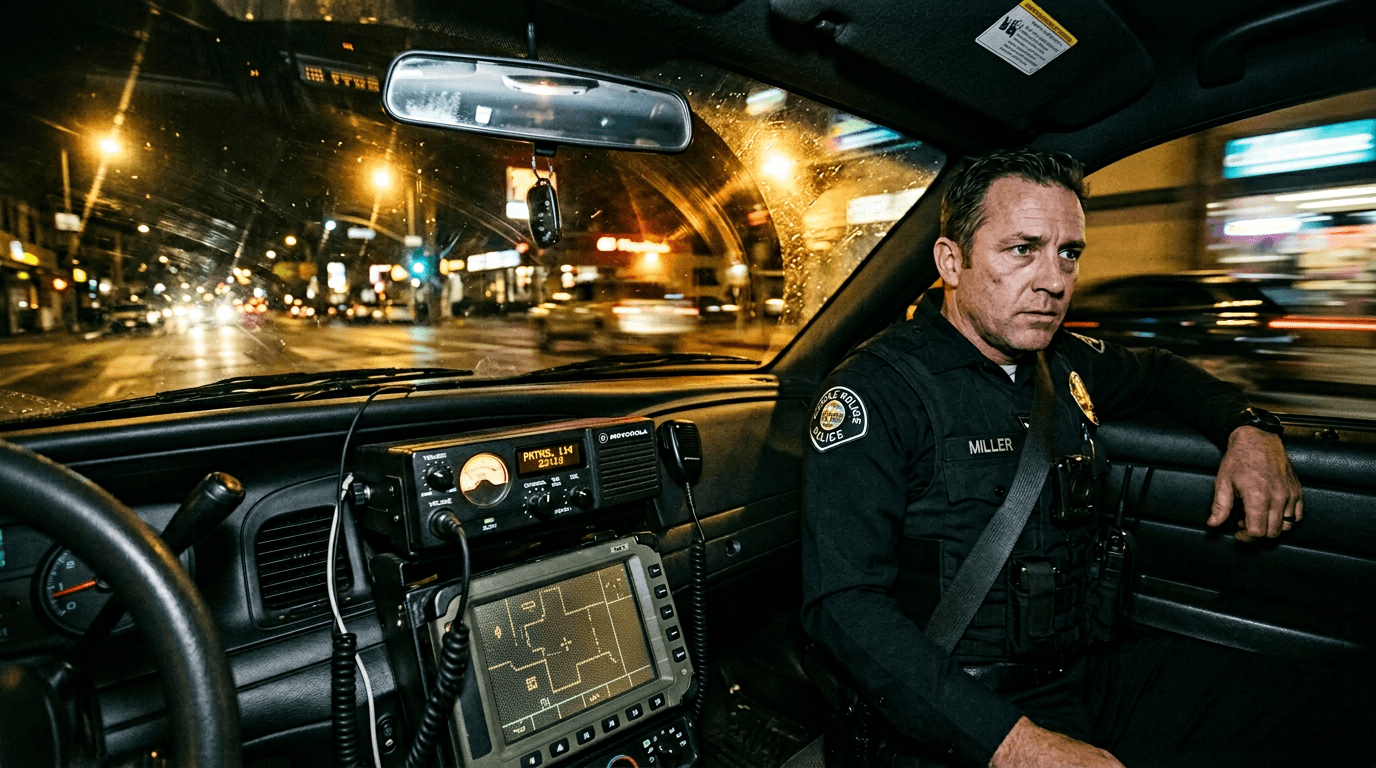

A patrol unit whispers, “I’m at the address.”
Then dispatch cuts in with three words that change the entire scene: “Suspect not alone.”
That is the moment.
Not the gunshot, not the chase, not the arrest.
The moment where off-screen institutional voice alters what your characters do next.
Dispatch audio scenes are everywhere in crime dramas, thrillers, action films, and procedural hybrids. They look easy to write. They are not.
Most beginner drafts fall into one of two traps. Either dispatch lines are vague and generic, so tension never sharpens. Or the writer dumps hyper-authentic radio jargon and signal noise until the page becomes unreadable.
Here’s why that matters: dispatch sequences carry high-stakes logistics. If the reader cannot parse who is speaking, on which channel, to whom, and with what urgency, scene momentum collapses.
Dispatch format is not about sounding “cop enough.”
It is about translating operational pressure into cinematic readability.
Think about it this way: dialogue between characters is negotiation. Dispatch audio is command traffic under uncertainty. Different energy. Different page mechanics.
This guide gives you a practical system for formatting police dispatch audio cleanly while keeping scenes tense, credible, and fast to read.
Cinematic workflow frames

These two visuals work as a pair: the first shows Cinematic workflow still, first angle, 35mm film grain, and the second shifts to Cinematic workflow still, second angle, 35mm film grain - compare them briefly, then move on.

What Police Dispatch Audio Does Dramatically
Writers often treat dispatch as utility dialogue, like background weather data.
That wastes one of your best tension tools.
Dispatch audio can do at least five major story jobs:
Update threat level in real time.
Reveal hidden information asymmetry.
Coordinate movement across locations.
Expose institutional competence or failure.
Force irreversible decisions under partial knowledge.
When dispatch lines are written with clear purpose, they accelerate action without exposition lectures.
When they are filler, they become noise that readers skim.
Great dispatch writing sounds functional while secretly escalating drama.
Core Formatting Patterns That Work on the Page
No single rigid standard rules every script, but consistency is everything.
Pattern 1: Source Cue With Channel Context
DISPATCH (RADIO)
Unit 12, confirm visual.
Simple and reliable for most scenes.
Pattern 2: Role-Specific Cues for Multiple Voices
PRIMARY DISPATCH
TACTICAL CHANNEL
AIR SUPPORT
Useful in multi-layer operations where one generic DISPATCH label creates confusion.
Pattern 3: Action Anchor + Lean Comms Blocks
Set channel/source in action once, then run compact cues.
“Radio chatter erupts on the patrol channel.”
Then keep cues stable until channel context changes.
Pattern 4: Intentional Brevity With Selective Texture
Use clipped phrasing and occasional static flavor where it helps tone, but do not serialize every crackle.
Authenticity should support clarity, not replace it.
Comparison Table: Clarity vs Realism Trade-Offs
| Approach | Best Use Case | Strength | Risk |
|---|---|---|---|
DISPATCH (RADIO) baseline | Standard pursuit/intercept scenes | Clear and compact | Thin if many distinct voices enter |
| Role-specific dispatch cues | Multi-agency or tactical operations | High source clarity | Can look technical if over-segmented |
| Action-anchored channel context | Character-driven tense scenes | Preserves flow and emotion | Drift risk if source changes unmarked |
| Heavy radio realism notation | Procedural authenticity moments | Texture and credibility | Readability collapse from jargon/static overload |
Three Beginner Scenarios That Blow Up in Notes
Scenario 1: The Pursuit Scene With Voice Soup
Writer alternates officer dialogue, partner banter, and dispatch updates, but all radio lines are tagged VOICE.
Reader cannot track who is issuing what instruction.
Fix: assign stable cue names for each radio authority and keep them consistent through the sequence.
Scenario 2: The “Authentic” Script That Becomes Unreadable
A writer transcribes real scanner cadence with nonstop codes, clipped identifiers, and static artifacts every line.
Technically impressive.
Narratively exhausting.
Fix: keep one layer of authenticity markers, then prioritize semantic clarity and consequence.
Scenario 3: The Raid Scene With No Channel Logic
Script includes patrol channel, tactical channel, and private earpiece comms but never marks channel switches.
Reader loses operational map immediately.
Fix: label channel transitions explicitly on switch beats, then minimize repetition until next change.
Step-by-Step Workflow for Dispatch Sequences
Step 1: Define Dispatch Function for the Scene
Before writing lines, choose dispatch’s primary dramatic role in this sequence:
Escalation?
Misdirection?
Coordination?
Institutional failure?
If dispatch has no clear function, cut or reduce it.
Step 2: Map Communication Topology
List who can hear which channel:
Patrol units
Dispatch center
Tactical supervisor
Air support
Civilian scanner leak (if relevant)
This map prevents later logic holes.
Step 3: Choose Cue Naming Convention
Lock your labels in notes:
DISPATCH (RADIO)
TACTICAL SUPERVISOR (COMMS)
UNIT 12 (RADIO)
Then enforce these names consistently.
Step 4: Write Dispatch in Actionable Units
Each dispatch line should produce a response, not just fill space.
Instruction -> action.
Update -> reroute.
Warning -> hesitation.
Confirmation -> commitment.
If no behavior changes after a dispatch line, question why it exists.
Step 5: Control Code/Jargon Density
Use just enough procedural language to establish world credibility.
Too little and it feels fake.
Too much and it feels like a transcript.
A good rule: include code terms only when they matter to story movement or characterization.
Step 6: Distinguish Channel Changes Cleanly
When channel context shifts, isolate that shift.
“The tactical net opens in her earpiece.”
Then continue with appropriate cues.
Do not rely on reader guesswork.
Step 7: Run a Parse-Speed Pass
Read only cue names and dispatch lines.
Can you identify source, recipient, and urgency instantly?
Then read only action after each dispatch beat.
Does behavior change in response?
If not, revise before dialogue polish.
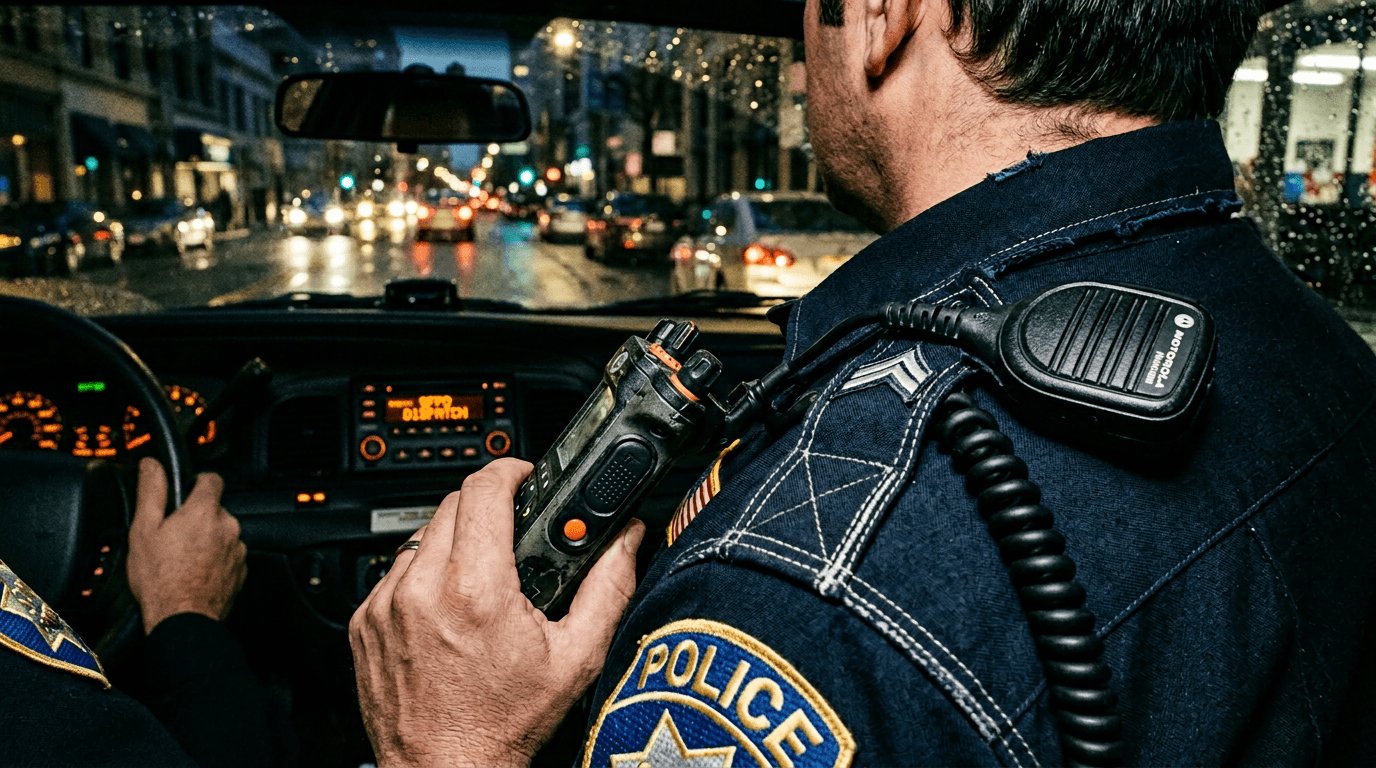
Body Image: Dispatch Channel Map
The Trench Warfare Section: What Beginners Get Wrong and Exact Fixes
This is where most dispatch scenes lose professional readability.
Failure 1: Generic Source Labels Everywhere
VOICE and RADIO VOICE used for all comms.
Fix: distinct source cues tied to role and channel.
Failure 2: No First-Entry Channel Anchor
Dispatch line appears without setup; reader uncertain who hears it.
Fix: first dispatch entry gets one clean audibility/action anchor.
Failure 3: Overloaded Radio Static Notation
(kshhh) and broken words on every line.
Fix: sparse texture moments only where tone or misunderstanding matters.
Failure 4: Dispatch Lines That Repeat Known Facts
No new pressure, just recap.
Fix: each line must alter stakes, options, or timeline pressure.
Failure 5: Unrealistic Speech for Human Operators
Dispatch lines written as stiff exposition paragraphs.
Fix: compress to operational cadence and clear directive structure.
Failure 6: Channel Switching Without Labeling
Patrol and tactical comms blend invisibly.
Fix: explicit channel switch lines at transition points.
Failure 7: No Recipient Clarity
Unclear whether instruction is for specific unit or all units.
Fix: include unit targeting when tactically relevant.
Failure 8: Excessive Code Dependency
Reader must decode multiple unknown codes to follow basic scene logic.
Fix: use plain-language reinforcement around essential code terms.
Failure 9: No Emotional Echo in Live Scene
Dispatch updates happen but on-screen characters do not visibly respond.
Fix: pair key dispatch beats with behavioral reaction actions.
Failure 10: No Decision Pivot at Scene End
Dispatch traffic concludes, scene status unchanged.
Fix: end sequence on a choice triggered by final dispatch update.
Dispatch lines should feel like incoming pressure, not background ambience.
Try it free
Try Screenweaver for free on your script
It is free. Import your existing project, get a clearer view of your outline, and regain control of your story structure in minutes.
Start FreeAdvanced Craft: Dispatch as Institutional Character
Dispatch voices can function like an off-screen character with authority, limitations, and worldview.
A calm, disciplined dispatcher can stabilize chaos.
A fragmented dispatch center can amplify panic.
A politically constrained dispatch authority can create moral conflict when officers know the right move but receive the wrong order.
This is where dispatch writing becomes thematic.
You are not just writing signal traffic.
You are writing the relationship between field reality and centralized control.
That relationship can carry class tension, bureaucracy critique, corruption dynamics, or institutional trust breakdown depending on your story.
Use it intentionally.
If your protagonist is rule-bound, dispatch conflict can force moral evolution.
If your protagonist is impulsive, dispatch discipline can expose recklessness.
Same radio channel. Different character arc pressure.
Software Workflow and Rewrite Discipline
In Final Draft, WriterDuet, and similar tools, dispatch sequences usually degrade during rewrites when labels drift and inserted beats break channel logic.
Create a style key in notes before final pass:
source cue format
channel labels
switch marker phrasing
maximum static notation frequency
Then run search normalization for cue variants (DISPATCH, RADIO, VOICE) and clean drift.
Run a skim pass reading only comms lines and cue headers. If sequence flow is unclear at that level, full-prose polish will not save it.
For general produced-script references and cadence study, the <a href="https://www.dailyscript.com/" rel="nofollow">Daily Script archive</a> can be useful, but your own internal comms consistency and dramatic consequence chain are what make dispatch scenes actually work.
As discussed in our guide on [screenplay formatting for surveillance camera footage], source precision is the foundation of high-information scene clarity.
If your sequence includes public broadcast bleed from local media, pair with [how to format a radio broadcast in a script] to keep institutional and civilian channels distinct.
And when dispatch triggers split-location escalation, [how to show simultaneous action in two locations in a script] helps you preserve chronology under pressure.
Body Image: Decision Escalation Strip
YouTube Placeholder
[YOUTUBE VIDEO: A practical scene rewrite showing how to clean up an over-jargon dispatch sequence into a readable, high-tension script page with clear source/channel logic.]
Before-and-After Micro Example
Before:
“INT. PATROL SUV - NIGHT
VOICE Unit go again.
OFFICER Say again.
VOICE 10-33 at 4th and Pine copy units move move.
OFFICER What?
VOICE Suspect maybe armed maybe two suspects unknown.”
Ambiguous source, overloaded shorthand, weak tactical clarity.
After:
“INT. PATROL SUV - NIGHT
Dispatch erupts over the patrol channel.
DISPATCH (RADIO) Unit 12, repeat your location.
OFFICER RUIZ (into mic) Approaching Fourth and Pine.
DISPATCH (RADIO) Priority call. Possible armed suspect. Do not enter alone.
Ruiz slows, eyes the dark storefront.
TACTICAL SUPERVISOR (COMMS) Unit 12, hold perimeter. Backup is ninety seconds out.
Ruiz exhales once, then kills the headlights.”
Same scene objective.
Much better source clarity, urgency curve, and behavioral consequence.
Ending Perspective: Format the Signal, Stage the Cost
Police dispatch audio can either feel like disposable procedural texture or like live tactical pressure that reshapes every decision in a scene.
The difference is not budget.
It is writing discipline.
When source labels are stable, channel logic is clear, and each dispatch beat changes behavior, readers feel the clock tightening.
When cues are vague and comms are cluttered, scenes become static noise.
Treat dispatch as a dramatic force.
Write for consequence, not simulation.
Format for parse speed, not technical vanity.
Then let the institutional voice collide with field reality until someone has to choose under uncertainty.
That is where dispatch scenes stop sounding like scanner chatter and start sounding like story.
There is another layer that advanced scripts exploit: dispatch traffic is rarely just logistics, it is hierarchy made audible.
Who gets clear instructions?
Who gets delayed updates?
Who is told to stand down?
Who is left off the channel entirely?
Those differences reveal institutional priorities faster than exposition ever could.
If your protagonist is in a marginalized unit, dispatch delays can become character conflict.
If your protagonist is protected by command, dispatch certainty can become moral blindness.
Either way, the radio is carrying politics, not just coordinates.
When you write with this awareness, dispatch scenes gain thematic density without slowing pace.
You can also build stronger escalation by designing dispatch rhythm in waves rather than constant intensity.
Start with routine cadence.
Introduce one anomalous call.
Tighten response windows.
Add conflicting directives.
Then force a field decision before command catches up.
That structure creates a believable urgency curve and avoids the common beginner mistake of writing every line at maximum alarm from the first beat.
Another high-value technique is selective incompleteness. In real operations, messages clip, overlap, or arrive late. You can use that, but only with intention.
A partially heard instruction can trigger a costly misread.
A delayed identity confirmation can turn caution into overcommitment.
An interrupted all-units alert can create panic because nobody has full context.
The key is controlled ambiguity. Reader must always understand what was missed and why it matters.
If the reader is simply confused, the scene is broken.
If the reader sees characters acting on incomplete data and understands the risk, the scene is alive.
This distinction is everything in dispatch writing.
Practical Drill: Dispatch Compression Pass
Take one existing dispatch-heavy scene in your draft and run a two-pass compression exercise.
Pass one: remove every dispatch line that does not change behavior, stakes, or route decisions.
Pass two: rewrite remaining lines to be one sentence shorter while preserving tactical meaning.
Then read the scene aloud.
Most writers discover the sequence gets sharper, faster, and more dangerous with less radio text.
If clarity drops after compression, that is useful signal: your scene may rely on explanation instead of structure.
Repair by improving channel anchors and reaction beats, not by re-adding generic comms chatter.
Practical Drill: Role-Swap Stress Test
Rewrite the same dispatch sequence twice:
Version A with competent dispatch support.
Version B with delayed or contradictory dispatch support.
Keep field actions mostly identical at first.
Watch how character choices diverge once support reliability changes.
This reveals whether dispatch in your script is ornamental sound design or a real driver of tactical and moral outcomes.
When dispatch reliability changes and your story doesn’t, your comms writing probably lacks consequence architecture.
When it changes everything, you are using dispatch the way strong procedural storytelling uses it: as pressure that reshapes decisions before anyone has complete certainty.
One final note for revision week: dispatch scenes often get patched late during action rewrites, which creates label drift and accidental contradictions. Protect yourself with a mini checklist on every pass:
Are source cues still consistent?
Are channel switches explicit?
Does each key dispatch line trigger visible behavior?
Is the final line a decision pivot, not a recap?
If you can answer yes four times, your scene will usually survive coverage-level scrutiny.
And if one answer is no, fix that first before polishing line style. Clarity failures are structural, not cosmetic. Dispatch scenes reward precision long before they reward flair. Always.
Final Step
Build your next script with Screenweaver
Move from ideas to production-ready pages faster with timeline-native writing and AI-assisted story flow.
Try Screenweaver