
You’ve finished the draft. The story works. The dialogue sounds like your characters. But before you send it out, to a contest, a producer, or the room, you need to clean it up. Typos, wrong character names, inconsistent slugs, and formatting slips can make a script feel unprofessional. AI can help with that. Not by rewriting your voice, but by flagging errors you might miss. Here’s how to use it for proofreading without letting it change what you meant to say.
Use AI to find mistakes. Don’t use it to rewrite. The goal is a clean script that still reads like you, no stray commas, no "JOHN" when you meant "JANE," no broken format. The tool suggests; you decide.
For the rules your script has to follow before submission, see screenplay format guide 2026. For mistakes that get scripts tossed, 10 mistakes that get your script tossed. For the ethics of using AI on the script, ethics of AI in screenwriting sets the line.
What Proofreading With AI Can Catch
Spelling and obvious typos. Most AI writing tools and grammar checkers can flag misspellings and common errors (their/there, its/it’s). They’re not perfect, they can miss homophones or suggest wrong "corrections", but they’re a useful first pass. Run the script through, then review every suggestion. Don’t accept all. Some "corrections" will be wrong for your context (e.g. changing a character’s dialect or a deliberate fragment).
Grammar and punctuation. Tools can flag comma splices, run-ons, and inconsistent punctuation. Again: review. Script dialogue often uses fragments, interruptions, and non-standard grammar for voice. The tool might "correct" something you meant. So use it as a list of things to look at, not as an auto-apply. For how to format dialogue and action so it reads clearly, screenplay formatting and dialogue formatting are good references.
Character name consistency. This is where a tool can really help. If you renamed a character in draft two but missed one instance, the script might have "JOHN" in one scene and "JON" in another, or "Detective Reyes" in the first act and "Reyes" without title later. Some tools can scan for proper nouns and flag inconsistencies. You can also do a manual search: run Find for every character name and check that the spelling and usage (full name vs last name) match your style. AI can suggest "possible inconsistency"; you confirm.
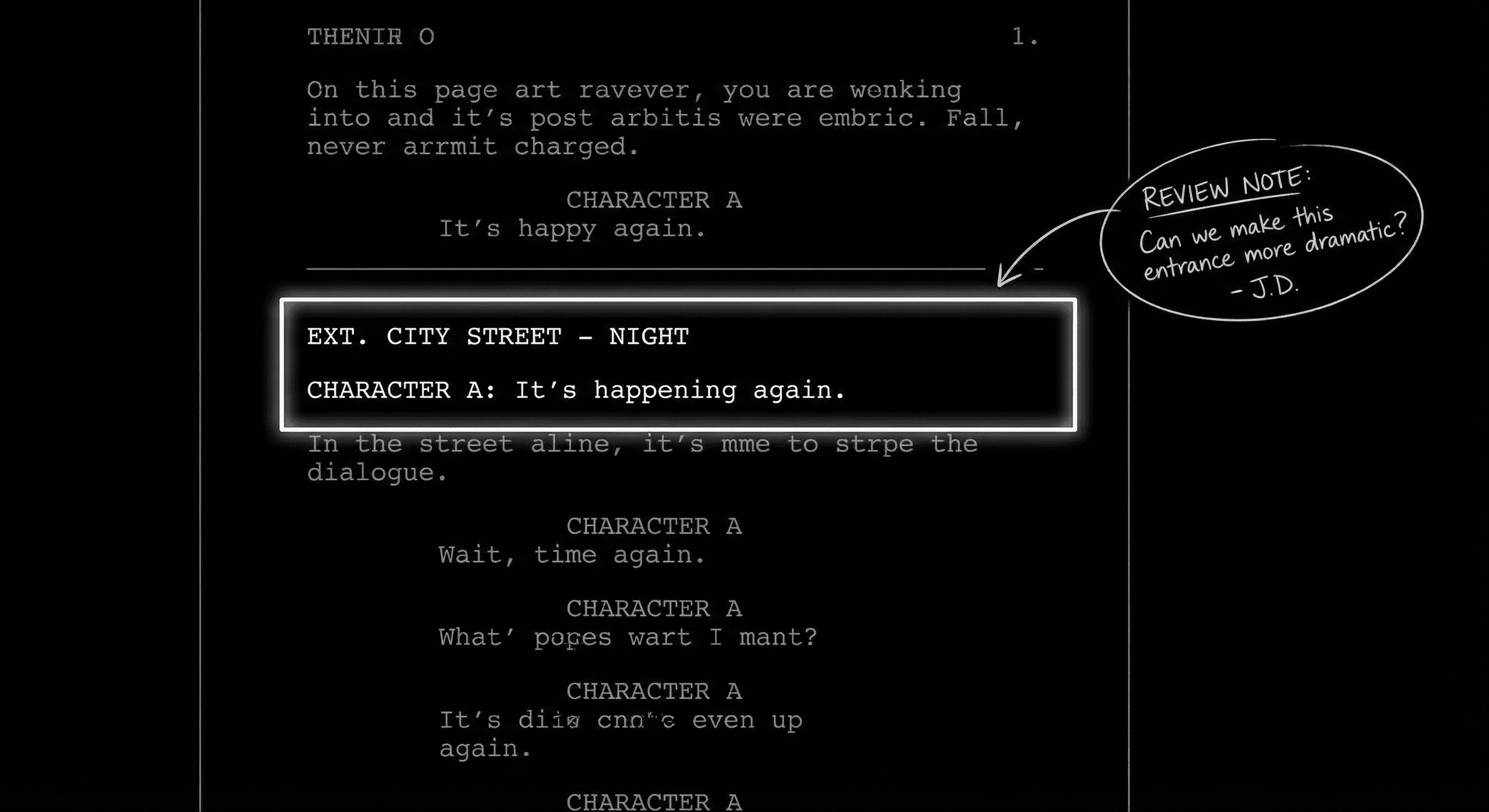
Slug line and format errors. Script format has rules: INT/EXT, location, time of day; character names in caps in dialogue and in action when first introduced; parentheticals for tone when needed. A tool that knows screenplay format can flag: duplicate slugs, missing time of day, inconsistent character caps. Not every grammar checker knows script format, so you may need a script-specific tool or a checklist. For the full set of rules, screenplay format guide and formatting that gets scripts tossed cover what readers notice.
Continuity. Minor continuity (he had a beard in scene 5, now he’s clean-shaven in 6 without a time jump) is harder for a general-purpose tool. Some script software tracks characters per scene. You can also use AI to summarize "characters in each scene" and then eyeball for inconsistencies. For bigger continuity (plot, timeline), that’s a story pass, not just proofreading, see managing multiple timelines if that’s your issue.
A Practical Workflow: Before You Hit Send
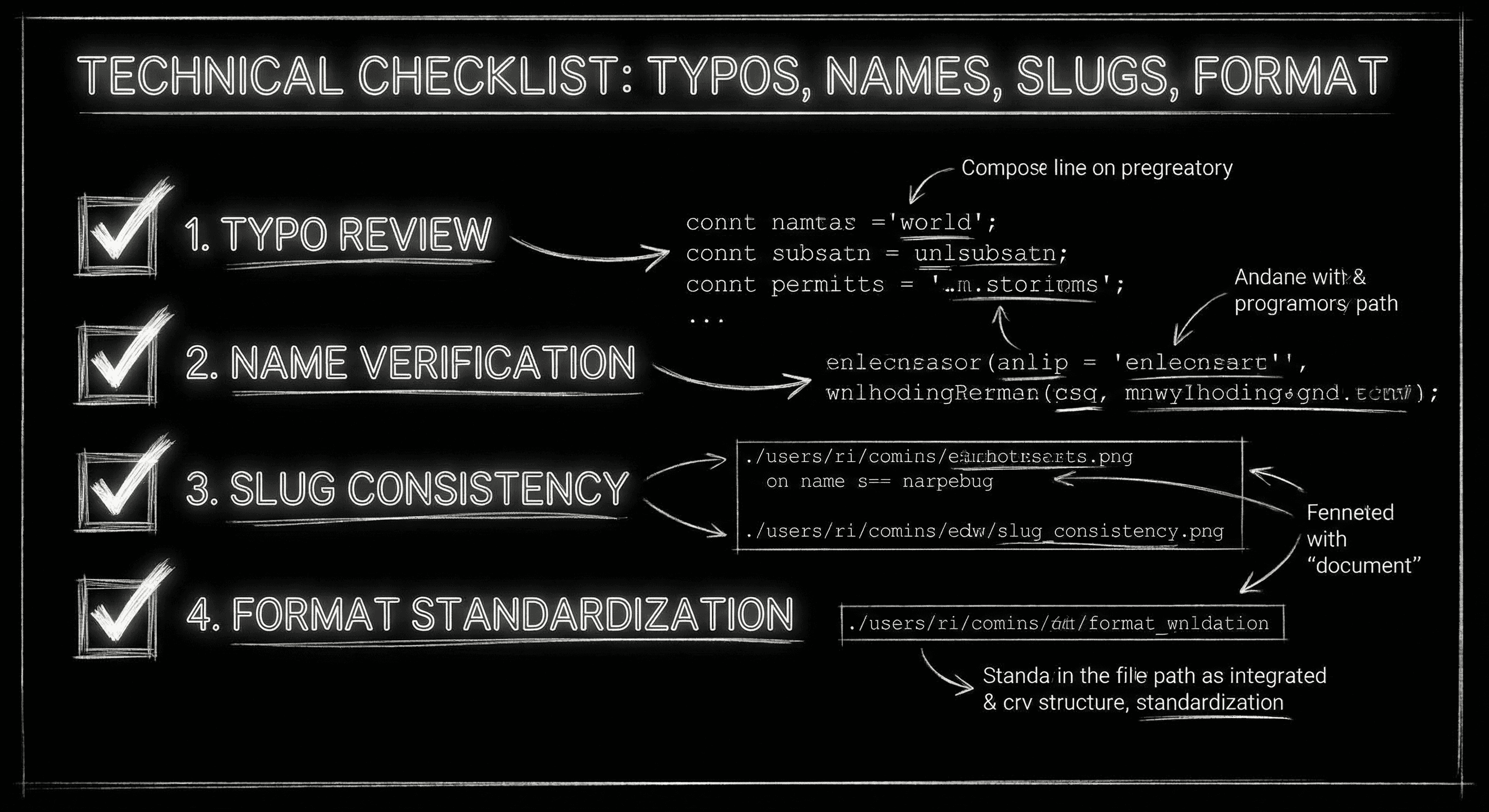
Step 1: Run a spell-check and grammar pass. Use your word processor, a script app, or an AI writing assistant. Let it flag errors. Go through the list. Fix real errors; ignore or reject suggestions that would change your voice or intent. Don’t accept all changes blindly.
Step 2: Check character names. Search for each major character. Confirm spelling and that you’re consistent (e.g. first appearance "DETECTIVE REYES," then "REYES" in dialogue). Fix any strays. If you have a character list or a bible, cross-check.
Step 3: Check slugs. Scroll through scene headings. Make sure INT/EXT, location, and time of day are correct and consistent. Fix duplicate slugs (e.g. two "INT. OFFICE - DAY" in a row when one should be "LATER"). Format guides like screenplay format 2026 list the rules.
Step 4: Read the last 10 pages aloud. Your eyes skip when you’ve read the script a lot. Reading aloud, or using text-to-speech, catches rhythm errors and typos the eye missed. AI can also read the script and flag "unusual" phrasing; you decide if it’s intentional or a mistake.
Step 5: One final visual pass. Scroll the whole script. Look for formatting oddities: wrong font, inconsistent margins, orphaned parentheticals. If you’re exporting to PDF, check the PDF too. For export and production format, exporting to PDF and FDX is the next step.
Relatable Scenario: The Contest Deadline
You’re submitting to a contest in 48 hours. You run the script through a grammar checker. It flags 40 suggestions. You go through them: 30 are real typos or comma fixes; 10 would change dialogue rhythm or a deliberate choice. You fix the 30 and leave the 10. Then you do a name check and find one "MICHAEL" that should be "MIKE" to match the rest of the scene. You fix it. The script is cleaner. You didn’t let the tool rewrite you. You used it to find what you missed. That’s the right use.
Try it free
Try Screenweaver for free on your script
It is free. Import your existing project, get a clearer view of your outline, and regain control of your story structure in minutes.
Start FreeRelatable Scenario: The Producer Read
Your script is going to a producer. You’ve already had feedback on story. Now you need a polish pass, no distractions. You run proofreading: typos, names, slugs. You find two scenes where the slug says "NIGHT" but the action implies day; you fix the slugs. You find one character name typo in a scene you rewrote late. Clean script. The producer never sees those small errors. They just see a professional document. That’s what proofreading is for.
What Beginners Get Wrong
Accepting every suggestion. Grammar and style tools often "correct" voice, fragments, dialect, rhythm. If you accept all, the script can sound flat or wrong. So review every suggestion. Ask: "Is this a real error or my choice?" Fix the errors; keep the choices.
Skipping the human pass. AI can miss context. It might not know that "their" is wrong in a line because the character is quoting someone. So always do a pass yourself after the tool. The tool is a first filter, not the final authority.
Proofreading before the story is locked. Don’t spend hours on commas when you might cut whole scenes in the next draft. Lock story and structure first. Then do a dedicated proofread before submission. Otherwise you’re polishing pages that might disappear.
Ignoring format. Typos aren’t the only thing that gets scripts tossed. Wrong format, margins, font, slug style, signals "amateur." So use a proper script editor or template, and run a format check (or use a format guide) before you send. For the full list of what readers notice, 10 mistakes.
Using AI to "improve" the prose. Proofreading is about errors, not style. If you ask the tool to "improve" or "tighten" your action lines, you’re in rewrite territory, and the tool may change your voice. Keep proofreading to: typos, grammar, names, slugs, format. For actual prose polish, that’s a separate pass, and you should own every change. For more on what to fix before submission, mistakes that get scripts tossed and format guide are the references.
The Perspective
Use AI to find typos, name slips, and format errors. Don’t use it to rewrite. Review every suggestion. Then do a human pass, read aloud or scroll the whole script, before you send. A clean script shows you care. The care is yours; the tool just helps you see what you missed.
[YOUTUBE VIDEO: Quick workflow, run a script through a grammar checker and a name/slug check, then review suggestions and fix only real errors while keeping voice intact.]
For format rules, screenplay format guide 2026. For what gets scripts rejected, 10 mistakes. For exporting for production, exporting PDF and FDX. Final Draft’s format guide{rel="nofollow"} is one external reference for industry format standards.
The Perspective
Proofreading is the last pass before the script leaves your hands. Use AI to flag errors, then you decide. Fix typos, names, and format. Don’t let the tool change your voice. A clean script is still your script.
Final Step
Build your next script with Screenweaver
Move from ideas to production-ready pages faster with timeline-native writing and AI-assisted story flow.
Try Screenweaver