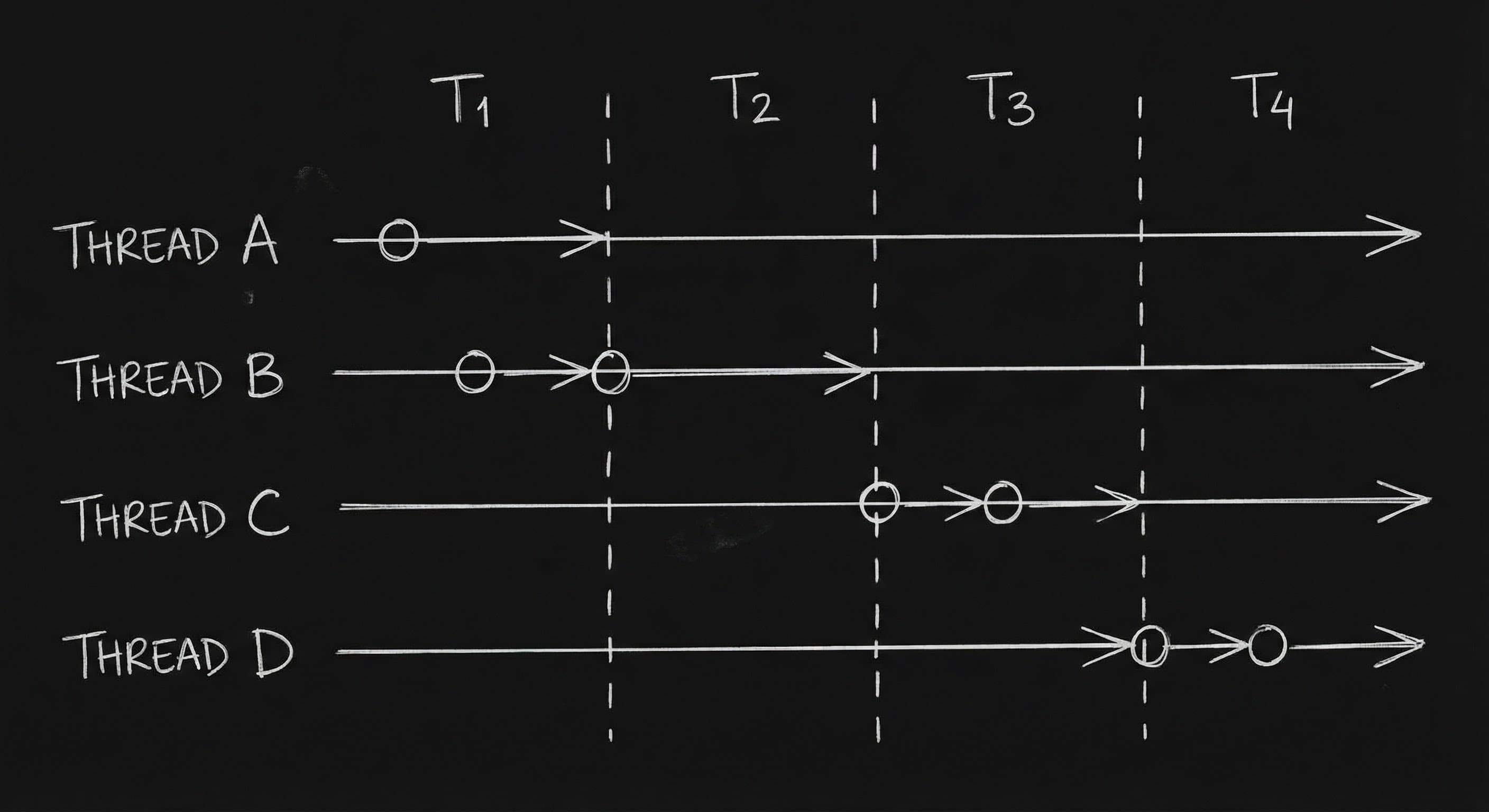

The script has three time periods. Or five. Or two that interweave. The reader has to know, at every moment, when they are. If they don’t, they’re lost. Managing multiple timelines is the craft of signaling temporal shifts so clearly that the audience (and the production team) never has to guess. You use scene headings, supers, recurring images, and format so that “now” is always clear. Films like Dunkirk and Cloud Atlas do it. So can you. The rule is simple: every time you shift time, signal it. Don’t assume the reader will figure it out. Make it obvious.
The reader should never have to flip back to remember when they are. Tell them. Every time.
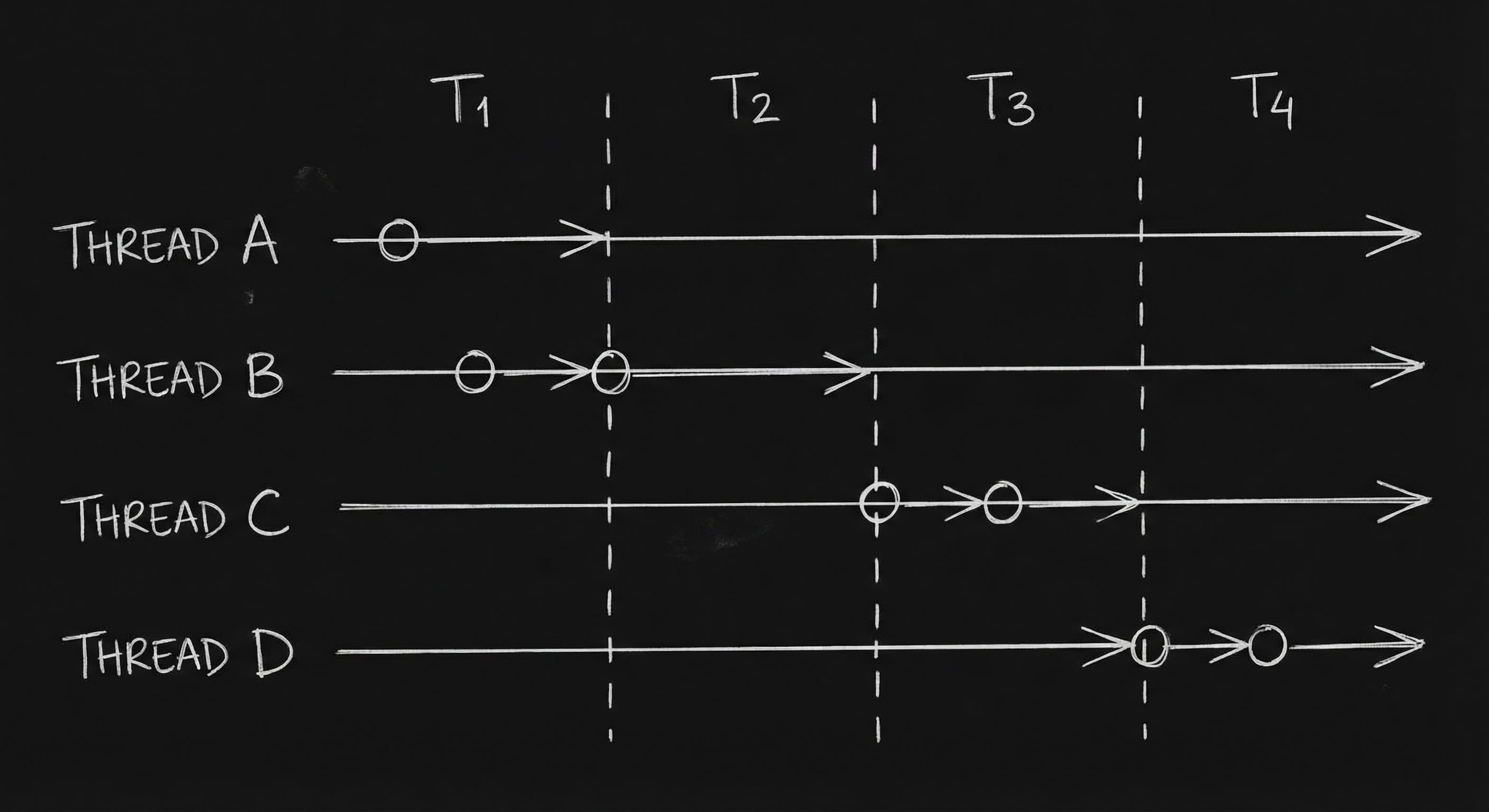
Think about it. In Dunkirk, we have three timelines,land, sea, air,each covering a different duration. The film uses title cards and visual cues (the mole, the boat, the plane) so we always know which thread we’re in. In Cloud Atlas, we have six time periods. The script has to do the same: scene headings, supers, character names, or recurring objects that anchor us. When you write a multi-timeline script, you’re not just writing scenes. You’re writing orientation. Every scene heading or super is a signpost. “We’re here. We’re now.” The writer who does this well makes the read smooth. The writer who doesn’t makes the read a puzzle. And puzzles get put down. So the craft is: choose your cues. Use them consistently. Never leave a temporal shift unmarked. Our guide on non-linear formatting covers section headers and time stamps; here we focus on the full toolkit for multiple timelines,headings, supers, and visual anchors.
What Counts as a “Timeline”
A timeline is a distinct period or thread in your story. It might be “1940” vs “present.” It might be “Storyline A” vs “Storyline B” (each in a different time). It might be “before the accident” vs “after.” Whenever the audience could be confused about when they are, you have a timeline shift. And every shift needs a cue. So the first step is to name your timelines. List them. Give them labels you can use in the script. “PAST.” “PRESENT.” “FUTURE.” Or “THREAD 1: 1920s.” “THREAD 2: 1970s.” “THREAD 3: 2144.” Once you have the labels, you use them every time you cut to that timeline. The reader builds a habit. They see “1920s” and they’re oriented. They see “2144” and they’re oriented. No guessing.
Scene Headings and Supers
The most direct way to signal time is in the scene heading or in a super (text on screen). You can write:
INT. FARMHOUSE , 1922 , DAY
or
SUPER: 1922
then
INT. FARMHOUSE , DAY
The super can appear once per sequence or at every cut,depending on how often you shift. If you shift every scene, you might need a super every time. If you stay in one timeline for 10 pages, one super at the start of the sequence might be enough. The goal is: the reader never has to wonder. When in doubt, add the cue. Redundancy is better than confusion.
For scripts with many timelines, some writers use a slug that includes the timeline label every time. So every scene in Thread 1 starts with something like “1922 ,” or “PAST ,” in the heading. That way, even when the script is skimmed, the timeline is visible. Production can break down by timeline. The editor knows where to put the super. Consistency is key. Pick a convention and stick with it for the whole script.
Recurring Visual Anchors
Besides headings and supers, you can anchor the reader with recurring elements. The same location in different periods (the house in 1922 vs the same house in 2022). The same object (a watch, a letter). A character at different ages (you might use “YOUNG MARIA” and “MARIA” or “MARIA (1922)” and “MARIA (2022)” in the character name). When we see the young version of the character or the same room in a different era, we’re cued. The script can reinforce that with the scene heading. So you’re not relying only on the super. You’re giving the reader multiple ways to know where they are. That’s especially important in scripts that cut quickly between timelines. One cue might be missed. Two or three make it clear. As with managing non-linear narrative, the principle is the same: the reader must always know where (and when) they are. Use every tool,heading, super, character label, recurring image.
A Practical Comparison
| Cue | How to use it |
|---|---|
| Scene heading | Include year or timeline label: INT. SHIP , 1940 , NIGHT |
| Super | SUPER: 1940 or SUPER: ONE WEEK EARLIER |
| Character name | YOUNG JAKE / JAKE (40) or JAKE (1940) |
| Recurring location/object | Same place, different time,heading or action clarifies |
| Section header | For long blocks: “=== 1940 ===” or “THREAD TWO” |
Use at least one of these every time you switch timelines. Two is better. Our guide on sound and pre-lap is relevant when you use sound to bridge timelines,e.g., we hear the next period before we see it. The cue can be audio as well as visual. But on the page, the primary cues are heading, super, and character/location labels.
Try it free
Try Screenweaver for free on your script
It is free. Import your existing project, get a clearer view of your outline, and regain control of your story structure in minutes.
Start FreeRelatable Scenario: The Dual-Timeline Drama
You have “then” and “now.” Every time you cut to “then,” you need a cue. SUPER: 20 YEARS EARLIER. Or the scene heading: INT. KITCHEN , 2003 , DAY. And when you cut back to “now,” you need a cue. SUPER: PRESENT. Or INT. KITCHEN , 2023 , DAY. If you have a recurring location (the same kitchen in both periods), the heading does double work: we see the place and the time. The reader is never lost. When you’re deep in the script, it’s easy to forget that the reader doesn’t have your outline in their head. So over-cue. It’s better than under-cue.
Relatable Scenario: The Multi-Thread Epic
You have four or five time periods. Each has its own storyline. The script cuts between them. You need a label for each. “1922.” “1968.” “2024.” “2144.” Use it in every scene heading for that thread. Or use a section header at the start of each thread: “=== 1968 ===.” Then the scene headings under it can be normal,we’re in 1968 until we see another section header. The key is consistency. The reader learns: when they see “1968,” they’re in that story. Don’t switch formats mid-script. Pick one and stick with it.
The Trench Warfare Section: What Beginners Get Wrong
Assuming the reader will remember. You established “1922” on page 5. You don’t repeat it. On page 40 you cut back to 1922 and the reader has to flip back to remember. Fix: Cue every time. Even if you just cut to 1922 two pages ago, when you cut again (after a stretch in another timeline), remind us. “INT. FARMHOUSE , 1922 , DAY.” Redundancy is clarity.
Inconsistent labels. Sometimes you write “1922.” Sometimes “PAST.” Sometimes “Twenty years earlier.” The reader can’t build a habit. Fix: Pick one set of labels. Use them every time. Same format, same terms. The script becomes parseable. Production can break it down. The editor knows what to put on screen.
No cue at all. You just cut to a new scene. The dialogue might hint at the time. The reader might eventually figure it out. That’s not good enough. Fix: Don’t make the reader work. Put the time in the heading or in a super. Make it the first thing they see when they enter the scene. Orientation is your job.
Over-cuing with long explanations. “SUPER: 1922 , The year of the great drought, when the family lost the farm.” That’s a thesis, not a cue. Fix: Keep the cue short. “1922.” Or “TWENTY YEARS EARLIER.” The reader needs to know when they are, not the full backstory. Save the backstory for the scene.
Cues that conflict. You use “PAST” in the heading but the super says “1922.” Or you use “Storyline A” in one place and “Thread 1” in another. Fix: One system. If you use years, use years throughout. If you use PAST/PRESENT, use that throughout. Don’t mix. Clarity is consistency.
Step-by-Step: Formatting a Multi-Timeline Script
List your timelines. Give each a label (year, PAST/PRESENT, or thread name). In your outline or draft, every time you switch to a new timeline, note the label. When you write the scene, put the label in the scene heading (e.g., INT. LOCATION , 1922 , DAY) or in a super (SUPER: 1922) at the top of the scene. If you use character names that repeat across time (e.g., the same person at different ages), use a consistent suffix or prefix: YOUNG JAKE, JAKE (40), or JAKE (1922). Read the script from the top. Every time you hit a new scene, ask: do I know when I am? If not, add the cue. When you’re done, read it again. Have someone else read it. If they ever ask “wait, when is this?” you’ve found a missing cue. Add it. Our guide on flashbacks and pacing touches on how to keep time shifts from killing momentum; the same principle applies here. Cue clearly so the reader doesn’t stall. They should move through the script knowing where and when they are at every cut.
[YOUTUBE VIDEO: Dunkirk or Cloud Atlas,how the film signals timeline shifts with supers, music, and image; script format on screen.]
The Perspective
Multiple timelines are a choice. They can add scope and resonance. They can also add confusion. The writer’s job is to remove the confusion. Use scene headings. Use supers. Use character and location labels. Cue every shift. Be consistent. When you do that, the reader (and the audience) can follow. When you don’t, they’re lost. The craft is in the cues. Make them clear. Make them every time.
Final Step
Build your next script with Screenweaver
Move from ideas to production-ready pages faster with timeline-native writing and AI-assisted story flow.
Try Screenweaver