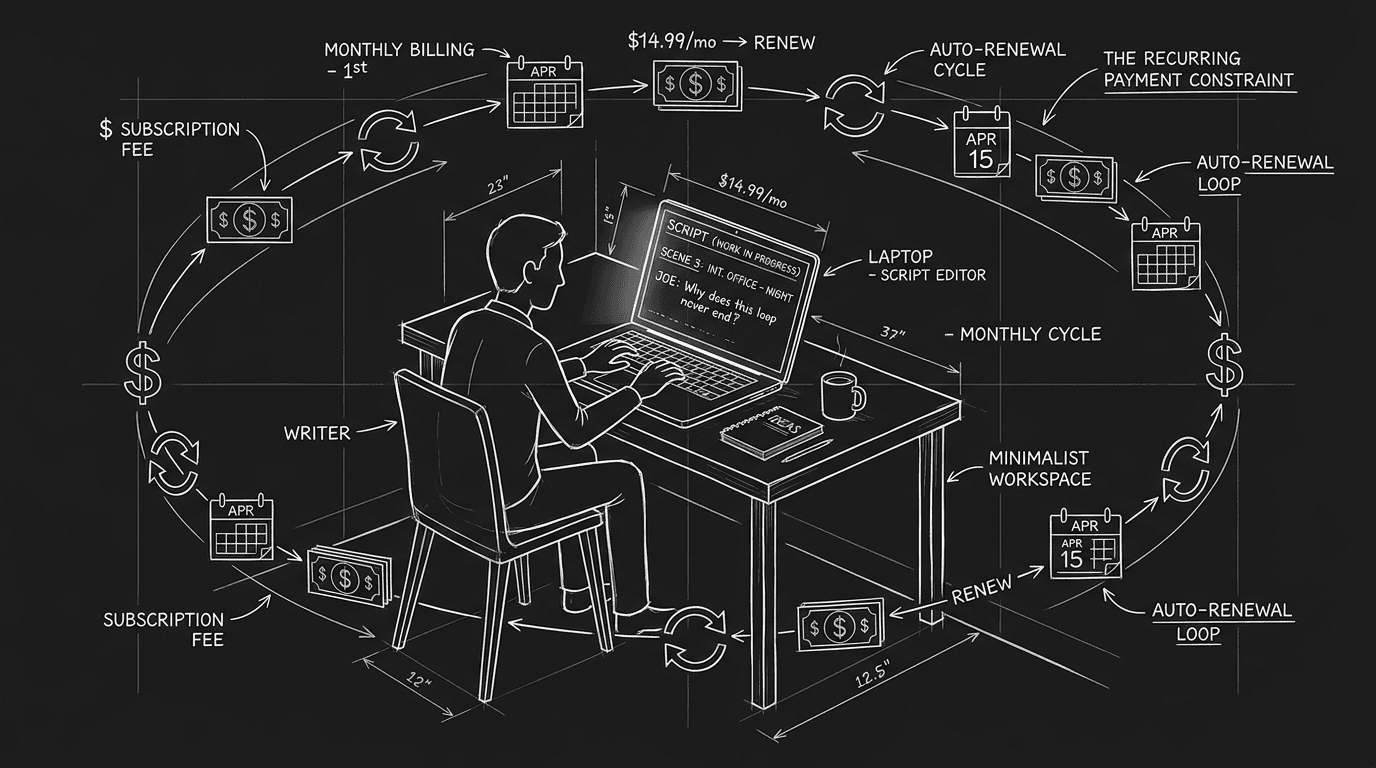

Prompt: Dark Mode Technical Sketch, A writer at a minimalist desk with a script on screen; subtle recurring payment symbols (calendar, dollar, refresh arrow) forming a loose ring around the workspace like a constraint; clean thin white lines on solid black; hand-drawn technical feel; no neon, no 3D renders --ar 16:9
The email arrives on the first of the month. Again. Your card gets charged for the screenwriting app you opened twice last quarter. You tell yourself you'll use it more. You don't. Meanwhile the price has crept up, or the "intro" rate expired, and you're now paying more per year than you would have for a one-time purchase of the same tool five years ago. The underlying problem isn't that subscriptions are evil. It's that the industry has convinced writers that renting their creative environment at a premium is the only professional option. It isn't. Here's why your screenwriting software shouldn't cost the price of an overpriced monthly subscription, and how to think about what you're actually buying.
Writers are not corporations. They don't have IT departments negotiating seat licenses. They have a card on file and a hope that this month they'll finally get the draft done. When the default option in every comparison chart is "Subscribe for $X/month," it's easy to assume that's the only serious path. The result: people who write one or two specs a year end up funding a SaaS business model built for power users and teams. That mismatch is where the overpriced feeling comes from. Not from the tool being bad, often it's capable, but from paying for capacity and features you never touch.
What You're Really Paying For
When you subscribe to a screenwriting app, you're not just paying for the software. You're paying for infrastructure (servers, sync, accounts), marketing, and investor expectations. A lot of that has nothing to do with your script. Tools that charge a flat fee or a one-time license have a different incentive: they make money when they sell you the product, not when they keep you on a treadmill. That changes what gets built. Subscription products are optimized for retention, features that lock you in, upsells, tier creep. Perpetual-license or one-time-purchase tools are optimized for delivering a complete, stable thing you can use for years. Both models can be legitimate. The trap is assuming that "industry standard" or "everyone uses it" means you must rent forever at whatever price they set.
The real cost of a subscription isn't the monthly number. It's the compound: year one, year two, year five, and the fact that you're funding a business model that may not align with how you actually write.
Think about it this way. If you pay $15/month for five years, you've spent $900. For that same sum you could have bought a robust one-time license (or two), owned it outright, and still had budget for backups, training, or a different tool when your needs changed. The math only makes sense if the subscription delivers ongoing value you use, cloud sync you rely on, collaboration your room depends on, or updates that materially improve your workflow. When the main thing you get is "permission to keep opening the app," the subscription is a tax on your ambition, not a tool.
Relatable Scenario: The Writer Who Subscribes "Just in Case"
Maria has three subscriptions: one for her main screenwriting app, one for a backup cloud service, and one for a formatting checker she used once. She keeps the backup and the checker "just in case", maybe she'll need to share a script with a co-writer, maybe she'll run that report again before a contest deadline. She hasn't opened the checker in eight months. The backup runs automatically; she doesn't think about it. When she looks at her annual software spend, she's surprised. She's paying for potential use, not actual use. That pattern is exactly what subscription businesses want: low engagement, high retention. The fix isn't to cancel everything in a panic. It's to audit once a quarter: What did I actually open? What did I use for a real project? If something hasn't earned its keep in six months, downgrade or cancel. You can always resubscribe for a month when you need that one feature. As discussed in our guide on choosing the right screenwriting tools, the best tool is the one you use, and the one whose cost matches how you work.
Relatable Scenario: The Professional Who "Has To" Use the Expensive Option
James works in a writers' room. The show uses a specific, subscription-only app. So he pays for it. He also pays for his own preferred app at home, where he does his spec work. He's now double-paying: one subscription for the day job (non-negotiable), one for his own projects. He assumes there's no way around it. In many rooms, format and compatibility matter more than which app you prefer. You need to deliver PDF or FDX that matches what production expects. So the question isn't "Can I refuse the room's tool?" It's "Do I need to pay for the same tool at home?" Often you don't. You can write in whatever you like for specs; export to PDF or FDX when you need to share or submit. That means you can choose a home tool based on price, workflow, and one-time vs. subscription, and only pay the room's subscription where it's required. The limitation of tools that lock you into their ecosystem is real; the answer is to separate "what the job requires" from "what I pay for on my own time."
Relatable Scenario: The Beginner Drowning in Tiers
Alex is new. They see "Pro," "Team," "Studio," and "Enterprise" and assume they need at least "Pro" to be taken seriously. They sign up. They use maybe 20% of the features. The rest is collaboration, cloud storage, and branding they don't need yet. They're overpaying for a tier built for teams and studios, and they're doing it because the pricing page makes "Free" look like a toy and "Pro" look like the minimum for serious work. Here's the catch: serious work is in the pages you write, not the plan you're on. Many "Pro" features are for people who share projects, need audit logs, or run a production. If you're writing solo and exporting PDF or FDX for submissions, you may not need any of that. Start with the lowest tier that gives you correct formatting and export. Move up only when you hit a concrete limit (e.g. real-time co-writing, or a specific integration). For more on what format actually requires, see screenplay formatting in 2026.
The Trench Warfare: What Beginners Get Wrong
Treating the monthly number as trivial. "It's only $12." Over a year that's $144. Over three years it's $432. Compare that to a one-time $150 purchase. The small number feels painless; the long-term number is what actually leaves your account. Fix: Multiply by 12 (or 24, 36) before you subscribe. If the total makes you wince, look for a one-time license, a lower tier, or a different product.
Confusing "industry standard" with "required for me." Final Draft is the default in many studios. That doesn't mean every writer must rent it for life. If you're not in a room that mandates it, you may only need compatibility: the ability to export .fdx or PDF that opens correctly elsewhere. Many tools do that. You can write in something cheaper or one-time and export when needed. The failure mode is subscribing to the big name "to be professional" without checking whether your actual buyers or collaborators require it.
Ignoring the exit cost. Once your scripts live in a subscription app's cloud, leaving can feel impossible. Will you lose version history? Comments? Integrations? Before you commit long-term, check how you get your data out. Can you export to FDX, PDF, or plain text? Can you bulk-download? If the answer is vague or "contact support," treat that as a risk. The safest way to protect your script in 2026 is to own copies in open or standard formats, not to depend on a single vendor's cloud. Our piece on .fdx files and the cloud goes deeper on backup and portability.
Chasing the free trial forever. Some writers hop from trial to trial, 30 days here, 14 days there, and never settle. That's exhausting and doesn't build muscle memory in one environment. The fix isn't to avoid trials. It's to use the trial to decide, then commit to one primary tool for at least six months. If you've done a real project on it and it still doesn't fit, switch. But don't let "free" become a permanent state of evaluation.
Paying for features you never use. Outlining, beat boards, collaboration, story maps, great if you use them. If you don't, you're subsidizing someone else's workflow. Audit your own usage. Turn off or downgrade anything that hasn't been touched in two projects. You can always turn it back on.
What Good Pricing Looks Like (And What to Compare)
Not all subscriptions are overpriced. Some deliver continuous value: automatic updates, reliable sync, support, or features that genuinely improve. The issue is when the price doesn't match the value you receive or when there's no alternative for people who prefer to own.
| Model | What you get | Best for |
|---|---|---|
| Monthly/Annual subscription | Access while you pay; often cloud, collaboration, updates | Teams, writers who want always-current features and don't mind ongoing cost |
| One-time / perpetual license | Use the version you bought, often for years; no ongoing fee | Solo writers, budget-conscious, anyone who wants to own and not rent |
| Freemium with paid upgrade | Basic use free; pay for export, storage, or advanced features | Trying before committing; light use; students |
Before you commit, ask: Is there a one-time option? If yes, run the break-even math (e.g. subscription × 24 months vs. perpetual). Can I export my work in standard formats? If no, treat it as a risk. Does the price match how I actually work? If you write two scripts a year and don't need cloud or collaboration, a heavy subscription may be the wrong fit.
Try it free
Try Screenweaver for free on your script
It is free. Import your existing project, get a clearer view of your outline, and regain control of your story structure in minutes.
Start FreeGranular Workflow: Auditing Your Screenwriting Software Spend
Step 1 – List everything you pay for. Open your bank or card statement. List every app, cloud service, or tool related to writing: screenwriting app, backup, formatting checker, outline tool, subscription to a script database, etc. Note the billing cycle (monthly vs. annual) and the amount.
Step 2 – Map each to actual use. For each item, ask: When did I last open it? Did I use it for a real project (spec, assignment, contest) in the last 6 months? If the answer is "never" or "once," that item is a candidate for cancellation or downgrade.
Step 3 – Check export and ownership. For your primary writing app: Can you export to PDF and FDX? Can you download your projects or store them locally? If your work is locked inside a subscription and you can't take it with you, that's a high-risk dependency. Fix it by exporting regularly to a folder you control, or by switching to a tool that allows full export.
Step 4 – Run the multi-year math. For each subscription, calculate: 12 months, 24 months, 36 months. Compare that to any one-time alternatives. If a $200 one-time license lasts you five years and a $15/month sub costs $900 over the same period, the "cheap" subscription is the expensive choice unless it's giving you something you truly use (sync, collaboration, support).
Step 5 – Decide by project, not by habit. When you start a new project, ask: Do I need the full suite, or can I use a lighter (or one-time) tool and export when I'm done? For many writers, the answer is the latter. Reserve the heavy subscription for when you're in a room or on a show that requires it. One more habit: set a calendar reminder to repeat this audit in three months. Subscriptions have a way of creeping back in, a new tool you try, an upgrade you accept during a sale. Without a regular check, you'll be back to wondering where the money went.
When a Subscription Is Worth It
None of this is a blanket attack on subscriptions. They make sense when the value is continuous and you use it. Real-time collaboration with a co-writer or a room, for example, often requires cloud sync and concurrent editing, features that are hard to deliver as a one-time install. If you're on a show that mandates a specific platform, you're not overpaying; you're paying for access and compatibility. If you rely on automatic backups, version history, or cross-device sync and would be lost without them, the monthly fee may be justified. The line is crossed when you're paying for possibility instead of practice: the idea that you might need something, rather than the reality that you do. When in doubt, ask: "If this subscription disappeared tomorrow, what would I actually miss?" If the answer is "not much," you're in overpriced territory.
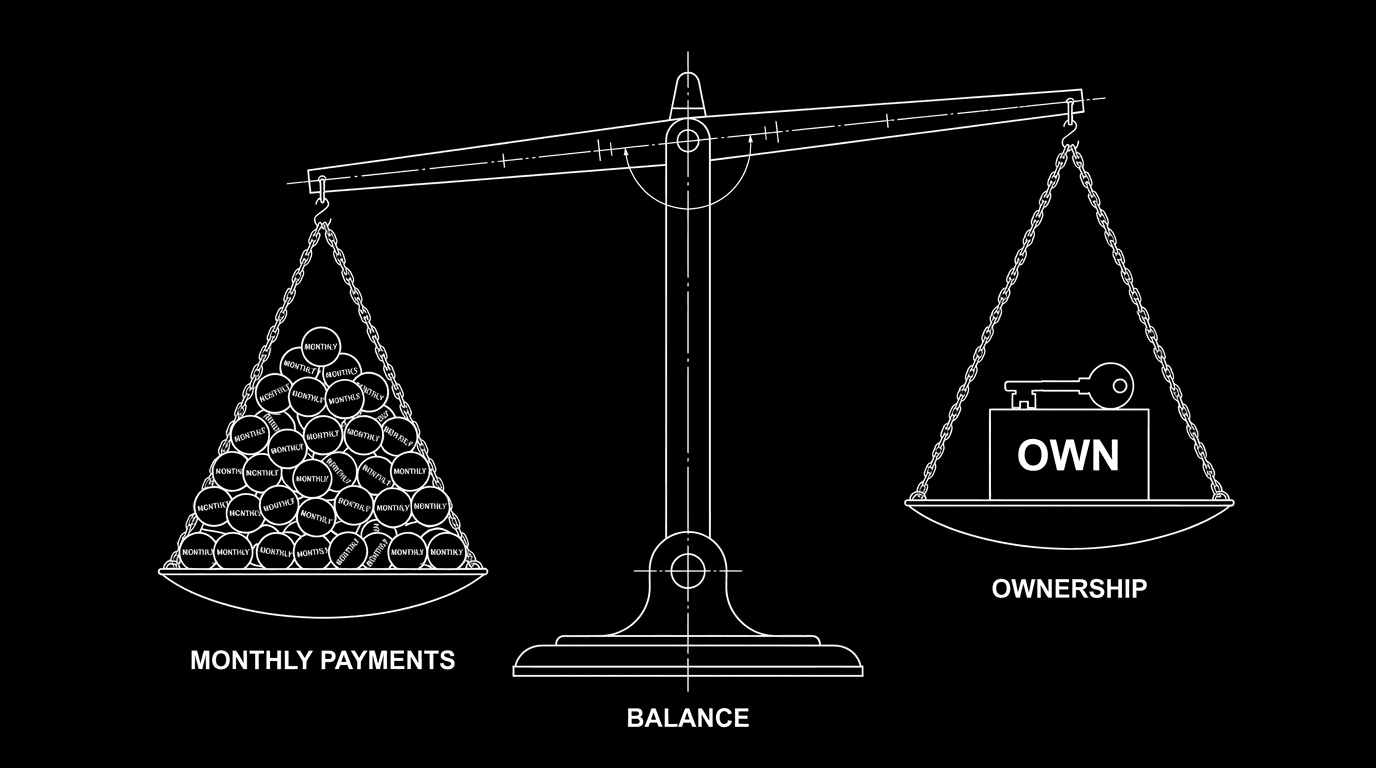
Prompt: Dark Mode Technical Sketch, A simple balance scale; one side piled with repeating coins or tokens labeled "monthly"; the other side a single block or key labeled "own"; clean thin white lines on solid black; no 3D renders --ar 16:9
The Perspective: You're Allowed to Opt Out
The narrative that "real writers" pay for the most expensive or most famous tool is a marketing narrative. Real writers finish scripts. They hit format, they hit deadline, they deliver something that reads well. The tool is a means. If a subscription makes sense for you, because you collaborate daily, because your room requires it, because you love the features and use them, then pay for it with your eyes open. But if you're paying out of guilt, habit, or the fear that something cheaper "doesn't count," you're not making a creative decision. You're making a financial one dressed up as professionalism.
Your screenwriting software shouldn't cost the price of an overpriced monthly subscription when that subscription doesn't serve how you write. Match the cost to the value. Own when you can. Rent when it actually pays off.
There are strong alternatives that offer one-time purchase, transparent pricing, or tiers that scale with real use. Comparing the main options is a good next step. For industry context on tools and workflows, organizations like the WGA{rel="nofollow"} offer resources that don't endorse any particular product, useful when you want to separate professional standards from vendor hype.
[YOUTUBE VIDEO: A screenwriter walks through their annual software budget, shows how they cut two subscriptions by auditing usage, and demonstrates exporting from a one-time-purchase app to FDX for a contest submission.]
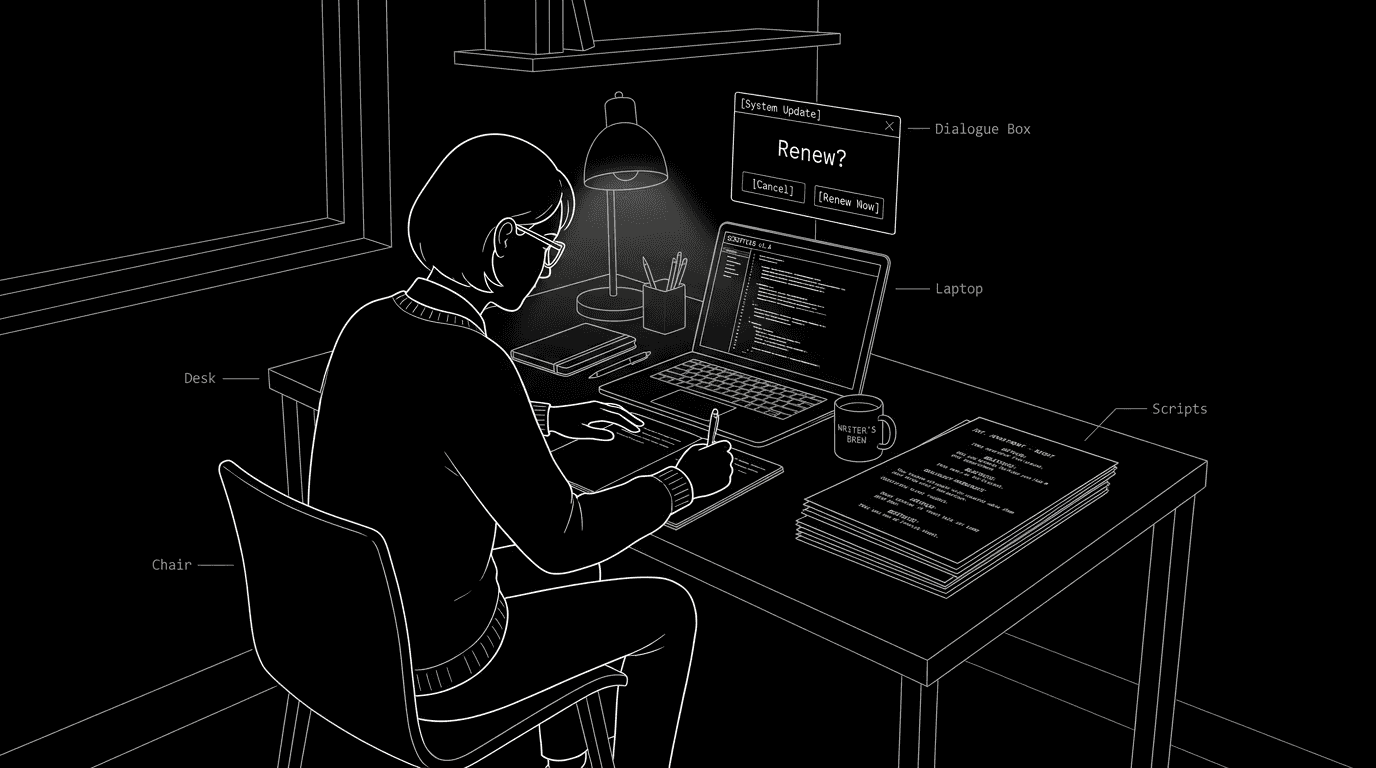
Prompt: Dark Mode Technical Sketch, A writer at a desk; a small dialog or popup with "Renew?" and a cancel option; script pages visible; clean thin white lines on solid black; decisive, minimal; no 3D renders --ar 16:9
Your script is what matters. The rest is infrastructure. Choose infrastructure that fits your workflow and your wallet, not the other way around. The next time that monthly charge lands, ask yourself whether you're paying for a tool you use or for the comfort of not having to decide. If it's the latter, you're allowed to cancel, export your work, and try something that costs what you're willing to pay.
Final Step
Build your next script with Screenweaver
Move from ideas to production-ready pages faster with timeline-native writing and AI-assisted story flow.
Try Screenweaver