

We leave the present. We're in the past, or in a dream. The reader has to know when we've left and when we're back. Clear transitions (slugs, supers, or action) keep the script from confusing present and past (or reality and dream). Here's how to format flashbacks and dream sequences so the transitions are obvious.
The reader should never wonder "are we in the past or the present?" Label the transition in and out.
Think about it this way. Flashback: We're in the past. The format has to say so, e.g. "FLASHBACK - " in the scene heading, or "CUT TO: PAST - " or a SUPER "Ten years earlier." Dream: We're in a dream or fantasy. Same idea, label it. Then return to present (or to "reality") with a clear transition. Our guide on flashbacks without killing pacing covers when and why to use them; this piece is about format. For multiple timelines, see managing multiple timelines.
Flashback: How to Format
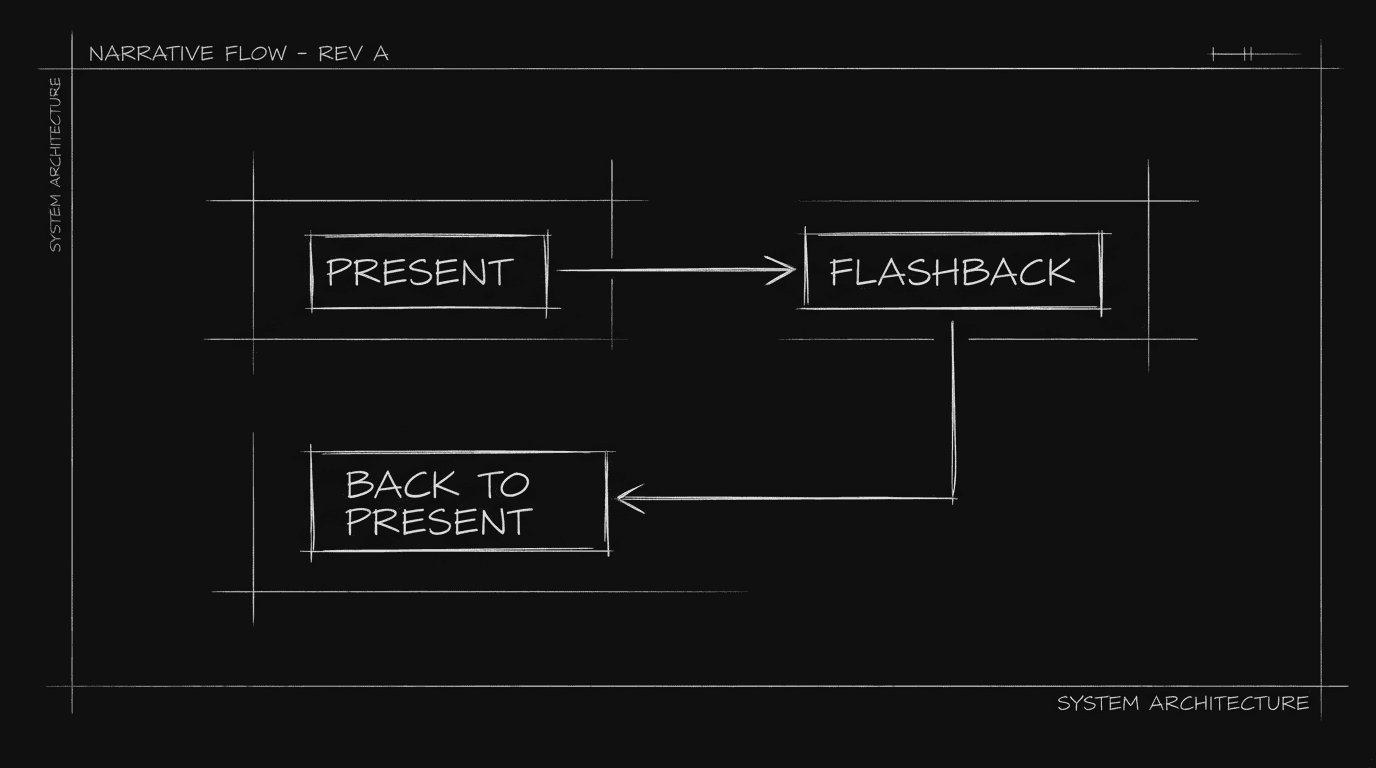
Option A: In the scene heading. "INT. HOUSE - DAY - FLASHBACK" or "FLASHBACK - INT. HOUSE - DAY." Option B: Super. "SUPER: Ten years earlier." Then the scene. Option C: Action. "We're in the past. INT. HOUSE - DAY." Use one convention. Return: "BACK TO PRESENT" or "CUT TO: PRESENT - INT. OFFICE - DAY." For chyrons, see chyrons.
Dream: How to Format
Option A: In the heading. "DREAM - INT. HALLWAY - NIGHT." Option B: Action. "She's dreaming. INT. HALLWAY - NIGHT." Return: "She wakes. INT. BEDROOM - DAY." Or "BACK TO REALITY." For tone and pacing, see micro-pacing.
Relatable Scenario: One Short Flashback
We cut to the past for one beat. Format: FLASHBACK - [scene]. Then BACK TO PRESENT - [scene]. For flashback use, see flashbacks.
Relatable Scenario: A Dream That Feels Real
We're in a dream; we don't know until the wake-up. Format: Don't label until the return. Then "She wakes." so we reframe. For unreliable narrator, see unreliable narrator.
The Trench Warfare Section: What Beginners Get Wrong
No transition out. We're in the past, then suddenly in the present with no cue. Fix: Always return with BACK TO PRESENT or CUT TO: PRESENT. For clarity, see screenplay format.
Inconsistent labels. Sometimes "FLASHBACK," sometimes "PAST," sometimes nothing. Fix: One convention. For format, see screenplay format.
Overusing. Every other scene is a flashback. Fix: Limit and purpose. For when to use flashbacks, see flashbacks.
Try it free
Try Screenweaver for free on your script
It is free. Import your existing project, get a clearer view of your outline, and regain control of your story structure in minutes.
Start FreeTransitions at a Glance
| Type | In | Out |
|---|---|---|
| Flashback | FLASHBACK - or SUPER: "X years earlier" | BACK TO PRESENT |
| Dream | DREAM - or "She's dreaming." | "She wakes." / BACK TO REALITY |
Step-by-Step: Formatting a Flashback or Dream
First: Label the start (FLASHBACK, DREAM, or super). Second: Write the scene. Third: Label the return (BACK TO PRESENT, She wakes.). Fourth: Be consistent. For more, see flashbacks and chyrons.
[YOUTUBE VIDEO: Same scene with clear vs. unclear transition, read comparison.]
The Perspective
Format flashbacks and dreams with a clear transition in (FLASHBACK, DREAM, or super) and a clear transition out (BACK TO PRESENT, She wakes.). Be consistent. When the reader always knows where they are in time and reality, the format works. So label in. Label out. And keep it clear.
Final Step
Build your next script with Screenweaver
Move from ideas to production-ready pages faster with timeline-native writing and AI-assisted story flow.
Try Screenweaver