
You are ten pages into a feature script and already fighting your software more than your story.
That is not a small problem. It is a budget problem, a momentum problem, and eventually a confidence problem. Indie filmmaking in 2026 moves faster than most writing advice acknowledges. A producer can ask for a one-page revision memo at noon, a refined scene by four, and a locked PDF before dinner. If your writing tool lags, breaks formatting, mangles exports, or turns collaboration into file-chaos, you pay for it in lost nights and expensive mistakes.
Here is why that matters: indie production does not have the luxury of clean handoffs and generous timelines. The script is not just a document. It is a control surface for every downstream department, from scheduling and casting to shot planning and investor updates. The right software protects your creative flow while also behaving like infrastructure. The wrong one makes you feel like you are always patching leaks.
Most beginners shop by reputation. They ask, "What do pros use?" Fair question. Usually the wrong one. You should ask, "What failure can I not afford in my specific workflow?" If you are self-funding, collaboration reliability may matter more than fancy beat tools. If you direct your own films, revision tracking and production reports might outrank sleek UI. If you write in bursts while holding a day job, startup speed and offline stability can matter more than real-time room features.
This guide is built for that reality. Not for ideal conditions. For the actual indie grind.
Cinematic workflow frames
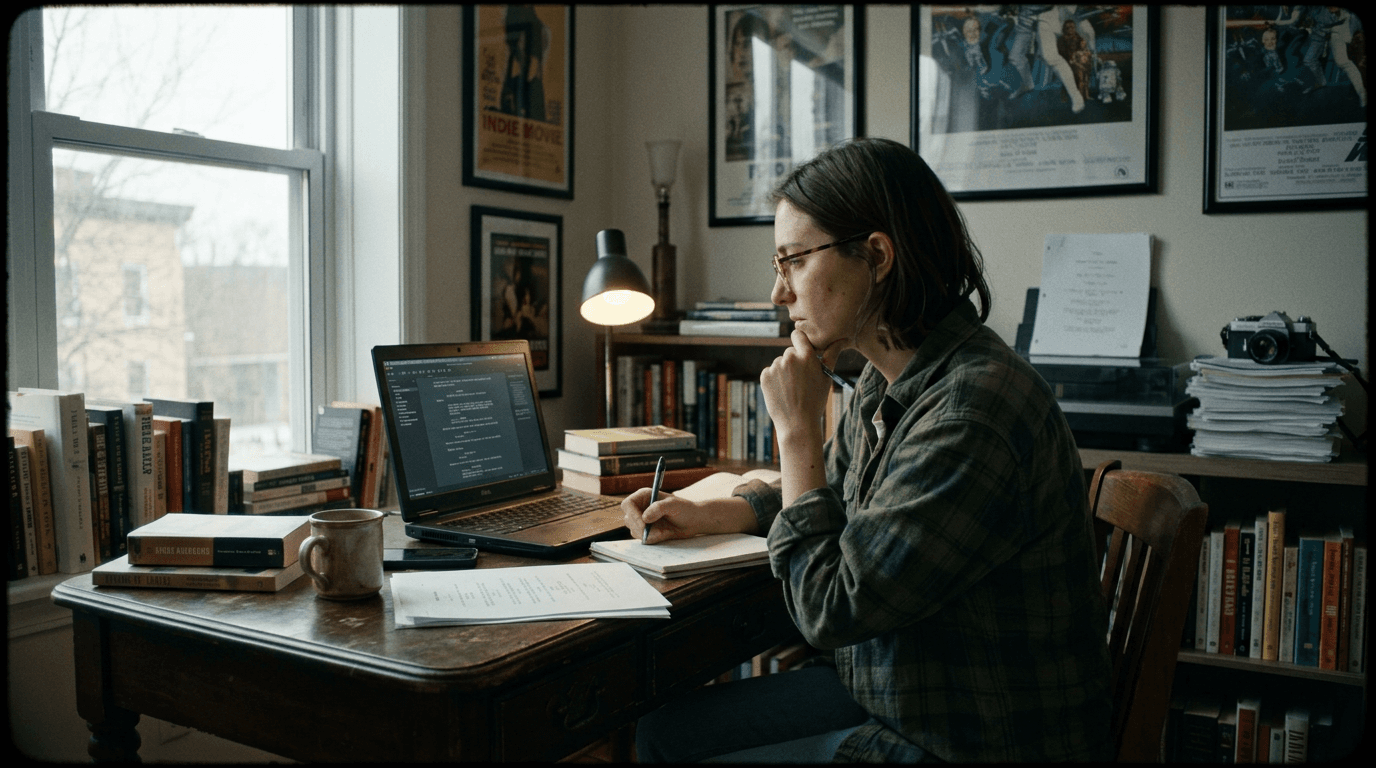
These two visuals work as a pair: the first shows Cinematic workflow still, first angle, 35mm film grain, and the second shifts to Cinematic workflow still, second angle, 35mm film grain - compare them briefly, then move on.
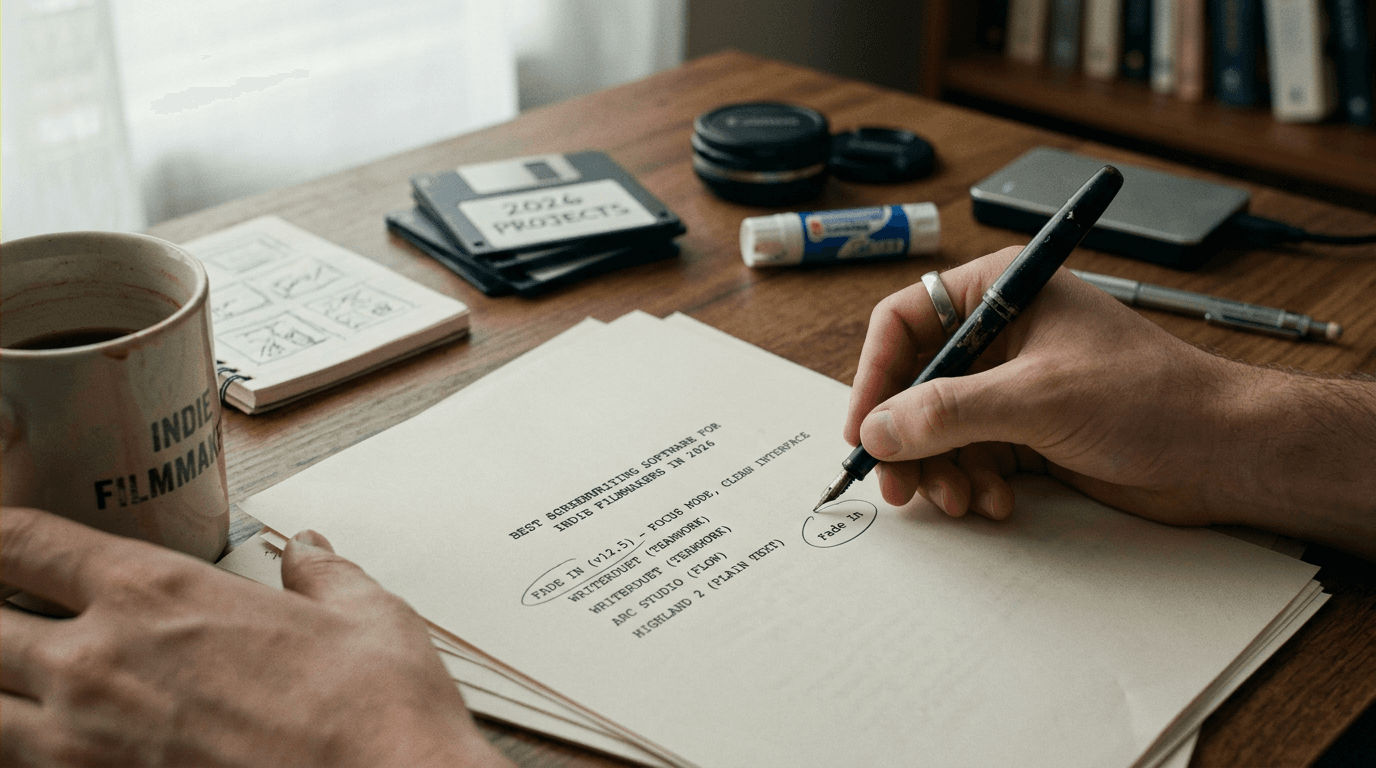
The Real Decision: Script Tool or Production Backbone
Software marketing loves features. Writers need outcomes.
In practical terms, you are choosing how your script behaves when pressure hits. Can you move from outline to pages without friction? Can you send revisions that preserve page integrity? Can your collaborator jump in without reformatting your work? Can your line producer extract useful scene-level information without asking you to rebuild metadata by hand?
Think about it this way: your screenplay software sits at the exact intersection of craft and logistics. On one side, you need speed, concentration, and voice. On the other, you need interoperability, version discipline, and export reliability. Most tools are excellent at one side and merely decent at the other. Your job is to choose the imbalance you can live with.
Indie filmmakers do not lose time in dramatic failures. They lose it in a thousand micro-frictions: one broken export, one confused revision, one missing note, one laggy writing session repeated for months.
A healthy setup in 2026 usually combines three layers: drafting, structuring, and delivery. Some applications handle all three well enough. Some dominate one layer and force you to patch the others with external apps. Neither is automatically wrong. What is wrong is pretending those trade-offs do not exist.
What "Best" Actually Means for Indie Filmmakers
The best tool is not the one with the longest legacy. It is the one that holds up under your constraints.
Indie constraints are specific. Budget caps. Tiny crews. Hybrid roles. Rapid rewrites based on location reality. Frequent collaboration with people who are not full-time writers. Distribution goals that shift mid-project. If your software assumes a stable studio pipeline, you will spend energy translating your process into someone else's assumptions.
In 2026, serious buyers evaluate seven dimensions before committing:
| Dimension | Why Indie Teams Care | What "Good" Looks Like in 2026 | Red Flag |
|---|---|---|---|
| Formatting Integrity | You cannot afford a script that "looks almost right" | Locked, industry-standard output with clean page breaks and stable scene numbering | Manual fixes in PDF every delivery cycle |
| Collaboration Model | Co-writers, producers, and directors all touch pages | Real-time sync, conflict-safe comments, role permissions, clear revision history | Duplicate drafts named FINAL_FINAL_v11 |
| Outline-to-Script Flow | Story development happens while writing | Fast beat organization, drag-and-drop restructuring, scene-level notes tied to pages | Outline is trapped in a separate ecosystem |
| Performance on Long Scripts | Features and pilots often exceed lightweight app limits | Smooth navigation at 110-140 pages with notes, tags, and revision layers | Typing lag, delayed autosave, interface stutter |
| Export/Import Reliability | You will exchange files across teams and tools | Clean FDX, PDF, and Fountain round-trips with minimal format drift | Re-import breaks character lines or spacing |
| Offline + Sync Resilience | Indie writing happens on trains, sets, and bad Wi-Fi | Full offline editing with predictable merge behavior later | Cloud-only workflow that blocks writing offline |
| Cost Predictability | Software cost compounds across a multi-year slate | Transparent pricing and collaboration costs you can model | Critical features locked behind unclear paywalls |
That table is the practical center of this article. Everything else maps back to it.
The 2026 Software Landscape, Without the Marketing Fog
Let us separate the field into functional categories, because raw tool names blur important differences.
Final Draft remains the institutional default in many professional contexts for one clear reason: output trust. When stakeholders open a Final Draft-originated file, they assume formatting compliance and pipeline familiarity. That inertia still matters, especially if your script will circulate through agencies, seasoned production coordinators, or traditional buyers who resist tool experimentation.
WriterDuet continues to dominate collaborative writing circles because it treats co-writing as a first-class behavior, not an afterthought. Its cloud-native posture reduces handoff friction when two or more writers are actively shaping pages in parallel.
Fade In attracts pragmatic power users who want professional formatting and reliability without heavy ecosystem lock-in. It often becomes the tool people keep returning to after trying trendier options, because it behaves predictably and does not get in the way.
Arc Studio Pro has earned attention from writers who want a cleaner modern interface and integrated development features that feel less mechanical than legacy apps. Some users move faster in it. Some do not. The deciding variable is often whether the tool's opinionated flow aligns with your actual writing rhythm.
Highland and Fountain-first workflows still matter for minimalist writers who value plain text longevity and version control flexibility. But there is a catch: that elegance can become operational friction once you involve less technical collaborators or production stakeholders who expect FDX-centric workflows.
Many indie creators now run a hybrid stack on purpose. They ideate and outline in one environment, draft in another, and finalize in whichever tool gives them the most trustworthy delivery package. Purists hate that answer. Working filmmakers quietly use it every week.
Scenario One: First-Time Feature Director With a Micro-Budget
Maya is writing and directing a ninety-minute contained thriller. She has one primary location, five speaking roles, and six weekends to shoot. Her producer is part-time. Her cinematographer wants script changes locked forty-eight hours before each weekend block.
Maya's early mistake is common: she chooses software based on aesthetics. It feels fresh, looks clean, and has beautiful card views. For ten days, she is happy. Then reality arrives. She needs clean revision tracking for re-blocked scenes, exports for cast packet updates, and a stable way to annotate production-driven changes without losing previous phrasing options.
Her software can do some of this, but not fast enough under deadline. She starts duplicating documents to preserve versions. Comments sprawl across chats and emails. Scene numbers slip. Her Saturday call sheet references a different line than Friday's PDF.
She switches to a more production-trusted drafting environment and keeps her early beat work in the original app. Not elegant. Effective.
The lesson is straightforward: when you direct your own indie film, your software must support both narrative design and logistical precision. If it cannot survive the handoff from "writer brain" to "set brain," it is not the right primary tool, regardless of how pleasant it feels during week one.
Scenario Two: Two Co-Writers in Different Time Zones
Eli is in Montreal. Sara is in Lisbon. They are writing a limited thriller pilot and pitching a package to an indie financier. They work asynchronously most days, then live-edit twice a week.
Their first workflow uses local files and cloud storage folders. It looks cheap. It becomes expensive in attention. They spend more time reconciling differences than writing scenes. Merged drafts introduce tiny formatting errors that are easy to miss and painful to clean.
They move to a collaboration-native setup where comments, presence, and changes are visible in one timeline. Immediately, decision latency drops. They stop debating document authority and start debating story choices. A better argument to have.
But here is the catch. Real-time collaboration can encourage performative drafting, where writers keep polishing together instead of moving boldly alone. Eli and Sara solve this by defining ownership windows. During a window, one writer drives pages while the other leaves strategic notes only. They preserve speed and voice while keeping shared visibility.
Software did not solve their process by magic. It made a good process possible.
Scenario Three: Writer-Director Doing Script-to-Pitch Workflow
Jordan is building a proof-of-concept short to raise seed money for a feature. He needs a script, a visual mood deck, and investor-friendly story clarity in under three weeks.
His first instinct is to keep everything in one writing app. That fails quickly because his references, visual links, and production notes live in disconnected places. He cannot move from story beat to visual rationale without context switching every few minutes.
He redesigns his workflow around scene-level containers. Each scene has intention notes, visual references, practical constraints, and a clean script state. He still drafts in dedicated screenplay software, but he organizes development artifacts in a companion system that maps back to scene IDs.
Result: when an investor asks why the midpoint location shift improves marketability, Jordan can answer with precision in two minutes, not twenty. The script remains the center, but not the only source of truth.
As discussed in our guide on pitch deck slides that survive executive scrutiny, this scene-level traceability is often what separates "interesting script" from "fundable project."
Step-by-Step: How to Choose Your Software in One Weekend
You do not need a month-long research sprint. You need a controlled stress test.
Step 1: Define the Failure You Cannot Afford
Open a blank note and write one sentence: "If this fails during production, we lose __."
Fill the blank with something measurable. Time. Money. Credibility with actors. Delivery reliability for a specific partner.
If you cannot name the failure, you will choose emotionally and regret it later.
Step 2: Build a 12-Page Test Script
Use a representative slice of your current project, not sample text from tutorials. Include dialogue-heavy pages, one action-dense page, and at least one scene that may move in rewrite.
The point is not literary quality. The point is operational realism.
Step 3: Stress-Test Three Candidate Tools
Run the same test sequence in each tool:
Write two new pages from outline notes. Reorder two scenes. Insert late notes. Export PDF and FDX. Re-import the FDX into another tool. Invite a collaborator to comment. Go offline for thirty minutes, make changes, reconnect, and inspect conflict behavior.
Now measure your friction honestly. Where did you hesitate? Where did formatting surprise you? Which tool made you forget about itself while you were writing?
Step 4: Simulate a Production Revision Day
Pretend your AD sends a note: combine two scenes, remove one location, and preserve page references for departments already prepping.
Perform that change set in each candidate.
This is where many apps reveal their true nature. Some are excellent for drafting and fragile for revision discipline. Others are the reverse.
Step 5: Choose a Primary Tool and One Backup Route
Commit to one primary environment for the next draft cycle. Then define one fallback path if the tool misbehaves under pressure.
A backup route might be "export nightly to FDX and PDF, mirror to cloud, validate in secondary reader." Boring. Smart.
Parameter-Level Workflow Tweaks That Actually Matter
Writers often ask for the one perfect application. A better question is how to configure whichever tool you choose so it behaves like a production ally.
Start with autosave intervals. If you can tune them, avoid overly aggressive settings that interrupt flow on slower machines, but do not extend so far that you risk meaningful loss during crashes. Many power users settle on short intervals during collaboration and slightly longer intervals during deep solo drafting.
Next is pagination behavior. Lock your page format presets early and stop "tinkering for readability" mid-draft. Small visual customizations can create hidden inconsistencies when exporting for partners on different setups.
Revision mode settings matter more than beginners expect. Enable visible change markers only when you are in true revision cycles; otherwise the page becomes noisy and your judgment degrades. During production prep, preserve a clear revision color cadence and naming convention tied to dates. Your future self will thank you when someone asks which line changed three rounds ago.
Character and location metadata tagging, where available, should be treated as production inputs, not optional decoration. If your software can generate reports from those tags, keep naming conventions strict. "POLICE STATION" and "INT. PRECINCT" should not coexist unless they are intentionally different locations.
As discussed in our breakdown of [script metadata for smarter production reports], disciplined metadata is one of the cheapest leverage points in indie pre-production.
Try it free
Try Screenweaver for free on your script
It is free. Import your existing project, get a clearer view of your outline, and regain control of your story structure in minutes.
Start FreeA Contrarian Take: "Industry Standard" Is Not Always Your Standard
Writers are often told to pick the tool everyone else uses. Sensible advice in many cases. Still incomplete.
If your actual collaborators are a small, adaptable indie team and your priority is moving from concept to rewrite velocity without ceremony, the best choice may not be the historically dominant one. It may be the one that shortens feedback loops, preserves concentration, and still exports cleanly into the broader ecosystem when needed.
Compatibility is non-negotiable. Conformity is optional.
The distinction matters. You can respect industry expectations without designing your whole process around legacy assumptions that do not serve your film's reality.
[YOUTUBE VIDEO: A side-by-side live workflow test showing the same 12-page script being revised in three popular screenwriting tools, including export/import checks and collaboration behavior under deadline]
The Trench Warfare Section: What Beginners Get Wrong (And How to Fix It)
This is the section most people skip. It is the section that saves projects.
Beginners rarely fail because they lack passion. They fail because they misread where software friction turns into production damage. Here are the most common failure modes seen across indie projects in 2026, with tactical corrections you can apply immediately.
Mistake One: Treating Formatting as a Cosmetic Layer
A lot of new writers think formatting is something you clean up when the script is "done." That mindset comes from general writing tools where formatting is mostly visual preference.
Screenplays are different. Formatting governs timing assumptions, readability velocity, and downstream interpretation. If your margins, line behavior, or dialogue spacing drift, people read your pacing wrong. That can influence feedback on structure and scene value.
Fix it by locking formatting presets before you pass page fifteen. Do not edit style templates during drafting unless a true compliance issue appears. If you change templates, run a controlled comparison against a previous PDF and inspect page breaks and dialogue wraps. If differences are substantial, decide intentionally whether to preserve old pagination or reset with a clean draft marker.
Mistake Two: Using Collaboration Without Process Rules
Real-time co-writing tools can feel liberating. They can also create silent chaos when everyone edits everything all the time.
Beginners often confuse access with structure. They invite collaborators, then rely on goodwill to prevent collisions. Collisions happen anyway.
Fix it by defining edit modes. One mode for live drafting, where one writer holds the keyboard and others comment. One mode for asynchronous passes, where each collaborator owns specific scenes in a time window. One mode for structural rewrites, where no line edits are allowed until beat agreement is reached. These soft constraints reduce emotional friction and make software features actually useful.
Mistake Three: Ignoring Export Round-Trip Testing Until Submission Week
A script can look perfect inside one app and degrade subtly when exported, imported, or opened by another team's default stack.
Beginners delay this test because it feels technical and boring. Then they discover problems under deadline, exactly when panic makes quality control worse.
Fix it by scheduling weekly round-trip checks from the moment your draft becomes collaborative. Export FDX and PDF, re-import FDX into a second viewer, inspect scene headings, dialogue blocks, and page integrity. Keep a tiny checklist and do not skip it. The ten minutes you spend now can save ten hours when your producer needs final pages tonight.
Mistake Four: Letting Notes Live Outside the Script System
Indie teams run on chat tools, voice notes, email threads, and late-night text messages. Notes fragment fast.
Beginners often keep these inputs in external channels and trust memory to bring them back into the writing process. Memory fails, especially under pressure.
Fix it by defining a single intake point where notes become traceable script actions. If your software supports comments tied to lines or scenes, use that aggressively. If it does not, create a scene-indexed notes ledger and update it daily. The key is traceability, not perfection.
Mistake Five: Choosing a Tool Before Defining Workflow Role
Writers ask, "Which app is best?" They should ask, "What role will this app play in my stack?"
One tool might be your drafting engine. Another might be your structure and reference board. Another might be your archival safety net. Beginners collapse all roles into one tool and then blame the tool when it cannot do everything elegantly.
Fix it by assigning roles explicitly. If your primary app excels at pages but weakens under research-heavy workflows, pair it with a lightweight companion system and define handoff rituals between them. Clarity beats purity.
Mistake Six: Underestimating Performance Costs on Long Drafts
A script that feels fast at twenty pages may crawl at one hundred and twenty with comments, revisions, and metadata layers.
Beginners interpret lag as "my laptop is old." Sometimes true. Often partial. Software architecture and document hygiene matter too.
Fix it by stress-testing with realistic document complexity early. If lag appears, archive resolved comments, split heavy reference material out of the live drafting file, and verify whether your app offers performance modes or lighter view states. If none exists, decide whether to migrate before your next major rewrite.
Mistake Seven: Cloud Trust Without Backup Discipline
Cloud sync is wonderful until a conflict or overwrite event lands on the wrong day.
Beginners treat cloud presence as equivalent to archival safety. It is not.
Fix it with a simple 3-2-1 logic adapted for scripts: multiple copies, at least two storage types, one off-device. Automate nightly exports to stable formats. Name files with date + draft markers, not emotional labels like FINAL-FINAL-REAL.
As discussed in our practical playbook on the 321 backup rule for screenwriters, disciplined redundancy is not paranoia. It is creative insurance.
Mistake Eight: Mistaking Feature Density for Creative Fit
A dashboard packed with tabs can feel professional. It can also fracture attention.
Beginners assume more controls equal better outcomes. For many writers, the opposite is true.
Fix it by measuring writing velocity and revision clarity over two weeks, not feature count on day one. If a tool makes you browse panels instead of writing scenes, you are paying cognitive tax. Switch, simplify, or hide nonessential modules during drafting sprints.
Mistake Nine: No Definition of "Locked"
Indie teams often say a script is locked when what they mean is "we are tired."
Software amplifies that ambiguity because every version still looks editable.
Fix it with explicit lock criteria tied to production needs: scene order stable, location changes frozen, cast-impacting dialogue approved, export package validated. Once those criteria are met, mark the draft as locked and route future changes through revision protocol, not ad hoc edits.
Mistake Ten: Forgetting That Reader Experience Is the Product
Writers can become so software-focused that they forget the person on the other end: a tired producer, a cautious financier, an actor scanning pages between commitments.
Fix it by reviewing your script in delivery mode, not just author mode. Read the exported PDF on a different device. Check page rhythm, white space, and scene clarity. If the reading experience feels heavy, your software setup is not the only issue, but it may be contributing.
The best software disappears while you write and becomes utterly dependable when other people read.
Cost, Ownership, and the Indie Math Nobody Likes to Discuss
Price pages tell half the story. Total workflow cost tells the rest.
A low monthly fee can become expensive if collaboration seats scale poorly. A higher one-time purchase can be cheaper across a two-year slate if your needs are stable. Migration cost is real too. Moving teams between tools burns attention, and attention has budget impact even when no invoice appears.
In 2026, the most expensive scenario is often not "paying too much for software." It is underinvesting in reliability, then paying for confusion through delayed prep, duplicated labor, and avoidable rewrite churn.
This is where producers and writers sometimes clash. Producers want predictability. Writers want fluidity. Good software strategy gives both sides enough of what they need without forcing either side into constant compromise.
For industry standards and professional credit context, the WGA screen credits manual is still a useful reference point for understanding how script handling intersects with formal process: <a href="https://www.wga.org/contracts/credits/manuals/screen-credits-manual" rel="nofollow">WGA Screen Credits Manual</a>.
Building Your 2026 Indie Setup: A Practical Recommendation
If you are starting fresh as an indie filmmaker, begin with a two-layer model.
Layer one is your drafting core: the software you can write fast in, revise safely in, and export from confidently. Layer two is your development and context layer: where beats, references, and production constraints stay organized and searchable.
Do not overbuild on day one. Start lean, then add complexity only when your project demands it.
A practical starting configuration for many teams looks like this: collaborative screenplay app as the core, disciplined export routine for backups, and a scene-indexed planning companion for visual and logistical context. As your project matures, you may consolidate. Or not. Consolidation is not a moral victory. Reliability is.
Why This Matters More in 2026 Than It Did Five Years Ago
Indie filmmaking used to absorb more inefficiency because fewer stakeholders expected rapid, polished iteration at early stages. That window is closing.
Today, writers are often expected to provide clean revisions, strategic rationale, and presentation-ready materials much earlier in development. Distribution pathways have multiplied. Financing conversations happen sooner. Teams are geographically distributed by default. The script is still the heart of the film, but the environment around it is less forgiving.
That is not bad news. It is a call for professional leverage.
When your software choices are intentional, you write with more confidence because the operational layer is stable. You stop fearing technical surprises. You stop delaying collaboration. You stop confusing tool friction with creative failure.
And then a strange thing happens. Your voice gets sharper.
Not because software gave you talent. Because it stopped stealing your attention.
The indie writer-director who thrives in 2026 is not the one with the flashiest app stack. It is the one who can move from idea to readable pages to production-ready revisions with minimal drag and zero drama.
Pick for that.
Then write like hell.
Final Step
Build your next script with Screenweaver
Move from ideas to production-ready pages faster with timeline-native writing and AI-assisted story flow.
Try Screenweaver