

Lag is not merely annoying. Lag is interpretive noise. When your cursor stutters, your sentences shrink. You stop reaching for ambitious clauses because the machine punishes complexity. You avoid jumping across acts because navigation feels like wading through syrup. A hundred-page script becomes a hundred-page argument with friction.
In 2026, writers still ship features north of one hundred ten pages for some markets. Some directors’ reads still punish thin drafts even when streaming norms flirt with shorter lengths. Your software must carry weight without punishing you for having ideas that require room.
Here is why that matters: rewriting is loop-based. You loop faster when the interface disappears. If the interface inserts itself into every loop, your draft asymptotically approaches “fine” instead of “alive.”
Lag does not change your talent. It changes how much talent you bother to express.
Cinematic workflow frames
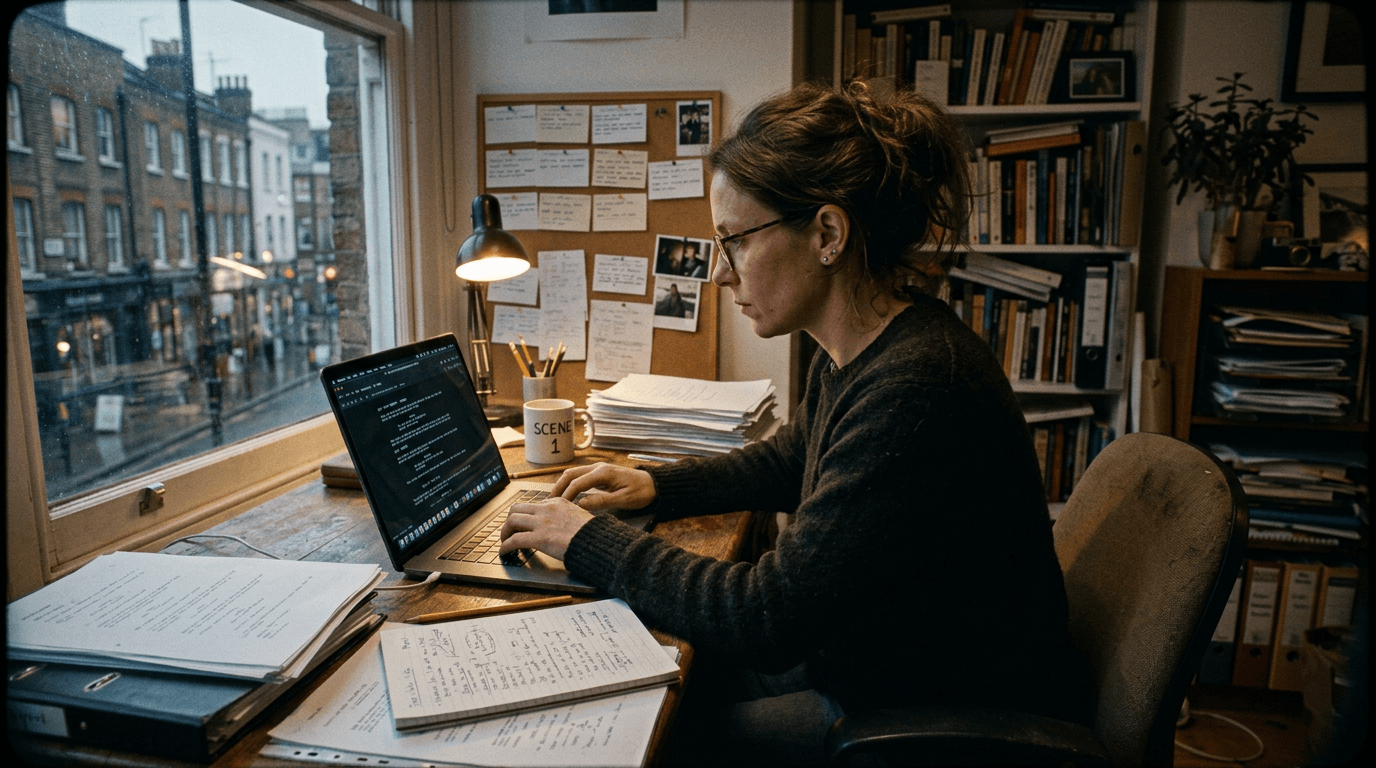
These two visuals work as a pair: the first shows Cinematic workflow still, first angle, 35mm film grain, and the second shifts to Cinematic workflow still, second angle, 35mm film grain - compare them briefly, then move on.

What “No Lag” Really Means for Screenplays
No lag is not esports FPS. It means typing keeps pace with thought, scrolling locates scenes without hesitation, global search returns results quickly, and structural operations - moving sequences, merging scenes - complete before your impulse to second-guess yourself arrives.
| Symptom | Likely Cause | Fix Path |
|---|---|---|
| Typing latency | Heavy overlays, plug-ins, huge assets | Simplify UI modes |
| Scroll stutter | Large images embedded | Externalize references |
| Save hangs | Autosync contention | Adjust sync frequency |
| Search crawl | Unindexed notes sprawl | Prune archives |
| Jump lag | Massive comment threads | Archive resolved comments |
Treat lag like a bug list, not a personality trait of your laptop.
Scenario One: Third Act Surgery at 2 a.m.
Yuki must relocate a climax beat earlier. If reordering scenes feels risky because the app hesitates, Yuki will hesitate creatively. Hesitation becomes plot cowardice. Speed supports courage.
Scenario Two: Producer Notes Flood Mid-Draft
Hundreds of comments accumulate. Some tools choke. Comment weight is real weight. The best stack handles comment archaeology without turning every keystroke into a referendum.
Scenario Three: Historical Draft Archaeology
Sometimes you must resurrect an old thread of dialogue buried under revisions. Search must feel instantish. “Instantish” is a technical term writers understand emotionally.
As discussed in our article on 120-page scripts without lag and lightweight code discipline, file hygiene matters as much as CPU.
Step-by-Step: Build a Long-Draft Environment That Stays Fast
Step 1 - Start a performance budget: acceptable save time, acceptable jump time. Measure with a stopwatch. Numbers reduce arguments.
Step 2 - Archive old draft variants out of the live project. Nostalgia is heavy.
Step 3 - Reduce embedded media inside the script file. Link externally.
Step 4 - Prune comment threads. Tag resolved items; move them out if needed.
Step 5 - Disable nonessential live services during sprint weeks: integrations, background sync toys.
Step 6 - Test on your worst machine. Your best machine lies.
Step 7 - Validate after major imports. Bad imports corrupt silently and kill performance.
Hardware reality: RAM matters; SSD matters; thermal throttling on laptops in summer matters. Software cannot fix a cooking CPU. Sometimes a cooling pad is screenwriting equipment.
Try it free
Try Screenweaver for free on your script
It is free. Import your existing project, get a clearer view of your outline, and regain control of your story structure in minutes.
Start FreeTrench Warfare: Lag Sources Writers Ignore
Hoarded revision colors. Frozen “maybe” scene experiments. Duplicate sequences kept “just in case.”
Plugins you installed once for fun.
Automatic grammar services scanning continuously.
Cloud sync fighting local saves during storms.
A hundred high-res research images pasted “temporarily.”
Your script file is not a storage closet. It is a cockpit.
For craft context while you tune workflow, see <a href="https://www.oscars.org/nicholl/about/screenwriting-resources" rel="nofollow">Nicholl Fellowship screenwriting resources</a>.
[YOUTUBE VIDEO: Same 130-page script opened in three apps - scroll test, jump-to-scene test, comment-thread stress test]
Software Categories: Native Performance vs Web Wrappers
Native applications often win raw input latency. Web technology can be excellent but varies. Do not judge by ideology. Judge by your stopwatch on your hardware.
When Lag Is a Sign of Architectural Limits
Some tools degrade gracefully; others degrade petulantly. If lag appears abruptly at page counts you can predict, you are bumping architecture. Accept migration planning instead of magical thinking.
Closing Perspective
Choose a screenplay stack that respects long-form ambition. Your script’s length should be a story decision, not a tech punishment.
If your software punishes length, your software chooses your ending before you do.
Refuse that.
Final Step
Build your next script with Screenweaver
Move from ideas to production-ready pages faster with timeline-native writing and AI-assisted story flow.
Try Screenweaver