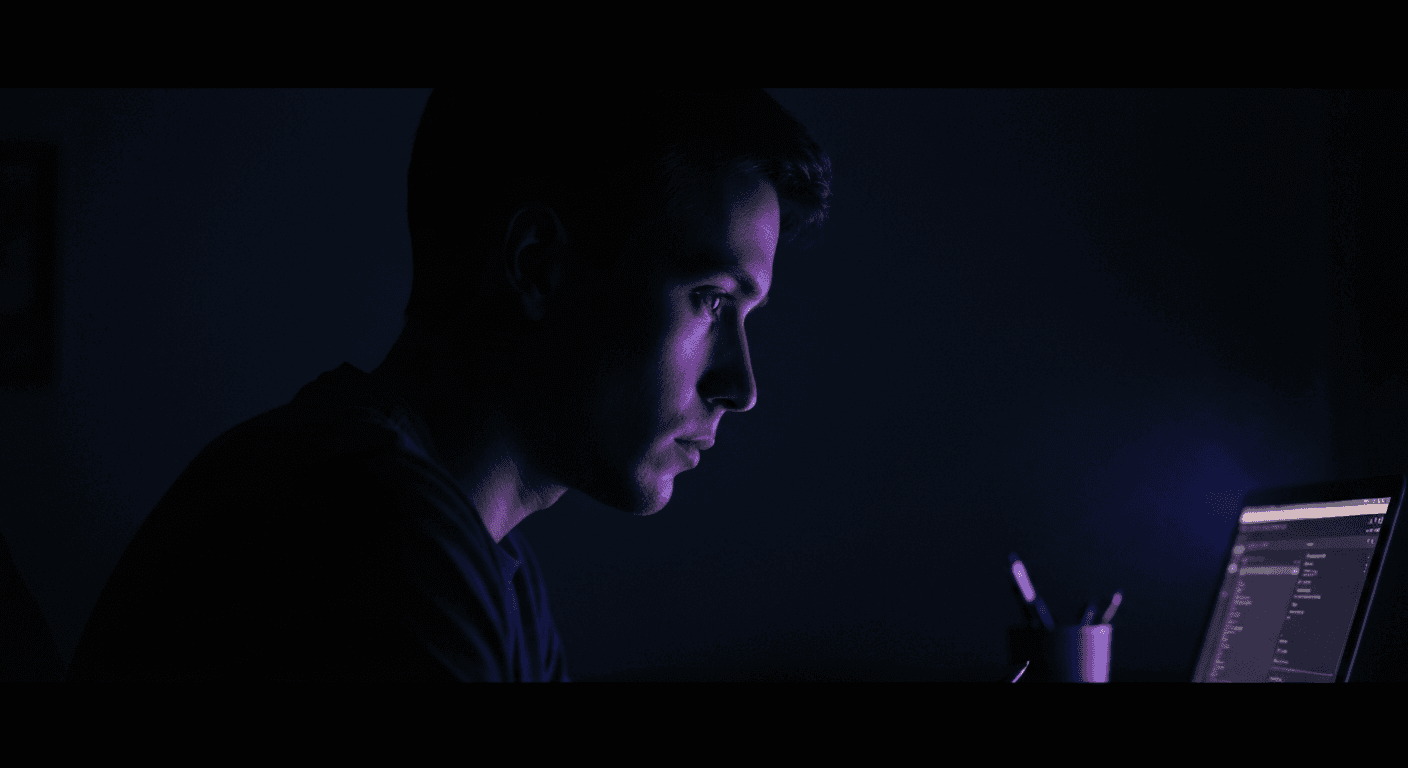

You open Final Draft. You stare at a white page. You type. Page after page, scene after scene, you work in complete isolation from the architecture of your story. By the time you hit Act 3, you've forgotten what you set up in Act 1. By the time you finish the draft, you're not sure if the structure holds. This is writing in the dark. And it's the daily reality for millions of screenwriters who've accepted it as the price of using the "industry standard."
Let's be clear: Final Draft earned that title. For thirty years, it has delivered rock-solid formatting, flawless FDX compatibility, and the kind of stability that line producers and script coordinators depend on. When someone says "send me the FDX," they mean Final Draft. No other tool has that level of institutional trust. We're not here to pretend otherwise.
But here's the uncomfortable truth: Final Draft solved a problem from 1995. The problem was formatting,getting margins right, getting tabs consistent, making scripts look professional. That problem is solved. The problem that writers face today is different. It's orientation. It's seeing the forest while you're in the trees. It's understanding how your scenes connect, how your characters arc, where your pacing sags. Final Draft gives you none of that. It gives you pages. Static, isolated, disconnected pages.
ScreenWeaver was built to address the problem that Final Draft never tried to solve: creative support. Not replacing the writer,augmenting them. Not a document processor, but a Living Story Map that evolves as you write. In this article, we'll break down exactly what that means in practice: static vs. dynamic outlining, cost, collaboration, and the "Cockpit" view that changes how you work. No marketing fluff. Just a direct comparison for writers who are tired of writing blind.
Before you migrate, read idea to first draft, static outline vs bi-directional sync, and TCO. Final Draft: finaldraft.com.
The Pain of Writing in the Dark
Every experienced screenwriter has lived this moment: You're 80 pages into a feature. The dialogue sings. The scenes have rhythm. But something feels off. You can't articulate it. You scroll back through your script, hunting for the thread you dropped. Was it in the second sequence? The midpoint? You open a separate document to sketch a beat sheet. You switch windows. You lose flow.
The cost of writing in the dark isn't just frustration. It's structural failure. Scenes that don't earn their place. Characters who disappear for thirty pages without consequence. Pacing that sags because you lost sight of the tension curve. These aren't craft mistakes,they're orientation mistakes. You made them because your tool gave you no way to see the whole while you were editing the part.
Final Draft's interface is designed around a single metaphor: the printed page. What you see is what gets printed. That made sense when scripts were primarily physical objects, handed to actors and crew. Today, scripts are living documents. They're revised in real-time. They're shared across continents. They're broken down, colored, tagged, and restructured dozens of times before production. The "page" metaphor is a constraint, not a feature.
The Core Problem
Final Draft treats structure as a separate activity. You write in one mode. You outline in another. You never see both at once. That split forces you to hold the entire architecture of your story in your head,and human working memory wasn't built for 120-page narratives with subplots, callbacks, and character arcs.
ScreenWeaver flips the model. Structure isn't a separate view you toggle to. It's the context that surrounds your writing at all times. The timeline, the scene cards, the character presence,they're always visible. You don't have to remember where you are. The tool shows you.
Static Pages vs. Living Story Map
This is the most consequential difference between the two tools, and it's worth understanding precisely what we mean.
Final Draft: Static Outline
Final Draft has a Beat Board. It's a useful feature. You can create index cards, arrange them in columns, assign colors. But it exists alongside your script, not integrated with it. When you add a scene in the Beat Board, you still have to manually write it in the script. When you move a card, the script doesn't reorganize itself. The two views are linked only by your manual effort. Over time, they drift. Your Beat Board says one thing; your script says another. You stop trusting the outline.
The script itself is a linear scroll. Scene 12 doesn't "know" it belongs to Act 2. There's no visual representation of act breaks, tension curves, or character screen time. You're flying on instinct.
ScreenWeaver: Living Story Map
In ScreenWeaver, your outline is your script. The timeline isn't a separate document. It's a direct visualization of the scenes you're writing. Drag a scene card left or right, and the script content moves with it. Add a new beat between two existing scenes, and the structure updates in real time. The map and the manuscript are the same thing, viewed from different angles.
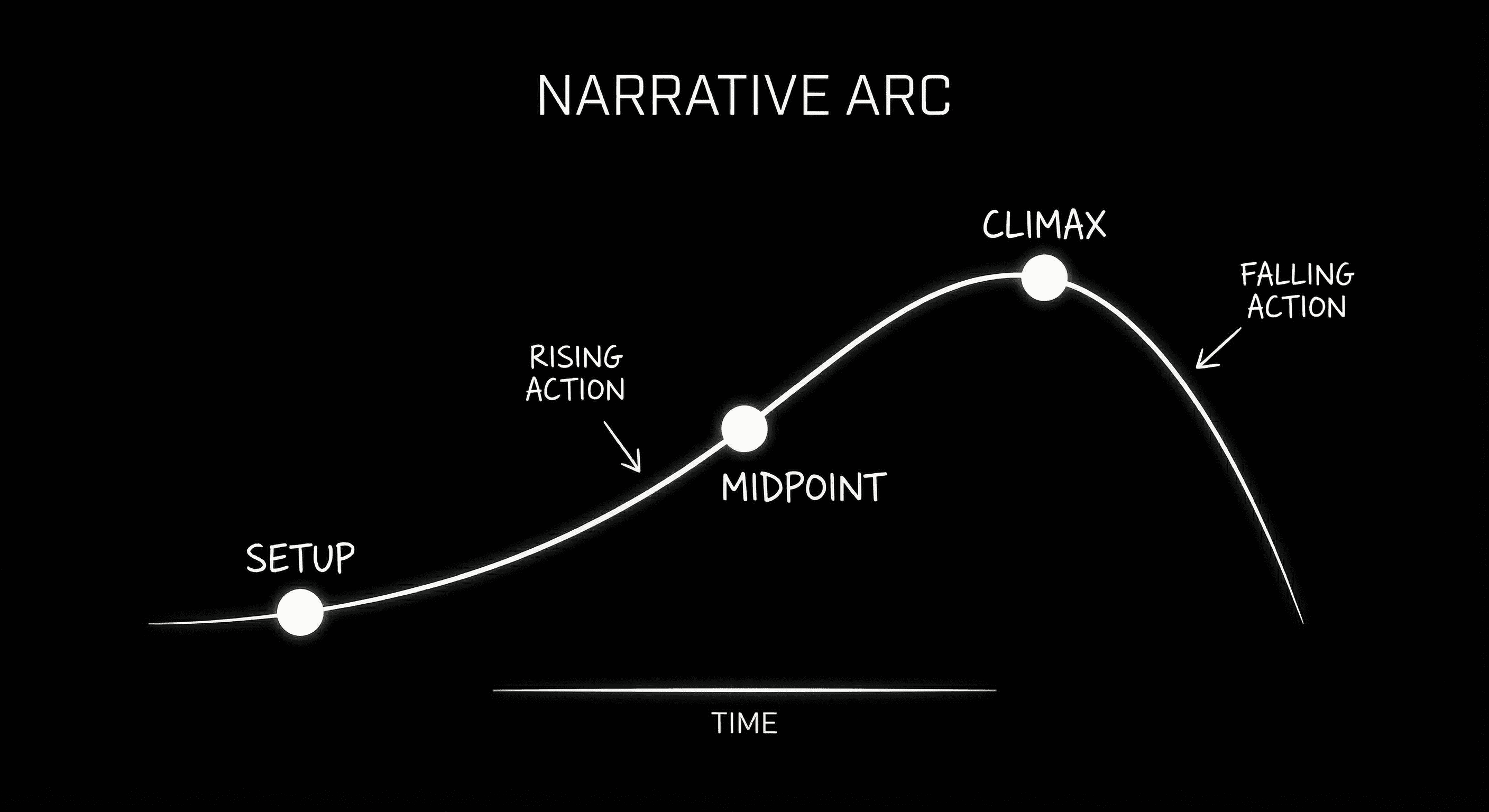
The Living Story Map: structure and script in perfect sync.
This matters because restructuring is one of the most painful parts of screenwriting. In Final Draft, moving Act 2's opening to become the midpoint means cut, paste, and hope you didn't break any formatting. In ScreenWeaver, it's a drag. The tool handles the rest. You stay in creative flow instead of wrestling with document mechanics.
For writers who think in terms of structural frameworks like Save the Cat or the Story Circle, having a visual map that reflects your chosen model,and updates as you write,removes an entire layer of cognitive load. You're not translating structure into prose in your head. You're editing a structure that's already visible.
The Cockpit: One Screen, Full Context
Pilots don't look at the engine, then look at the horizon, then look at the fuel gauge. They have a cockpit,a single view where every critical piece of information is available at a glance. Screenwriting has never had that. Until now.
ScreenWeaver's default layout is designed as a Cockpit view. You see your script in the center. Above or beside it, the story timeline. In a sidebar, character presence, scene metadata, and optional AI-generated visual references. One screen. No tab-switching. No context loss.
When you're on page 47, you can see that you're in the middle of Act 2, that your protagonist hasn't had a scene in 12 pages, and that the tension curve has flattened. You don't have to remember to check. The information is there. You make better decisions because you have better information.
The Cockpit isn't just about visibility,it's about actionability. In Final Draft, if you notice a pacing problem, you have to navigate, scroll, and manually assess. In ScreenWeaver, the timeline shows you the problem. You click the flattened section. You're taken directly to the scene. The feedback loop between "I see an issue" and "I'm fixing it" collapses from minutes to seconds. That compression matters. It keeps you in flow state instead of pulling you into detective mode.
Final Draft's equivalent is a split view: script on one side, Navigator or Beat Board on the other. It helps. But the Navigator is a hierarchical list, not a spatial map. The Beat Board doesn't reflect real-time script state. The connection between "what I'm writing" and "where it fits" is still something you have to infer.
Cost: What You Actually Pay
Let's talk money. Final Draft uses a perpetual license model with paid upgrades. As of 2026, a new license runs around $249. Upgrades between major versions typically cost $99–$149. If you want to stay current, you're looking at a substantial upfront cost every few years, plus the mental overhead of "should I upgrade or can I wait?"
ScreenWeaver uses a subscription model. The exact figures are on our pricing page, but the logic is different: you pay for access, not ownership. Updates, new features, and cloud sync are included. There's no version fragmentation,everyone's on the latest build. For writers who prefer to own their software outright, this can feel like a downside. For writers who want to avoid surprise upgrade costs and always have the newest tools, it simplifies things.
The real cost comparison isn't just license fees. It's time. How many hours do you spend exporting, reformatting, rebuilding outlines in a separate app, or recovering from sync conflicts? As we've written elsewhere, the budget filmmaker calculus has shifted,tools that save time can justify higher subscription costs if that time translates to more writing or better work. Final Draft is cheap if your time is free. It's expensive if you value the hours you lose to workflow friction.
Final Draft
- • Perpetual license: ~$249
- • Upgrades: ~$99–$149 per major version
- • One-time purchase, no ongoing fees
- • Version lock-in if you skip upgrades
ScreenWeaver
- • Subscription model
- • All updates included
- • Cloud sync, collaboration, AI features bundled
- • No upgrade decisions,always current
Collaboration: Check-Out vs. Live
Final Draft 13 improved its collaboration features. You can share scripts, work with a co-writer, leave comments. But the model is fundamentally check-out / check-in. Someone has the file. You request access. You make changes. You send it back. It's built for asynchronous handoffs, not real-time co-creation.
That works for certain workflows,a showrunner passing a script to a staff writer for a pass, a writer sending pages to a script coordinator. It does not work for a writers' room where multiple people are in the same document at the same time, or for a director and writer iterating on a scene in a live session.
ScreenWeaver is built for Google Docs–style collaboration. Multiple cursors. Live updates. No locking. Comments are threaded and can be resolved. You can @mention collaborators. The underlying tech (CRDT-based sync) is the same category that powers Figma and other modern collaborative tools,it's designed for conflict-free merging, so you don't lose work when two people edit the same section.
For solo writers, this might not matter. For TV rooms, production teams, or anyone who iterates with a partner in real time, it's a different class of tool. Final Draft added collaboration because the market demanded it. ScreenWeaver was designed with collaboration as a first principle.
Formatting: Where Final Draft Still Wins
We're not partisan. Final Draft's formatting engine is the gold standard. SmartType, element recognition, revision mode, production tagging,these are mature, battle-tested features. If your deliverable is a locked script for a line producer who will run it through Movie Magic or similar tools, Final Draft's FDX output is the safe choice. Everyone knows how to handle it.
ScreenWeaver exports FDX and PDF. Our FDX is compatible with Final Draft 13,you can round-trip without corruption. We're not asking you to abandon the production pipeline. Write in ScreenWeaver, export to FDX when you need to hand off. The formatting holds.
Where ScreenWeaver goes beyond is in additional deliverables. Pitch decks that pull scenes and AI-generated visuals. Storyboard exports. Lookbooks for directors. Final Draft produces the script. ScreenWeaver produces the script plus the visual materials that often accompany it in modern pitching and development. If your workflow ends at "print the PDF," Final Draft is sufficient. If your workflow includes selling, visualizing, or pre-visualizing, ScreenWeaver adds capabilities that Final Draft doesn't offer.
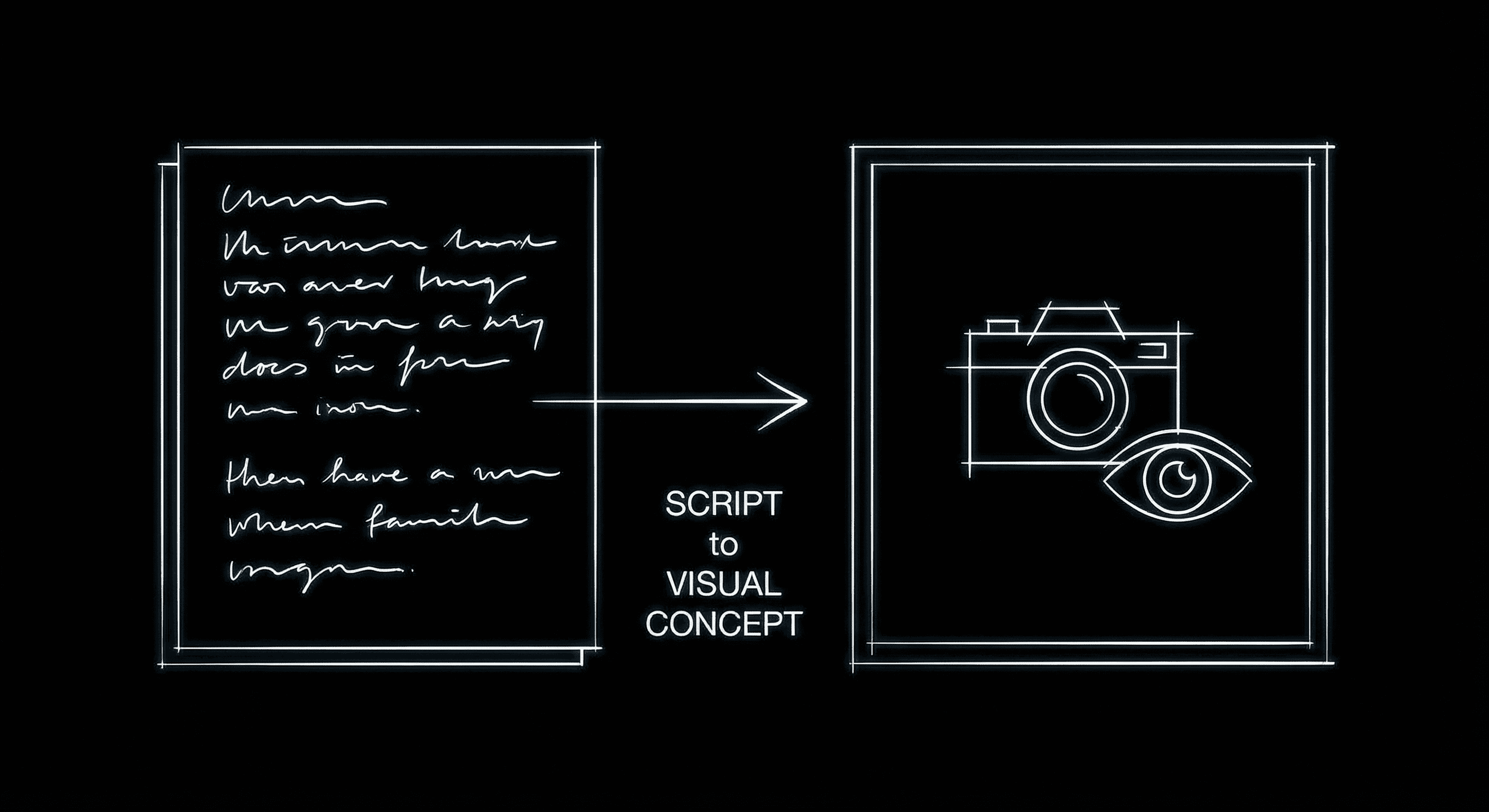
From script to visual reference in one environment.
How Writers Actually Use the Upgrade
We've seen a few recurring patterns among writers who've made the switch. The first is the restructure-heavy writer,someone who constantly moves scenes, experiments with act breaks, or writes non-linearly. For them, the Living Story Map eliminates a category of friction entirely. What used to be a 20-minute cut-paste-verify operation is now a 3-second drag.
The second is the collaborative writer,showrunners, writing partners, director-writer teams. Real-time co-editing changes the dynamic of a session. You can iterate on a scene together without "send me the latest version" ping-pong. Comments become conversational rather than asynchronous.
The third is the visual-first writer,directors who write, creators who think in images before words. For them, having AI-generated concept art and storyboards alongside the script isn't a nice-to-have; it's how they think. ScreenWeaver lets them build the look and the text in the same environment, so the vision stays coherent.
Who Should Upgrade, and Who Should Stay
Honest recommendation: If you're a line producer, script coordinator, or someone whose job is purely to break down locked scripts for production, Final Draft's tagging and reporting tools are still industry-deep. You can receive FDX from ScreenWeaver and work in Final Draft. No need to switch.
If you're a writer,solo or collaborative,who has felt the pain of writing in the dark, who restructures frequently, who wants to see their story as they build it, ScreenWeaver is worth a serious look. The learning curve is shallow. Import your FDX, and you're writing within minutes. The gains in orientation and workflow can be significant.
If you're evaluating alternatives to the full landscape of tools,Final Draft, Celtx, WriterDuet, Fade In,ScreenWeaver consolidates formatting, collaboration, visualization, and structure into a single environment. One subscription instead of a patchwork of apps.
The Upgrade Question
Final Draft will remain the industry standard for formatting for the foreseeable future. It has the institutional weight, the production integrations, and the trust of decades. That's not going away.
But "industry standard for formatting" is not the same as "best tool for writing." Formatting is a solved problem. Creative support,seeing your structure, collaborating in real time, visualizing as you go,is the frontier. ScreenWeaver is built for that frontier.
If you're tired of writing in the dark, of holding your entire story in your head, of toggling between outline and script, of the cognitive load that comes with a tool that shows you pages but not context,it's time to try something built for how you actually think. The Living Story Map isn't a gimmick. It's the difference between flying blind and having a cockpit.
Ready to See Your Story?
Import your FDX and experience the Living Story Map. No credit card required.
Start Writing for FreeFinal Step
Build your next script with Screenweaver
Move from ideas to production-ready pages faster with timeline-native writing and AI-assisted story flow.
Try Screenweaver