

Scrivener isn't a dedicated screenwriting app, it's a writing and research tool with a screenplay mode. Where it shines for screenwriters is organization: one project can hold the script, outlines, research PDFs, images, and notes in a binder and outliner. Many writers use it for development and research, then export to Final Draft (or another script app) for formatting and production. Here's how to use Scrivener for complex research and structure without treating it as a full replacement for FD.
Scrivener is for building the world and the draft. Final Draft (or similar) is for the locked script and production.
Think about it this way. You have dozens of research files, articles, location photos, character notes. In Scrivener you keep them in the project: folders, subfolders, and the script in screenplay format. You can outline in the outliner or corkboard, then draft in the script section. Export to Fountain or FDX when you're ready to move to a script-only tool. Our guide on script templates and macros applies to the script app you use after Scrivener; this piece is about Scrivener as the pre-draft and research hub. For structure, see beat boards and static outline vs bi-directional.
What Scrivener Does Well for Screenwriters
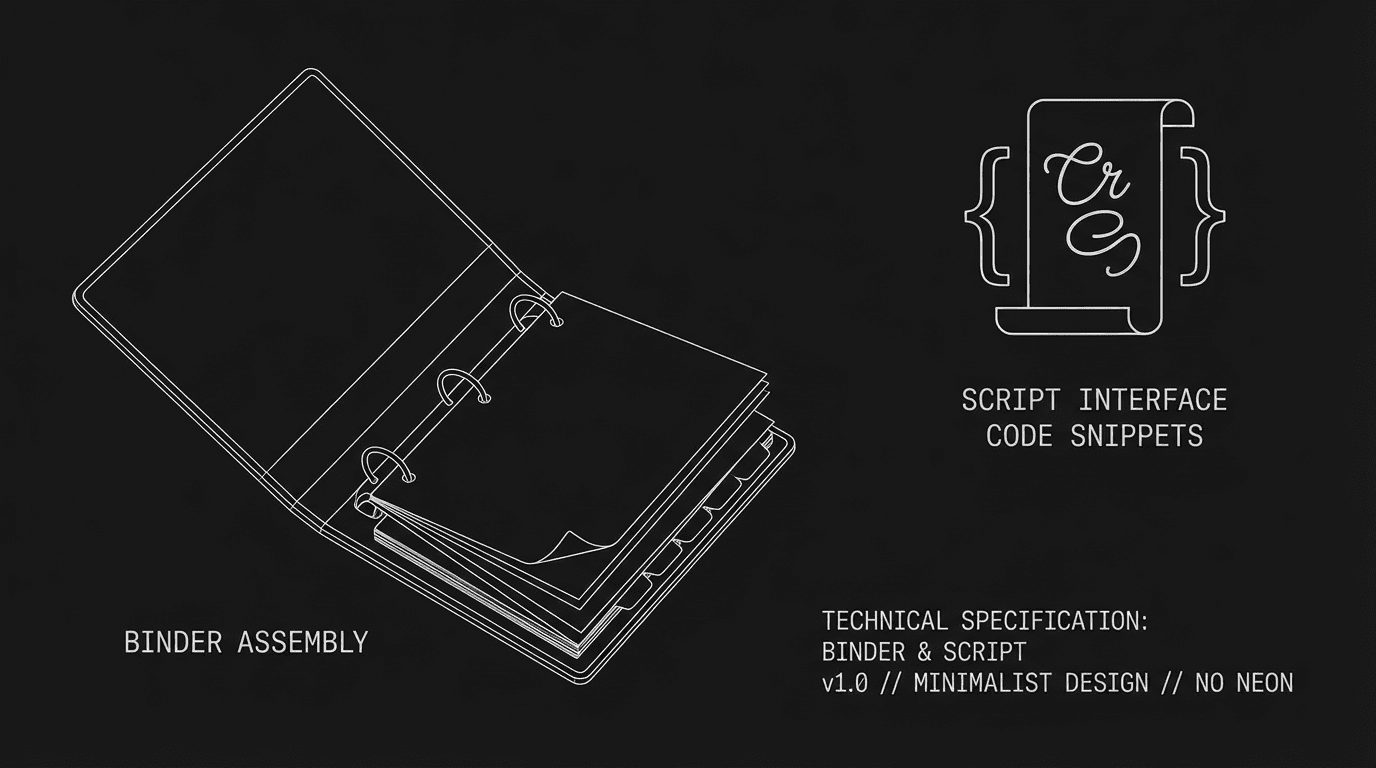
Research: One project = script + all research. PDFs, images, web clips in the binder. Outline: Corkboard and outliner for beats and scenes. Draft: Screenplay mode for writing. Export: Fountain, FDX (via compile), so you can hand off to FD or another app. For organizing a complex project, see how to outline a pilot.
Where It's Not Enough Alone
Production: Studios expect Final Draft (or FDX). Scrivener can export FDX, but the daily on a show is usually FD. Collaboration: No real-time co-writing like WriterDuet. Format nuance: Dedicated script apps handle pagination and elements with more precision. For production, see breaking down the script and exporting for production.
Relatable Scenario: The Period Piece With Heavy Research
You have historical notes, maps, and photos. Scrivener: One project. Folder "Research" with subfolders by topic. Script in screenplay format. When the draft is ready, export to FDX and polish in Final Draft. For research and structure, see beat boards.
The Trench Warfare: What Beginners Get Wrong
Using Scrivener as the only tool for production. Fix: Use it for development and draft; move to FD (or equivalent) for final format and delivery. Over-structuring. Too many folders and the project becomes a maze. Fix: Simple hierarchy, Script, Outline, Research, Characters. For workflow, see script templates and macros.
Try it free
Try Screenweaver for free on your script
It is free. Import your existing project, get a clearer view of your outline, and regain control of your story structure in minutes.
Start FreeScrivener for Screenwriters at a Glance
| Use | Don't use for |
|---|---|
| Research; outline; first draft | Sole production/delivery tool |
| One project = everything | Real-time collaboration |
| Export to Fountain/FDX for FD | Expecting FD-level pagination in Scrivener |
Step-by-Step: Using Scrivener for a Script Project
First: Create a project. Add folders: Script, Outline, Research, Characters. Second: Import research (PDFs, images) into Research. Third: Outline in corkboard or outliner. Fourth: Draft in screenplay mode. Fifth: Compile to Fountain or FDX and open in Final Draft (or another app) for final pass and export. For export, see exporting for production.
[YOUTUBE VIDEO: Scrivener for screenwriters, binder, research, and export to FD.]
The Perspective
Scrivener is strong for organizing research and structure and for drafting the script in one project. Use it for development and first draft; export to FD or another script app for production and delivery. When you treat it as the hub for complexity and hand off to the right tool for the locked script, it works. So organize in Scrivener. Export when you're ready. And finish in the tool the pipeline expects.
Final Step
Build your next script with Screenweaver
Move from ideas to production-ready pages faster with timeline-native writing and AI-assisted story flow.
Try Screenweaver