

Two writers. Two time zones. One script. The old way was emailing FDX back and forth and hoping nobody overwrote the wrong version. The new way is real-time: both cursors on the same page, both seeing the same words. WriterDuet helped define that new way. ScreenWeaver offers it too,but in a package that also gives you a living story map and visuals tied to the script. So which one actually delivers better when collaboration is non-negotiable?
WriterDuet (and its place in the Arc Studio family) is known for collaboration first. Multiple writers, live updates, clean formatting, cloud sync. ScreenWeaver is known for structure and visual context,timeline and script as one object, concept art and mood with the project,and it also supports real-time co-writing. The comparison is not "collaboration vs no collaboration." It is "collaboration plus what else?" Do you need the lightest, most focused co-writing experience, or do you need co-writing inside a tool that shows you the whole story and lets you attach visuals?
What Real-Time Collaboration Actually Requires
Real-time means that when one person types, the other sees it without refreshing or merging. Cursors can be visible. Comments can be threaded and resolved. The document is one source of truth. That is table stakes for writers' rooms and co-writer teams today. WriterDuet has been doing this for years; it is one of the products that made "Google Docs for screenplays" plausible. ScreenWeaver delivers the same idea: multiple people in the same script at the same time, with the same underlying document.
Where they diverge is what surrounds the script. In WriterDuet, you collaborate on the script. You may have outline or beat views, but the central experience is the shared script page. In ScreenWeaver, you collaborate on the script and the timeline. The timeline is not a separate file. It is the same project. So when someone drags a sequence to reorder it, everyone sees the script reflow. You are collaborating on structure and text in one surface. That can be a major advantage for rooms that restructure often,everyone stays on the same map. For a broader view of how collaboration fits into the tool landscape, our best screenwriting alternatives guide compares real-time and host-join models across products.
The best real-time tool is the one where you never have to say "wait, which version are you in?",and where the thing you are collaborating on is the same thing you need to see at a glance: the story, not just the words.
WriterDuet: Collaboration as the Product
WriterDuet was built to solve the "two writers, one script" problem. Its interface is clean and focused. You get a capable formatting engine, cloud sync, and real-time co-writing that works across devices. Many writing teams choose it for that reason alone. They do not need a timeline or concept art; they need to be on the same page at the same time without breaking format. WriterDuet delivers that. It is straightforward to learn and stays out of the way.
The limitation is scope. WriterDuet is a collaborative script editor. It is not built around a persistent story map that is the script. You can outline and you can write, but the binding between "move this beat" and "the script reorders" is not the core design. So you get excellent real-time collaboration on the text. You do not get a single surface where the whole structure is visible and editable in sync with the script. For teams that rarely restructure or that manage structure elsewhere, that is fine. For rooms that tear the script apart and put it back together, a unified map can reduce friction. Our version control and snapshots guide is relevant for any team that takes big structural risks,you want to know you can restore a previous draft.
ScreenWeaver: Collaboration on the Map and the Script
ScreenWeaver gives you real-time collaboration on the script and on the timeline. The timeline shows acts, sequences, and beats. When one writer drags a sequence, the script updates for everyone. When another writer edits dialogue, the timeline still reflects the current order. There is one project, one source of truth. That makes it strong for rooms that care about structure as much as they care about the line-by-line. You are not just co-editing text; you are co-editing the story.
ScreenWeaver also ties visual context to the project. Concept art and mood boards can live with scenes. So when you collaborate, you are not only sharing the script,you are sharing the script and the look. For writer-director teams or rooms that pitch with visuals, that can replace a separate deck or lookbook. WriterDuet does not emphasize visuals; it stays in the text and structure space. So the choice is: do you want the leanest collaborative script editor, or do you want collaboration inside a tool that includes the story map and visual context? For more on how the story map changes the workflow, see our ScreenWeaver vs Final Draft comparison.
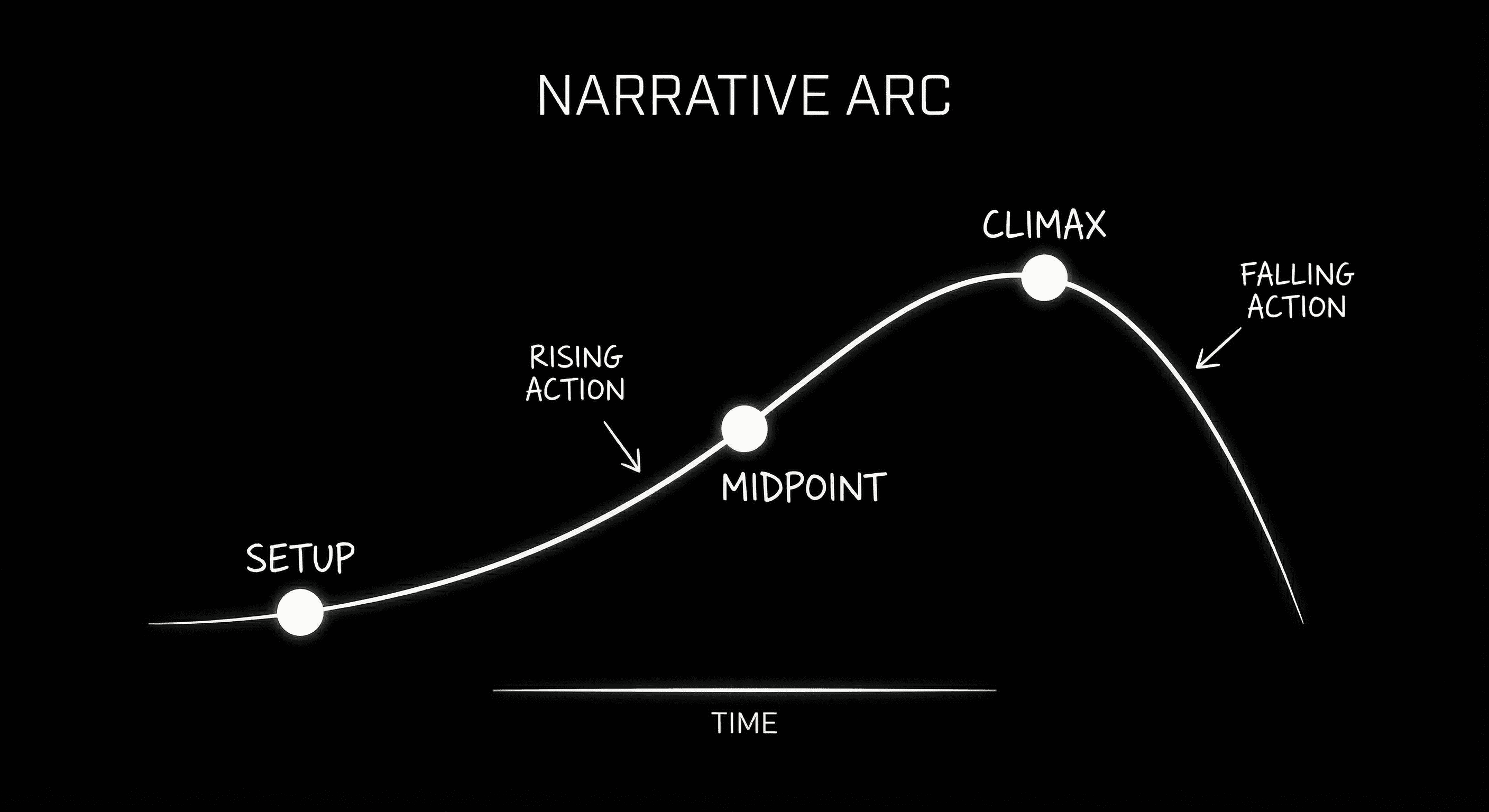
One map, one script: when you collaborate, you are editing both.
Real-Time Collaboration: Comparison
The table below focuses on collaboration and what you get around it. Both tools support real-time co-writing. The differences are in structure visibility and visual context.
| Dimension | WriterDuet | ScreenWeaver |
|---|---|---|
| Real-time co-writing | Yes; core strength | Yes |
| Structure view | Outline/beats; separate from script | Timeline is the script; drag to reorder |
| Collaborative restructuring | Edit script together; outline may need manual sync | Drag on timeline; everyone sees script reflow |
| Visuals with script | Not built-in | Concept/mood tied to scenes |
| Export | PDF, FDX | PDF, FDX, pitch deck |
Which One Delivers Better?
If "better" means "the most focused, reliable real-time script editor with minimal extra features," WriterDuet delivers. You get collaboration without learning a new story-map model. If "better" means "real-time collaboration plus a single story map and visual context so we can develop and pitch in one place," ScreenWeaver delivers. You get collaboration on the script and on the structure, and you get visuals that stay with the project. Neither choice is wrong. It depends on whether your team needs only shared pages or shared pages and a shared map,and whether you want to attach the look of the film to the same project. For submission and production handoff, both export industry-standard PDF and FDX; our export guide applies to either.
BODY IMAGE 2 PROMPT: Shared script with timeline; two cursors; dark technical sketch.
The Verdict
WriterDuet delivers better when you want the smallest, most dedicated real-time script editor and you do not need the timeline and script to be one object or visuals in the app. ScreenWeaver delivers better when you want real-time collaboration on both the script and the story map, and when you want concept art and mood in the same project. Choose the one that matches how your room works,and what you need to deliver: a script, or a script and a pitch in one place.
Final Step
Build your next script with Screenweaver
Move from ideas to production-ready pages faster with timeline-native writing and AI-assisted story flow.
Try Screenweaver