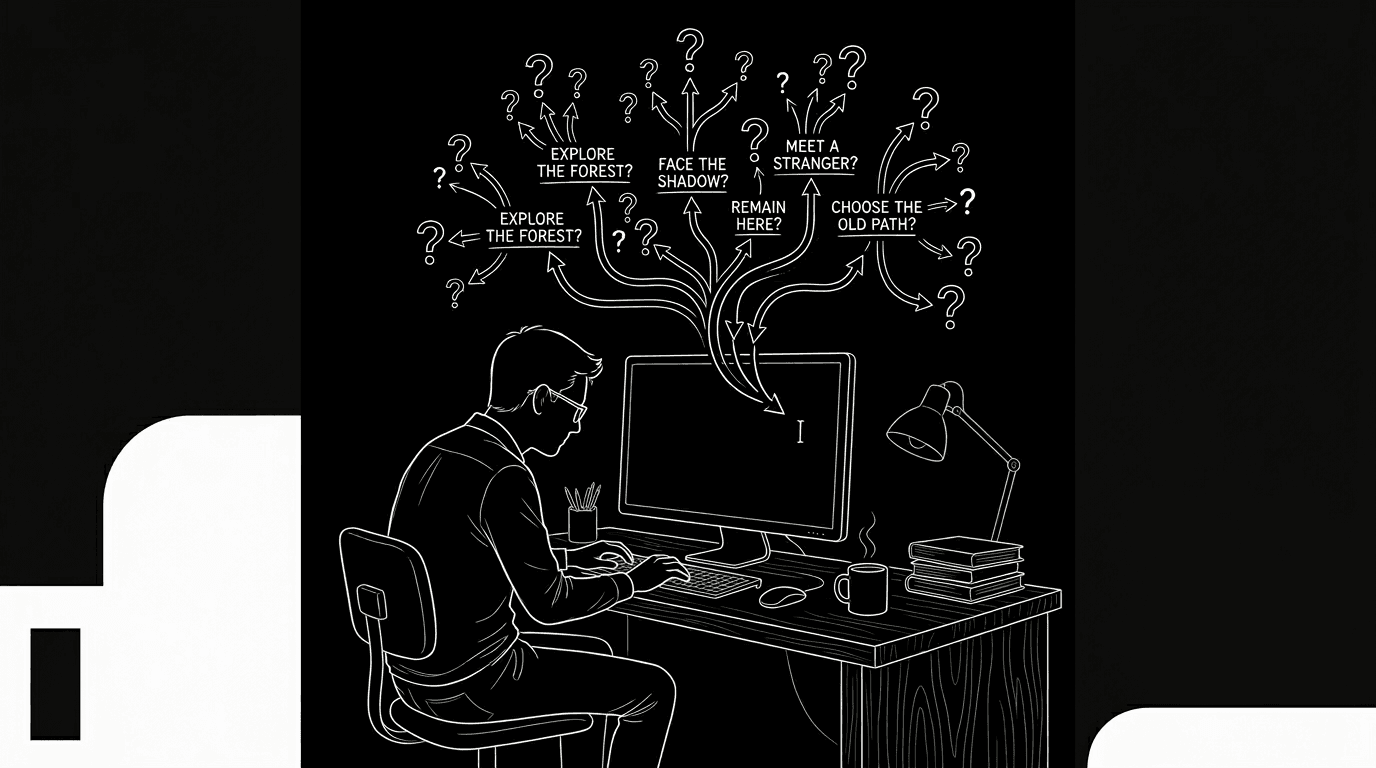

The scene won't move. You've rewritten the same exchange three times. The character needs to get from A to B, emotionally, physically, in the story, and every path feels wrong. You're not out of ideas. You're stuck in a loop. The block isn't emptiness. It's overload: too many options, or one option that doesn't fit, and you can't see the exit. Prompts, structured questions you ask yourself or an LLM, can break the loop. Not by writing the scene for you, but by reframing the problem so you can write it yourself.
Writer's block at the scene level is often a clarity problem. You don't need more words. You need a different question.
Here's the tension. If you ask an AI to "write the scene," you get generic dialogue and action. If you ask it to "give me options for what could happen next," you get possibilities, and the act of choosing can unstick you. The prompt is the lever. It shifts you from "I don't know what to write" to "here are five things that could happen; which one (or which combination) fits?" You stay the author. The machine is a brainstorming partner that doesn't get tired of your third rewrite.
Cinematic workflow frames
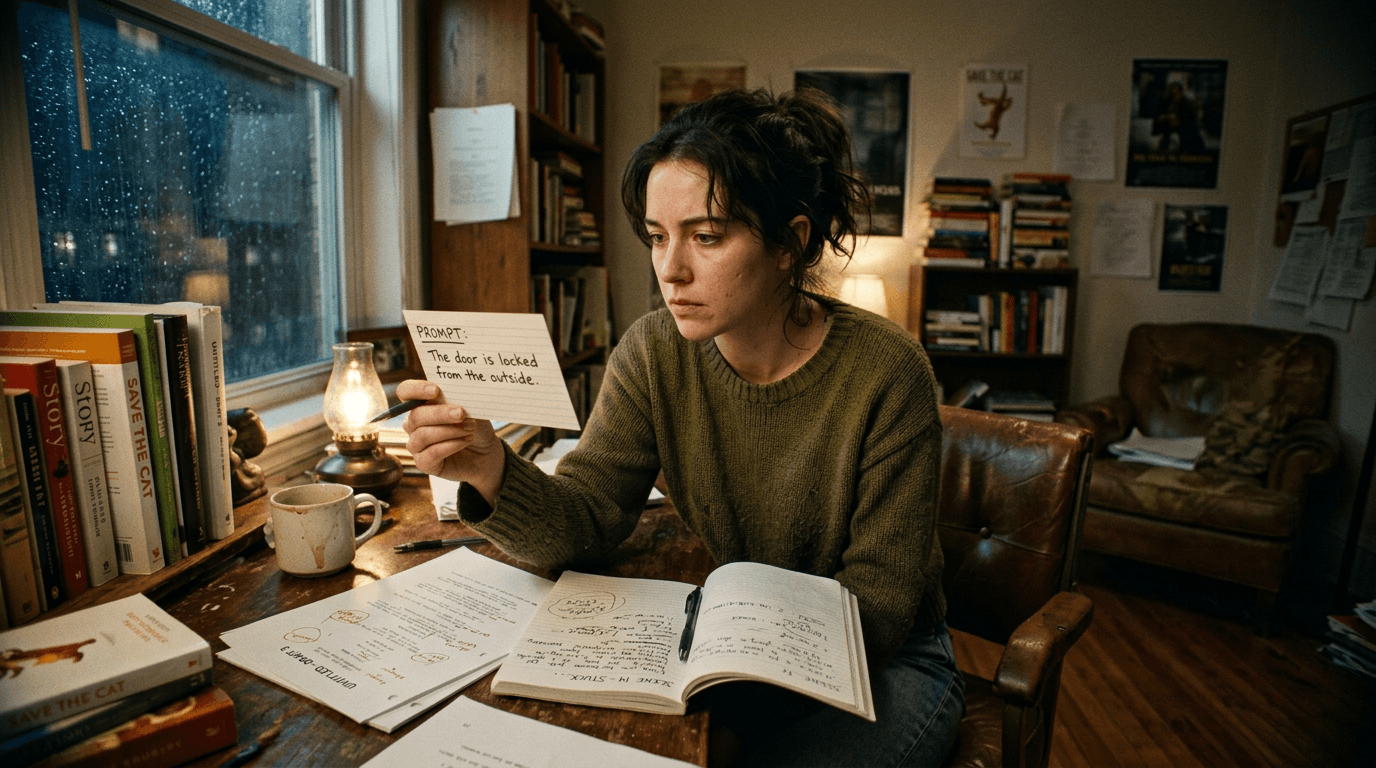
These two visuals work as a pair: the first shows Cinematic workflow still, first angle, 35mm film grain, and the second shifts to Cinematic workflow still, second angle, 35mm film grain - compare them briefly, then move on.
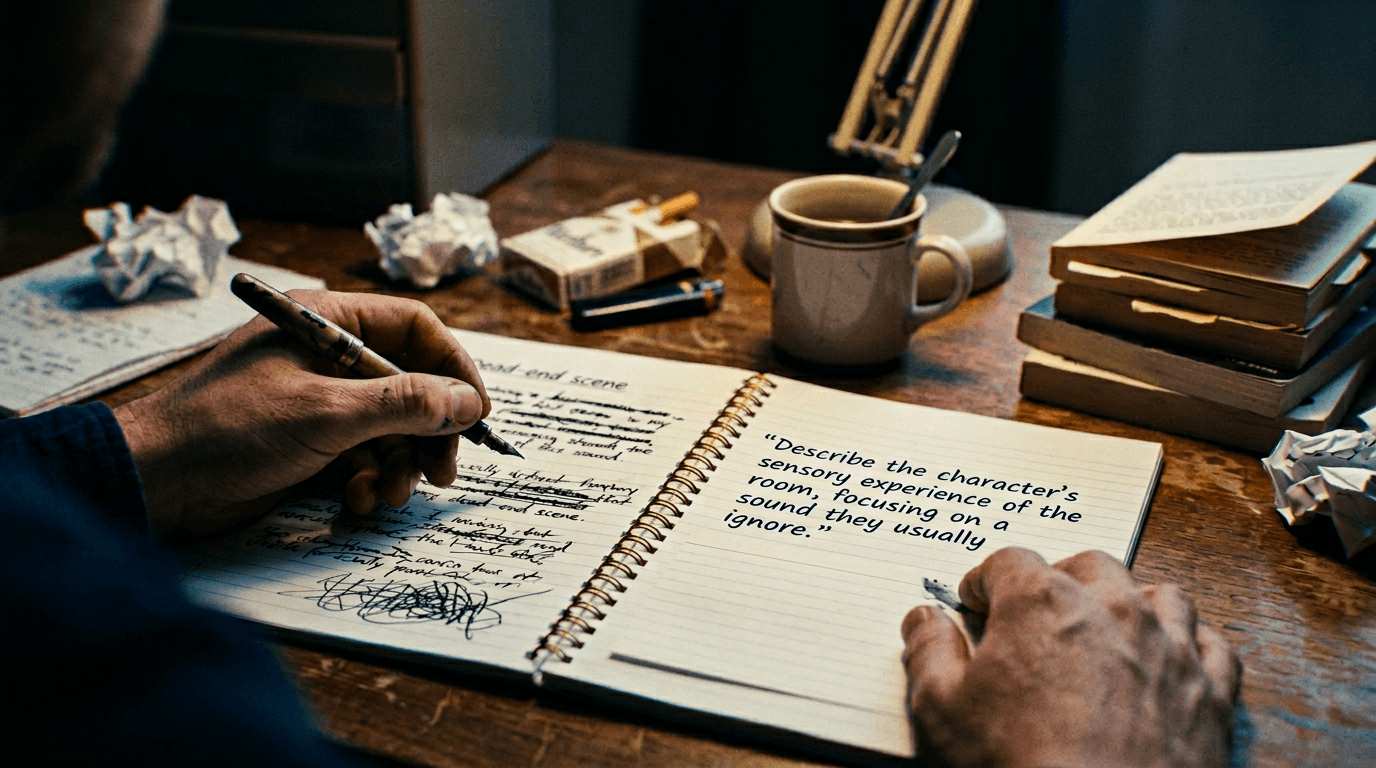
Why Scenes Get Stuck
Scenes stall for a handful of reasons. Conflict is vague: the characters want something but the obstacle isn't sharp, so the scene has no engine. Stakes are missing: nothing irreversible is at risk, so the scene feels like filler. You're writing the wrong scene: the story needs a different beat (e.g. discovery instead of argument) but you're forcing the one you planned. Tone is wrong: you're writing comedy when the moment needs weight, or vice versa. You're protecting the character: you don't want them to do the thing that would make the scene work (lie, betray, fail), so the scene goes soft. Prompts can target each of these. "What's the sharpest version of the obstacle here?" "What would make this moment irreversible?" "What if the scene went the other way, what would have to change?" You're not asking for prose. You're asking for reframes.
The Workflow: Prompt Your Way Out
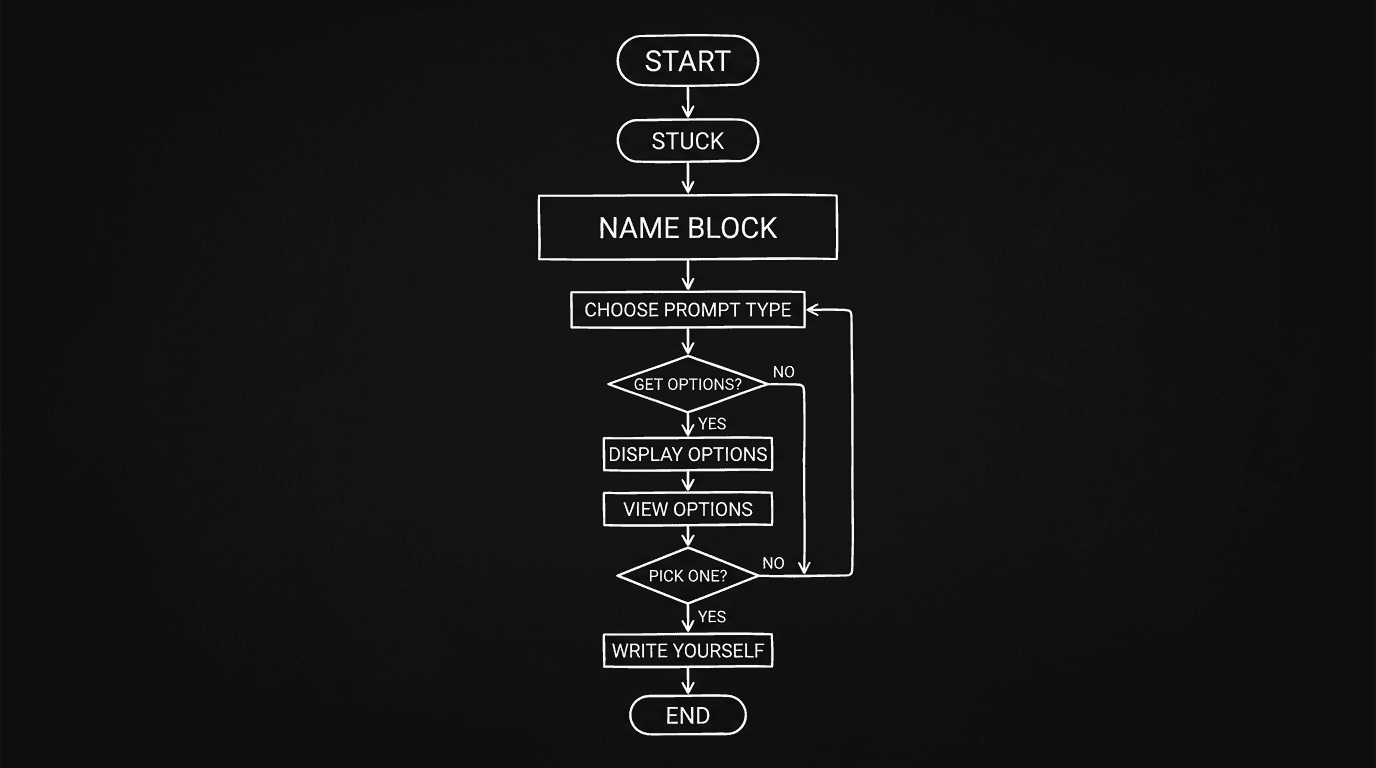
Step 1: Name the block. In one sentence, what's wrong? "She needs to find out he lied but I don't know how she finds out." "They need to fight but every version feels on-the-nose." "The scene is too long and I don't know what to cut." Writing the problem down often clarifies it. If you're using an LLM, paste that sentence. The prompt will be sharper.
Step 2: Choose a prompt type. For obstacle/stakes: "What's the clearest obstacle in this scene? What's at risk if the character fails?" For alternatives: "List five different ways this scene could end. One sentence each. No dialogue." For escalation: "What would make this scene worse for the protagonist? What would they want to avoid happening here?" For cutting: "What is the single beat this scene must accomplish? If we could only keep one moment, which would it be?" Pick one. Run it.
Step 3: Run the prompt. If you're doing it yourself, answer in writing, bullet points or rough sentences. If you're using an LLM, paste the scene (or a one-paragraph summary), state the block, and ask the chosen question. Keep the output short: options, not full scenes. You're looking for one or two ideas that make you think "yes, that's the move."
Step 4: Commit to one direction. The point isn't to keep all five options. It's to break the loop by choosing. Pick the option (or hybrid) that fits the script. Then write the next beat yourself. Don't paste the model's prose. Use its suggestion as a compass: "she finds the letter" or "the argument goes physical." You write the letter, you write the argument.
Step 5: If you're still stuck, change the constraint. Sometimes the block is "I'm trying to do too much in one scene." Prompt: "What if this scene only did X? What would we need to move to another scene?" Or: "What if we cut this scene and merged its beat into the previous one?" Reducing scope can unstick you faster than adding more options.
| Block type | Sample prompt | What you get |
|---|---|---|
| Don't know what happens next | "Five possible next beats, one sentence each. No dialogue." | Choices; you pick and write |
| Scene feels flat | "What's at stake here? What would make the reader worry?" | Sharper stakes; you dramatize |
| Too many options | "If we could only keep one moment in this scene, which?" | Focus; you cut or merge |
| Wrong tone | "Same beat, played as tragedy / as comedy. One line each." | Contrast; you choose tone and write |
| Protecting the character | "What's the worst thing the protagonist could do here?" | Permission to go darker; you write it |
For more on using structure to see the big picture when you're stuck, beat boards and script in one place help. For when the block is broader than one scene, using AI to break writer's block covers workflow and voice.
Try it free
Try Screenweaver for free on your script
It is free. Import your existing project, get a clearer view of your outline, and regain control of your story structure in minutes.
Start FreeRelatable Scenario: The Argument That Won't Land
You've written the fight three times. It's either too polite or too shouty. You prompt: "Two characters. One has just discovered the other lied. They're in a public place. Give five different ways the confrontation could go, one sentence each. Vary: volume, who has power, whether someone leaves." You get: quiet accusation, walk-out, physical escalation, someone else interrupts, one character pretends nothing happened. One of them clicks: "quiet accusation in a public place where neither can yell." You hadn't tried that. You write the scene with that constraint. The block was a missing constraint, not a missing idea.
Relatable Scenario: The Bridge Scene That Feels Like Filler
The script needs to get the character from the discovery (Act 2A) to the crisis (Act 2B). You've written a scene that "gets them there" but it drags. You prompt: "What is the single story function this scene must serve? If we cut it, what would we lose?" You answer (or the model suggests): "We'd lose the moment she decides to stop running." So the scene's job is decision, not travel. You strip the travel. You write one scene: she stops. The block was doing two jobs in one scene. The prompt forced the one thing that mattered.
Relatable Scenario: The Line You Can't Write
It's one line. The character has to say something that reveals they've been hiding the truth, without saying it outright. You've tried ten versions. You prompt: "Five ways to imply 'I knew all along' without saying it. One line each. Subtext only." You get five options. Two are clichés. One is close. You rewrite that one in your voice. The block was a phrasing problem. The prompt gave you a range; you landed the line.
What Beginners Get Wrong: The Trench Warfare Section
Asking the AI to write the full scene. You get generic dialogue and flat action. The block might feel "solved" until you read it. The fix: use prompts for options and directions only. You write every line. The prompt unsticks; you author.
Using the same prompt every time. "What happens next?" is useful once. If you're stuck again, try a different angle: stakes, obstacle, worst thing the character could do, or "what if we cut this?" The fix: match the prompt to the block. Stakes problem → stakes prompt. Too long → focus or cut prompt.
Treating the first option as the answer. The model might return five options; the best might be the third or fourth. The fix: read all of them. Pick the one that fits your script, not the one that sounds smoothest. Sometimes the "wrong" option sparks the right idea.
Not naming the block first. "I'm stuck" is too vague. "I don't know how she finds out he lied" is targetable. The fix: write one sentence that describes the block. Use it in the prompt. You'll get more useful options.
Staying in the same document and same format. Sometimes the block is physical, you're staring at the same page. The fix: copy the scene summary to a new note or chat. Answer the prompt there. Return to the script with a decision, then write. The change of context can break the loop.
Ignoring the "wrong" direction. Prompts like "what's the worst thing the character could do?" can feel dangerous. The block might be that you're avoiding that beat. The fix: try it. You can always soften it later. Often the block is fear of the right move.
[YOUTUBE VIDEO: Live example: writer stuck on a scene, names the block, runs a "five options" prompt, picks one, then writes the next half-page in real time without pasting any AI text.]
Software and parameters. Use any chat-style LLM. Keep prompts short and specific: scene summary (or paste), one-sentence block, one clear question. Ask for lists or one-line options, not paragraphs. Temperature 0.6–0.8 can help with variety. For more on prompt design, prompt engineering for screenwriters covers role, task, and format. The goal here is narrow: unstick the scene, then close the tool and write.
One External Reference
Creative block is widely studied in psychology and creativity research. The WGA Foundation{rel="nofollow"} and similar organizations sometimes offer resources for writers; your prompt-based unblocking is a craft technique that doesn't depend on any single platform.
The Perspective
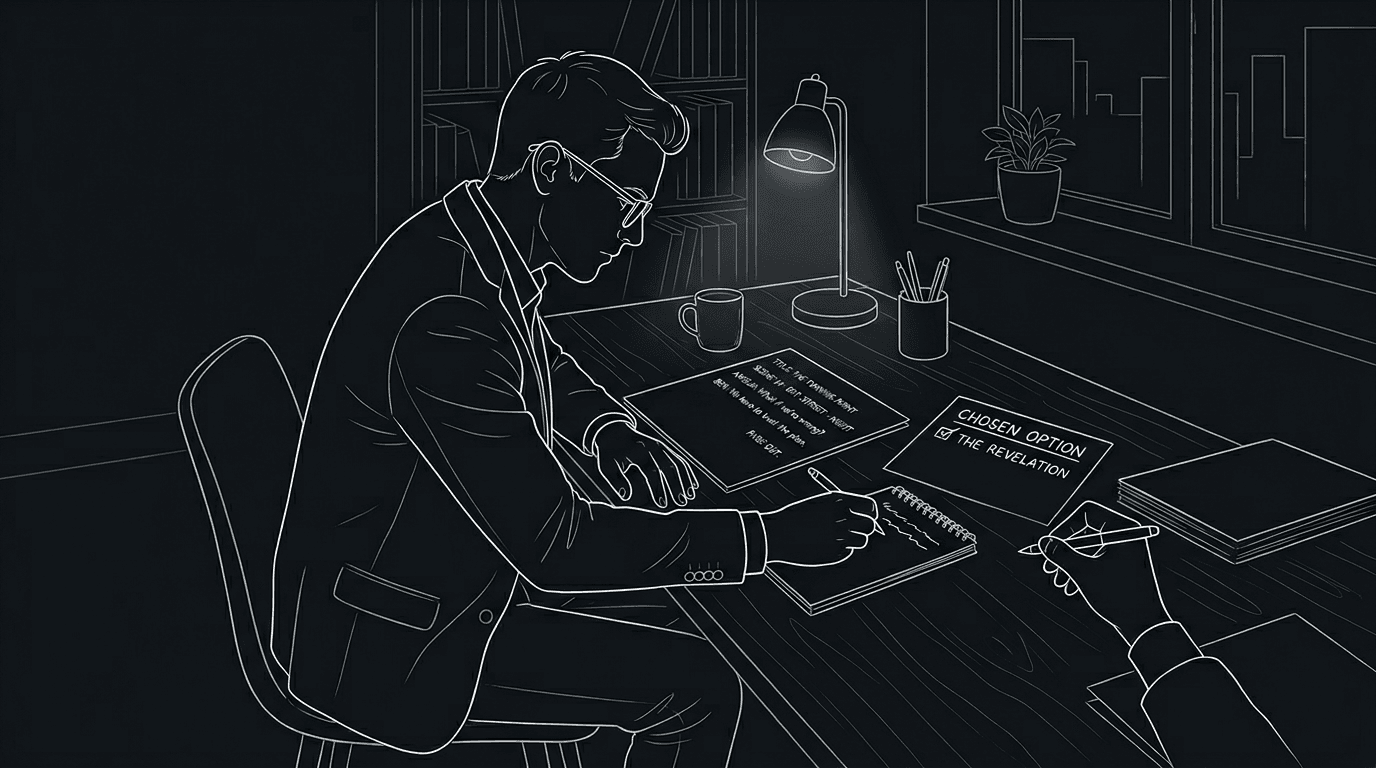
Writer's block at the scene level is often a question problem. You're asking "what do I write?" when the better question is "what's the obstacle?" or "what's the one thing this scene must do?" or "what are five ways this could go?" Prompts, to yourself or to an LLM, reframe the problem. They don't write the scene. They give you a lever. You pull it, you choose a direction, and you write. The block breaks when you stop demanding one perfect line and start choosing from a set of possible moves.
Final Step
Build your next script with Screenweaver
Move from ideas to production-ready pages faster with timeline-native writing and AI-assisted story flow.
Try Screenweaver