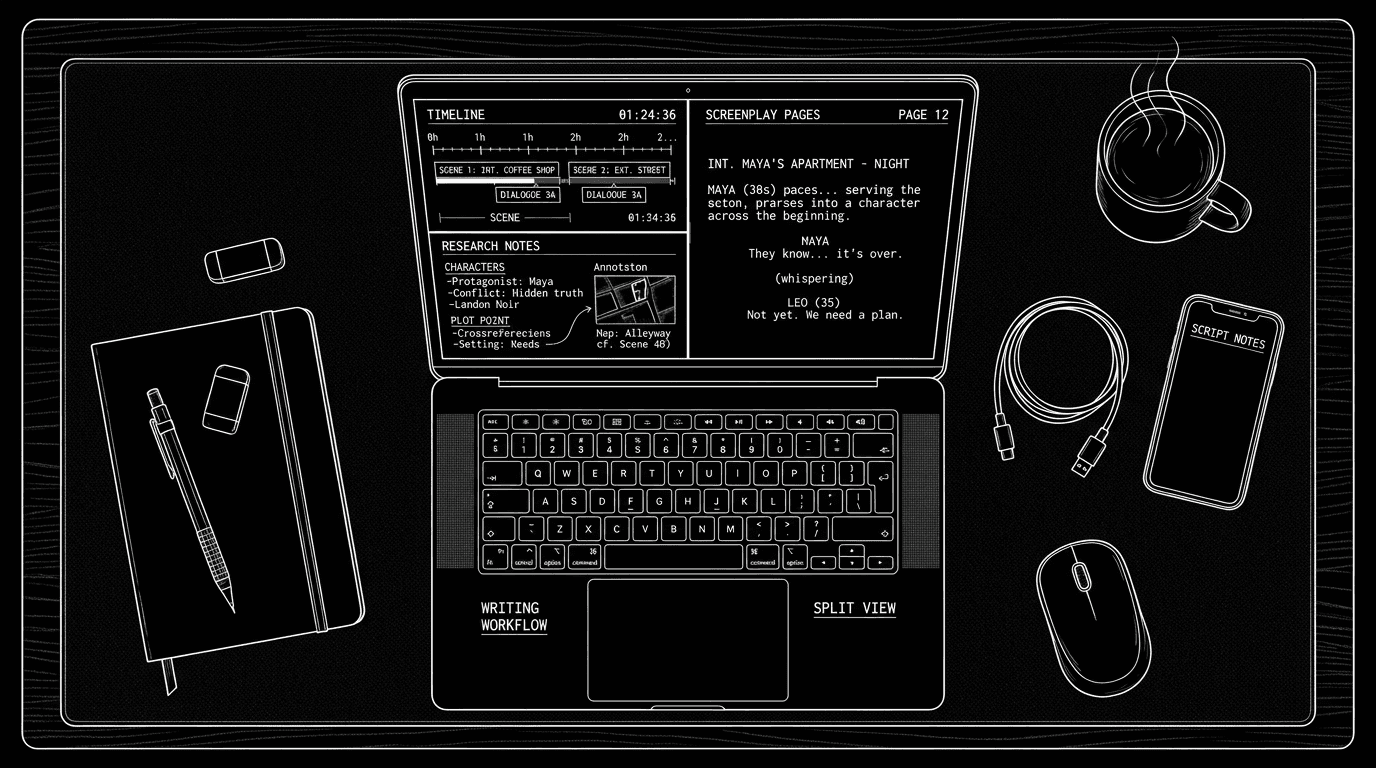

Cinematic workflow frames
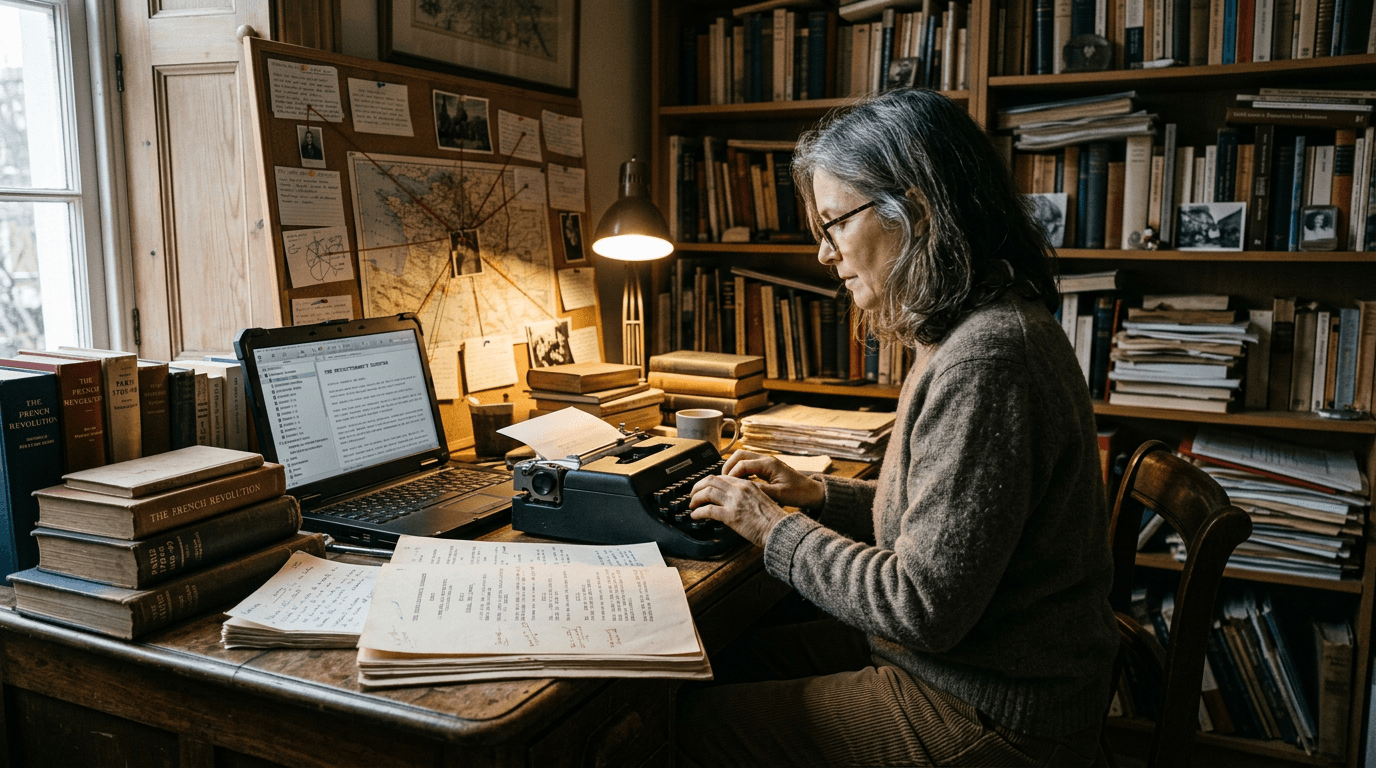
These two visuals work as a pair: the first shows Cinematic workflow still, first angle, 35mm film grain, and the second shifts to Cinematic workflow still, second angle, 35mm film grain—compare them briefly, then move on.
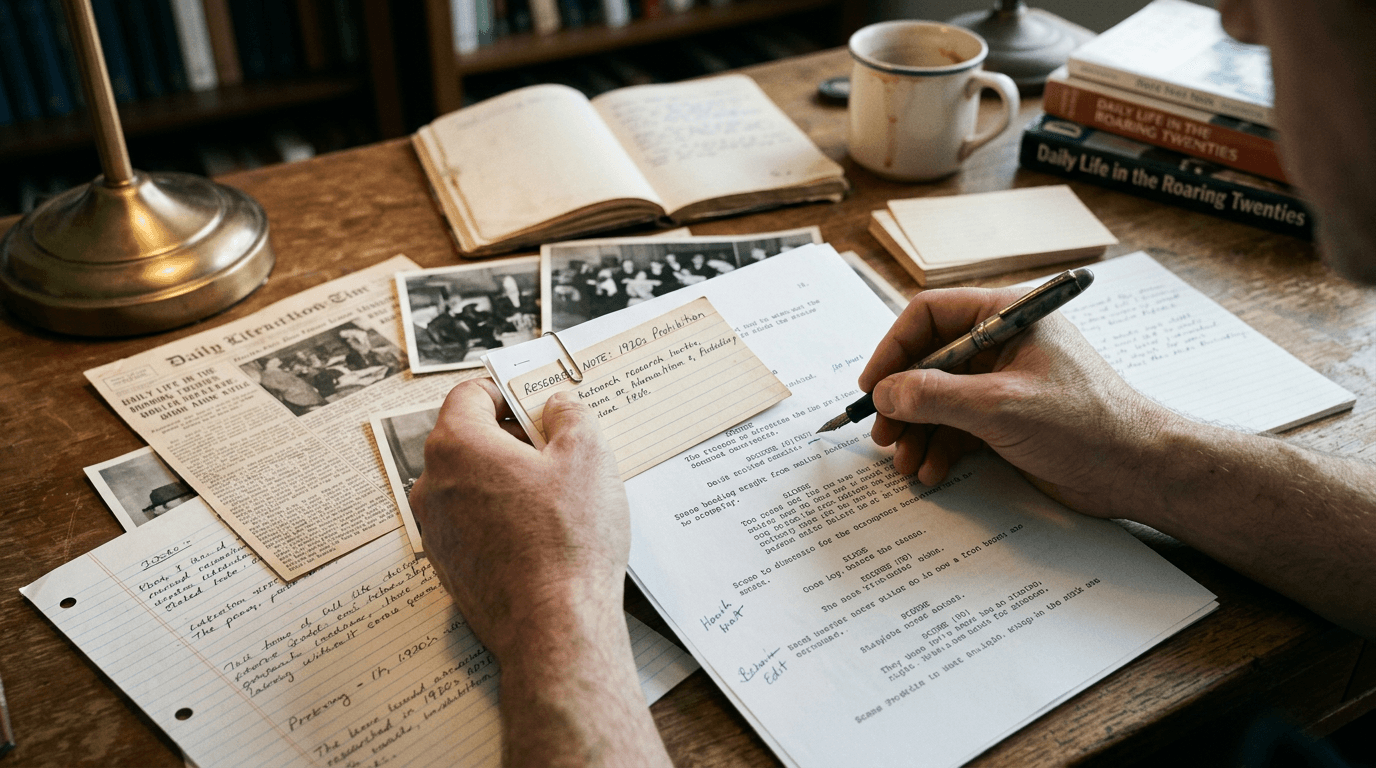
How to Organize Historical Research and Your Script in a Single Interface
You're on page 72 of your period piece when the doubt hits.
Your protagonist walks past a shop in 1942 Paris and you write "a neon sign flickers." Then you remember: did they have neon there yet? You had a PDF about wartime lighting, somewhere. Plus screenshots on your phone and a bookmarked article. Ten minutes later you're still digging through tabs. The scene has gone cold.
The problem isn't the research. It's that research and script live in different universes. Every fact-check costs you focus. A single interface where notes, sources, and pages share one project changes that.
Why One Interface Beats a Pile of Tabs
When outline, research, and script are scattered, you pay a tax every time you switch: re-finding the tab, re-reading the note, re-mapping "where was I?" A unified surface turns that into one move: open the scene, see its attached sources, confirm the detail, keep writing.
Research that lives next to the scene it supports doesn't just save time. It keeps you inside the story.
What "Single Interface" Actually Means
The script knows where it is. Scenes can be tied to dates, locations, or real events. You see "London, September 1940" not just "EXT. STREET – NIGHT."
Each scene has a research orbit. Sources attach to beats or scenes. Open the scene, see the few items that matter for that moment.
Decisions are logged. Notes aren't just "1930s cars had X." They're "Chose 1934 model (see photo); better silhouette." You remember why you made the call.
One zoom. You can jump from a season-wide timeline to a single line of dialogue without changing apps.
Tools like ScreenWeaver treat outline and script as one object; research becomes a layer on the same map. Our what ScreenWeaver is piece explains that model.
Try it free
Try Screenweaver for free on your script
It is free. Import your existing project, get a clearer view of your outline, and regain control of your story structure in minutes.
Start FreeScenario: The WWII Miniseries That Kept Losing Its Timeline
Claire is rewriting a six-episode WWII drama. Outline in one app, PDFs in nested folders, script in another. To check one radio-transmission detail she loses twenty minutes: notes app, three PDFs, Amazon Look Inside. Same task in a unified setup: she clicks the "Radio Attic" scene, a research panel opens with only the sources for that moment, memoir excerpt, BBC archive link. She reads, hits Escape, cursor unchanged. Same need, different cost.
Structure Research by Story, Not by Type
Don't file by "photos" and "interviews." File by story question: "Daily life: street + transport," "Legal system: trials + prison," "Language and slang." Then tag or attach those collections to scenes. When you're in Scene 37 and need courtroom language, you open "Legal system" for that scene, not a generic folder.
The Trench Warfare: What Goes Wrong
Hoarding sources, not decisions. You have 40 PDFs but no record of "which version of the assassination did we adopt?" Fix: attach a short "Historical stance" note to each sensitive scene, what really happened, how you're depicting it, key sources. When a producer asks later, you scroll to the note.
Leaving research in the browser. Tabs are not an archive. Fix: clip or import into the project. One place. Tag by scene or theme.
Separating chronology. Research has one timeline, outline another, script a third. When you move a flashback, you update three places, or forget to. Fix: use a tool where real-world dates and story beats share one timeline so moves are visible.
Treating images as decoration. That costume sketch everyone loved might be from the wrong decade. Fix: attach key images to scenes with captions and dates. "Street scene, Berlin 1931; note shop signage." Production gets intent, not vibes.
Without Fancy Software
Keep one "spine" document whose structure mirrors your script: Act I / II / III, sequences, scene headings. Under each scene: "Historical stance" paragraph, links to sources, image refs. Open it beside the script. Use consistent IDs (e.g. E2_S07) in the script and in the spine so a single search finds everything for that moment.
The Perspective
Historical writing is stewardship. You compress and dramatize, but you're responsible for the version others will build on. A single interface doesn't make you a historian, it makes your choices visible and recoverable. When someone asks "Were neon signs really there?" you click the scene, open its sources, and answer. Then you get back to writing.
[YOUTUBE VIDEO: Walkthrough of a historical project in a unified interface, importing research, building a dual timeline, attaching sources to scenes, rewriting a set piece while referencing photos and excerpts without leaving the script.]
Final Step
Build your next script with Screenweaver
Move from ideas to production-ready pages faster with timeline-native writing and AI-assisted story flow.
Try Screenweaver