
A producer asks for a pitch deck. You have a script. You also have access to tools that can generate images from scene descriptions. The temptation is to run the script through the generator early,to get pretty pictures fast and build the deck before the script is really done. That temptation is dangerous. Generative storyboards are powerful when they illustrate a finished (or nearly finished) story. They are misleading when they illustrate a draft that is still moving. This article is about when to visualize, when to wait, and why one serious tool locks storyboards until the script is solid.
The core idea is simple: the storyboard should serve the script, not the other way around. When you generate images too early, you freeze a version of the story that may not be the one you want. You also risk pitching a vision that the script does not yet support. The responsible use of generative storyboards is to treat them as a final step,a way to show what the film looks like once you know what the film is. ScreenWeaver enforces that by locking the storyboard feature until the script meets a stability bar. That is not a limitation. It is a guardrail.
Why Timing Matters
A script in active development changes. Scenes get cut. Beats move. Characters enter and exit. Dialogue is rewritten. If you generate storyboard frames from an early draft, you will have images that no longer match the script. You have two bad options: re-run the generator every time you make a change (wasting time and creating inconsistency) or leave the old images in the deck and hope nobody notices that the visuals do not match the latest pages. The first is chaotic. The second is unprofessional. The fix is to delay visualization until the script is stable enough that you are no longer doing major structural rewrites. Then the images you generate are worth keeping.
There is another risk. When you have images early, you can fall in love with them. You might resist changing the script because you do not want to redo the art. The images start to drive the story instead of the story driving the images. That is backwards. The script is the source of truth. The storyboard is a derivative. Keeping storyboards locked until the script is solid prevents the tail from wagging the dog.
The storyboard should serve the script, not the other way around. When you generate images too early, you freeze a version of the story that may not be the one you want.
When to Visualize
So when is the right time? When you have a draft that you would be willing to send to a reader or a producer. Not a first draft full of placeholders. Not a draft where you know the second act is going to change. A draft where the structure is set, the beats are in place, and the main changes you expect are line-level,dialogue polish, action line clarity, not scene order or character arcs. At that point, generative storyboards become useful. They answer the question: what does this look like on screen? They help you build a pitch deck that shows the tone, the world, and the key moments. They do not become a crutch for an unfinished story.
Even then, treat the images as illustrations, not as pre-production boards. Generative images are suggestive. They convey mood and composition. They are not always frame-accurate or consistent across a long sequence. Use them to communicate the vision. Do not assume that a director or a DP will treat them as shot lists. The value is in the pitch: here is the world, here is the feel, here are a few key moments. For the full pipeline from script to production, you will still need proper breakdowns and storyboards when the project is greenlit. As we cover in our guide on exporting for production, the script format and the delivery standards matter for that stage; generative art is a step earlier, for development and pitch.
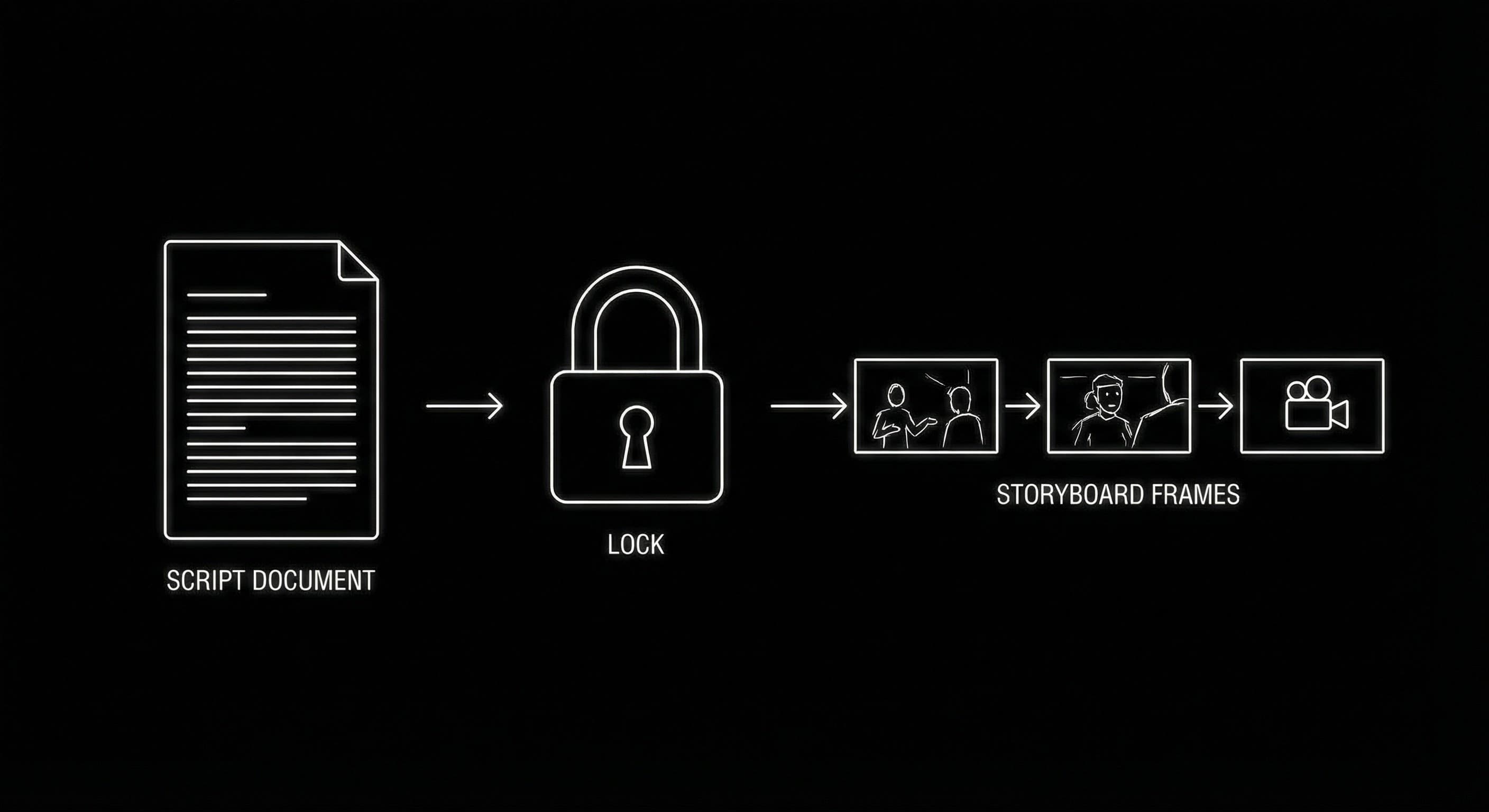
BODY IMAGE 1 PROMPT: Dark mode technical sketch. Solid black background. Left: vertical stack of rectangles (script pages). Center: a simple lock icon or “solid” check. Right: three small rectangular frames (storyboard cells). Thin arrows: script → lock → frames. Thin white hand-drawn lines, minimalist, high-contrast.
Why ScreenWeaver Locks Storyboards
ScreenWeaver includes a generative storyboard feature for the full film,key moments turned into images so you can build a visual pitch. But the feature is not available from day one. It is locked until the script reaches a certain level of completeness and stability. That might mean a minimum length, a minimum number of beats or sequences, or a signal that the writer has marked the draft as “ready for visualization.” The exact rule can vary; the principle does not. The tool refuses to let you generate storyboards from a half-formed script. It is saying: finish the story first. Then show what it looks like.
That design protects you. It prevents the cycle of generating too early, getting attached to images, and then bending the script to fit the art. It also protects the people you pitch to. When a producer sees your deck, they should be seeing images that reflect the script they are about to read. If the script is still in flux, the deck is a moving target. Locking storyboards until the script is solid keeps the deck honest. For more on how the same environment keeps structure and script in sync before you ever get to visuals, our piece on the death of the static outline explains why one source of truth matters from outline to export.
| When you visualize | Risk | Best practice |
|---|---|---|
| Too early (draft in flux) | Images drift from script; attachment to art blocks rewrites; deck misleads | Wait until structure is set and draft is reader-ready |
| When script is solid | Low,images match story; deck supports the pitch | Use storyboards to illustrate tone and key moments; treat as pitch aid, not shot list |
Using Storyboards in the Pitch
Once you have a solid script and unlocked storyboards, use them to support the pitch, not to replace it. The script is still the primary document. The deck is a companion. A few well-chosen frames can establish the world, the palette, and the tone. They can highlight the inciting incident, the midpoint, and the climax,so the reader or the room has a visual anchor. They should not try to illustrate every scene. That would be redundant with the script and would make the deck heavy. Choose key moments. Let the images do the work of “this is what it feels like.” Let the script do the work of “this is what happens and what they say.”
Be clear with yourself and with others that these are generative images,suggestive, not final. They are a development and pitch tool. When the project moves into pre-production, the actual look will be determined by the director, the DP, and the production designer. Your pitch deck has shown the vibe. The rest is collaboration. That clarity keeps expectations right and keeps you from over-investing in images that were never meant to be the last word. For a broader view of how to move from script to industry-ready deliverables, our guide on what ScreenWeaver is describes the full path from Living Story Map to export and storyboard.
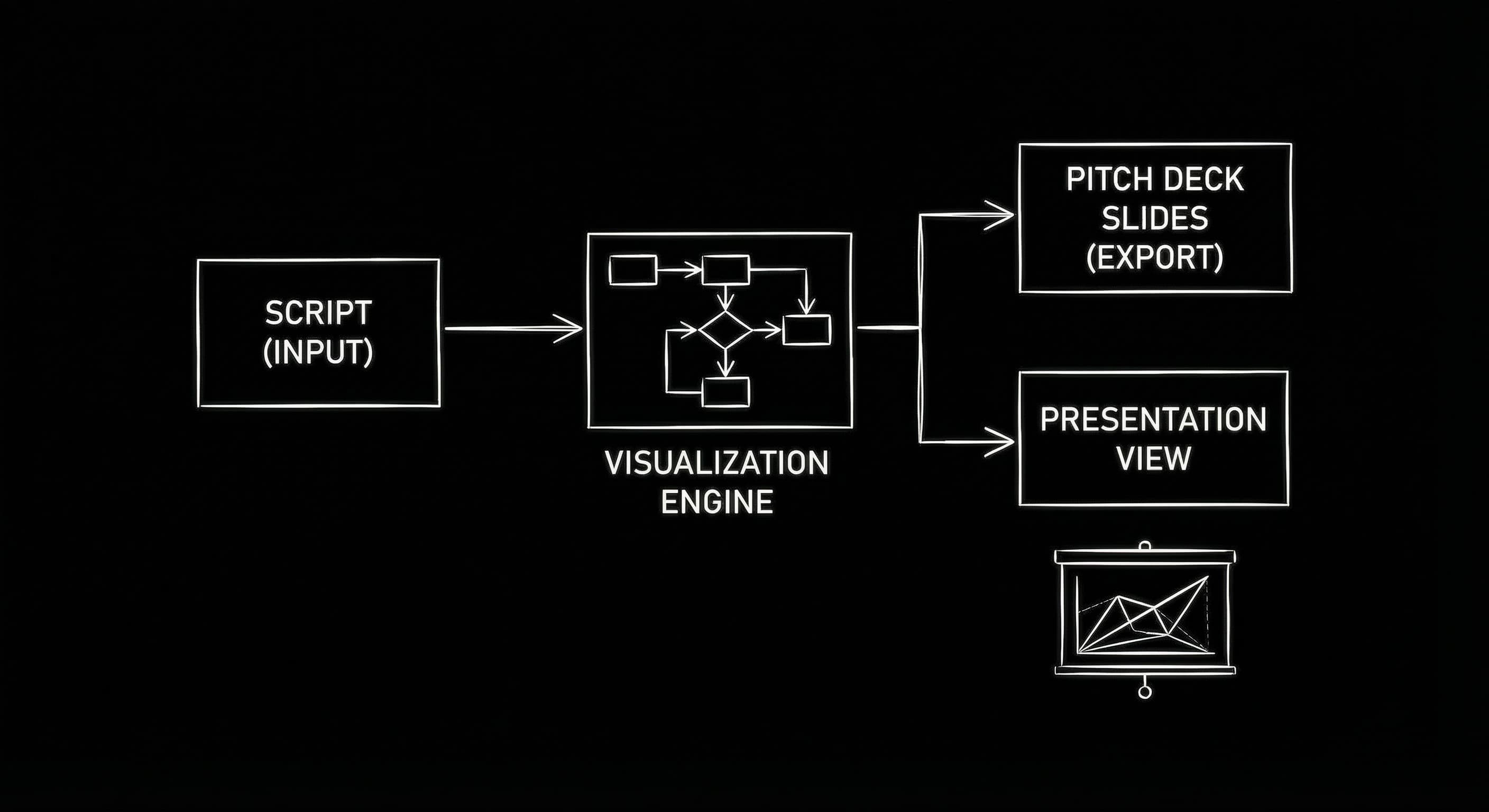
BODY IMAGE 2 PROMPT: Dark mode technical sketch. Solid black background. A simple pitch deck layout: one script icon or “Script” label, and three small frames in a row (key moments). Thin white lines. Suggests “script + selected visuals,” not “every scene drawn.” Minimalist, high-contrast.
The Responsible Takeaway
Generative storyboards are a powerful way to go from script to pitch. They become dangerous when used too early. The responsible approach is to lock visualization until the script is solid,until you are no longer doing major structural changes. Then use the images to illustrate tone and key moments, not to drive the story. ScreenWeaver’s lock is there to enforce that. Use it. Your pitch deck will be stronger when it reflects a finished story, and your script will stay the boss.
Final Step
Build your next script with Screenweaver
Move from ideas to production-ready pages faster with timeline-native writing and AI-assisted story flow.
Try Screenweaver